For organizations that need more than attractive aerial footage, specialty drone services are changing what is possible in inspection, documentation, mapping, analysis, and decision-making. Standard drone photography is excellent for marketing visuals, overviews, and progress images, but there are many situations where a business needs more than a good-looking shot. They need measurable data. They need actionable insight. They need imagery that reveals conditions the naked eye cannot see.
That is where LiDAR and thermal drone services become especially valuable.
At St Louis Video Editing, we understand that decision makers are not simply looking for technology for technology’s sake. They want solutions that help them reduce uncertainty, improve planning, document conditions accurately, support safety, and create useful deliverables for stakeholders. Whether you are managing facilities, commercial property, infrastructure, construction projects, industrial sites, or specialized marketing initiatives, LiDAR and thermal drone services can provide a higher level of information than conventional imaging alone.
This is why specialty drone operations have become an important part of advanced visual production and commercial imaging in the St. Louis market.
What Makes LiDAR and Thermal Drone Services Different?
Most people are familiar with standard aerial photography and video. A drone flies above a property or project and records visuals in visible light. Those visuals can be beautiful, persuasive, and highly effective for promotion, but they do not always reveal what is beneath vegetation, behind surfaces, or hidden in temperature variation.
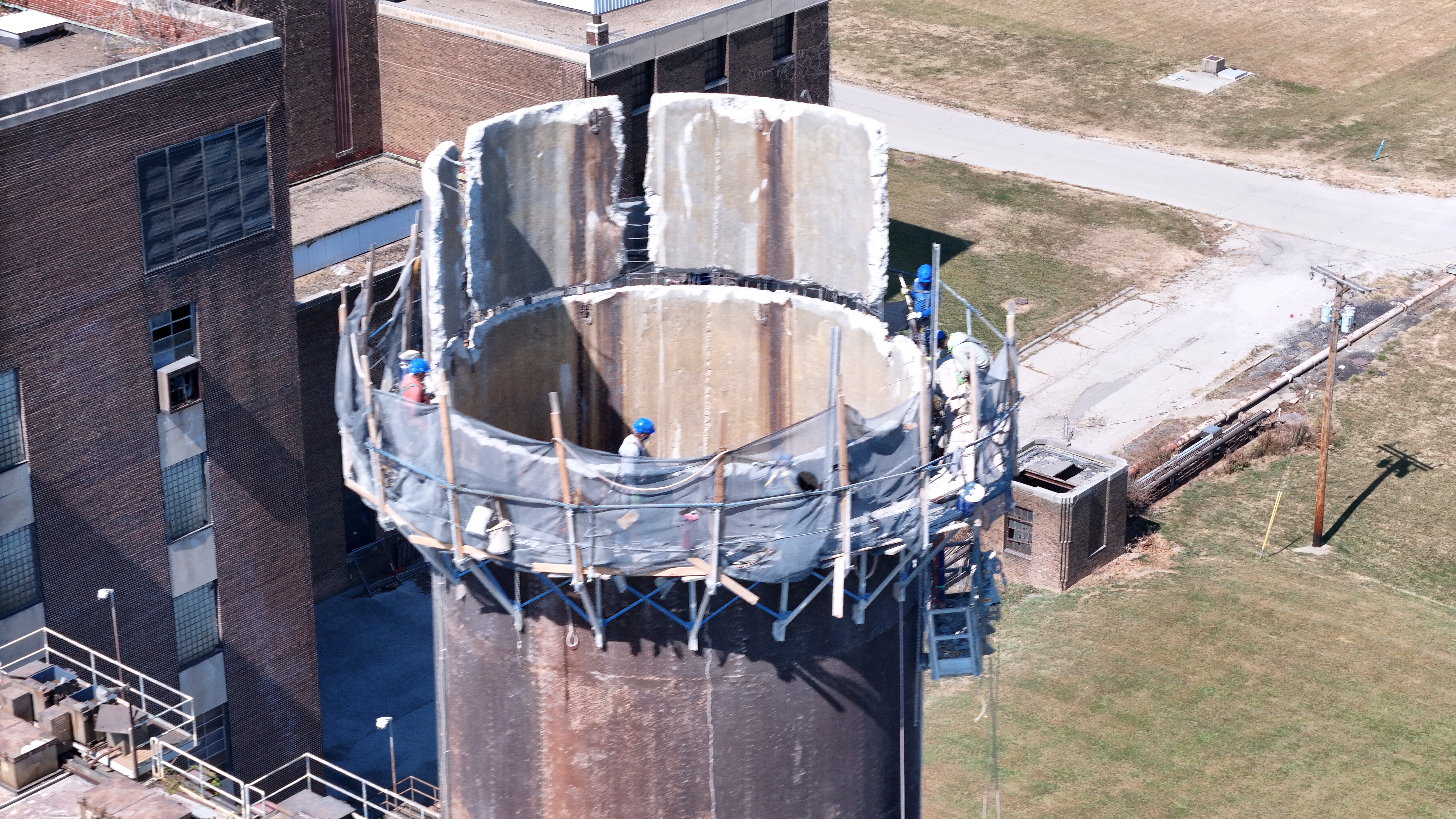
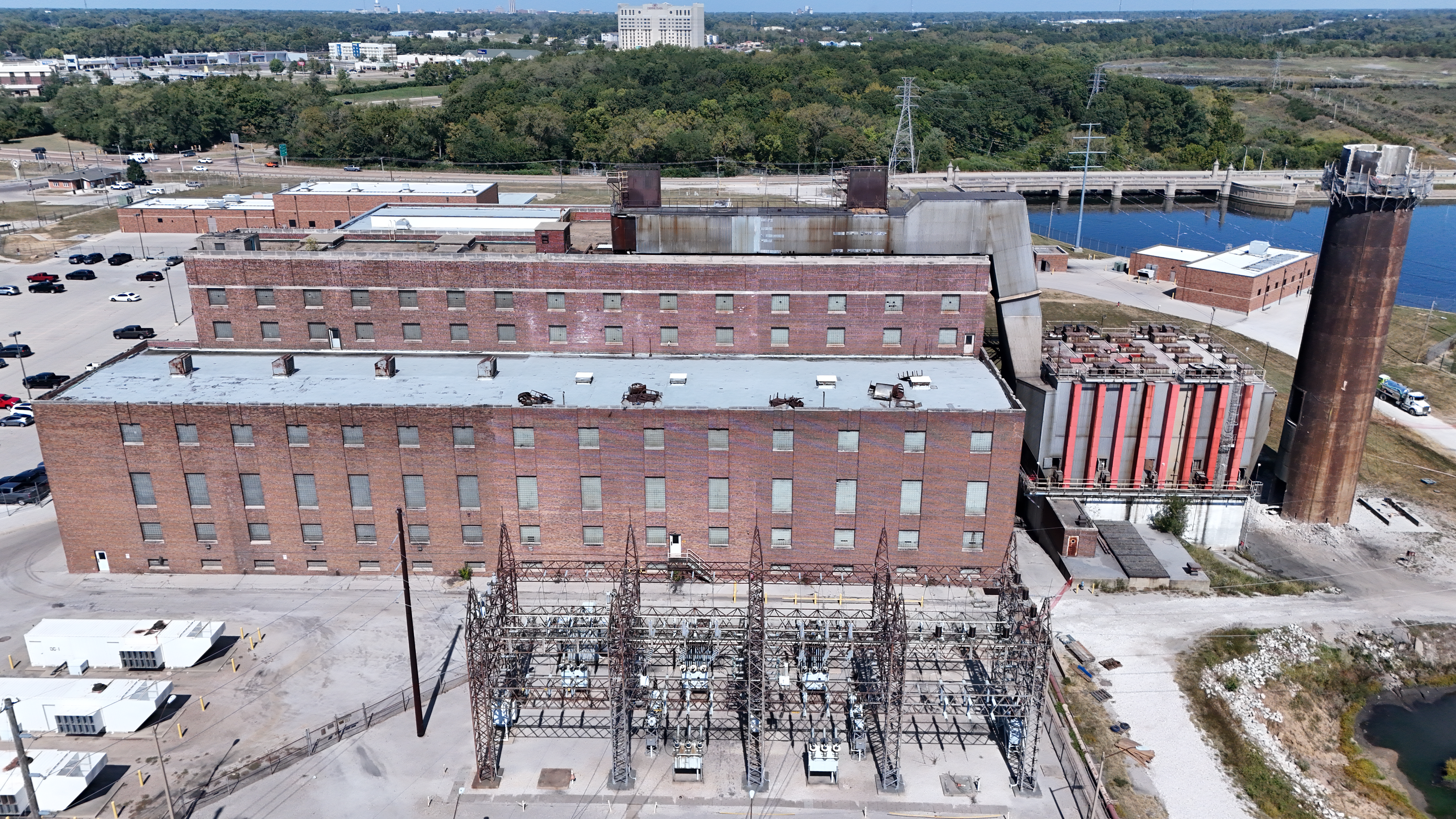
LiDAR and thermal imaging go beyond appearance.
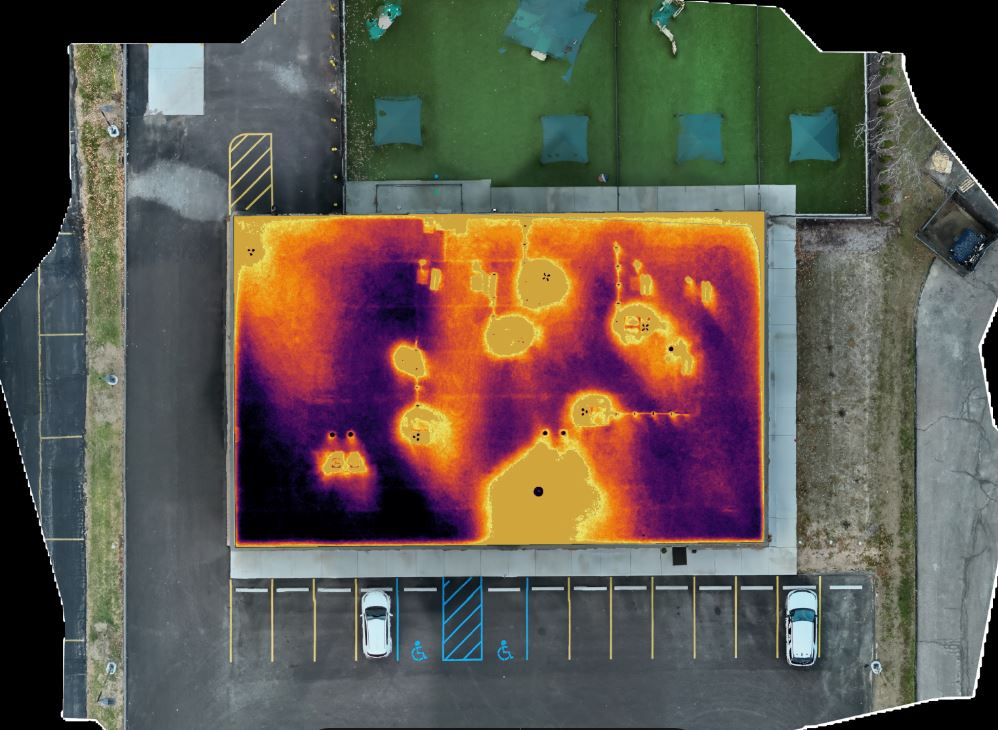
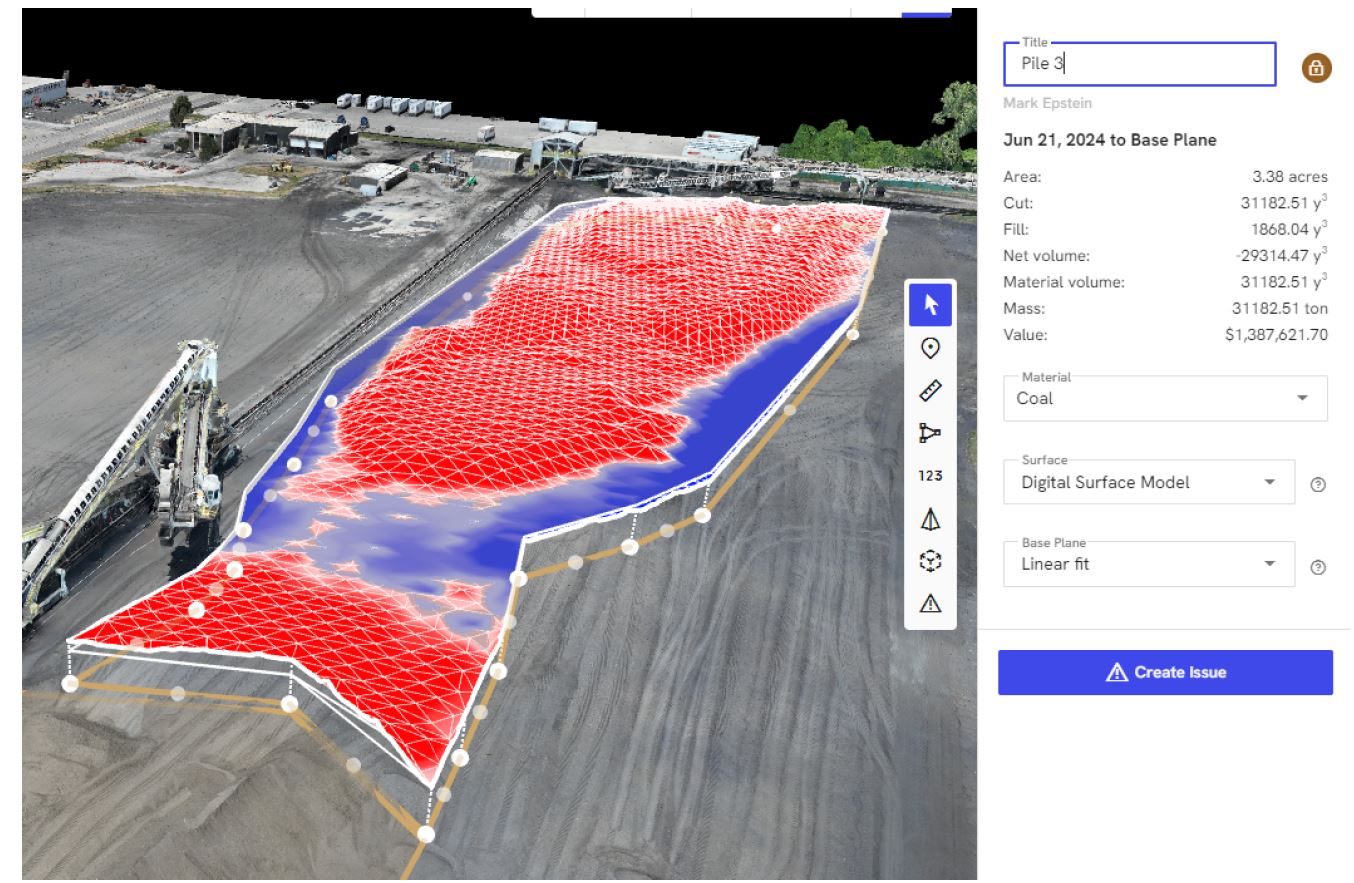
LiDAR, which stands for Light Detection and Ranging, uses laser pulses to measure distances and generate highly detailed three-dimensional spatial data. This makes it possible to produce accurate models, terrain information, elevation data, and site measurements. Thermal imaging, by contrast, detects heat signatures and surface temperature differences. That capability can reveal moisture intrusion, insulation issues, roof anomalies, electrical hot spots, energy loss, and other concerns that are not visible in standard imagery.
Used properly, these tools can support analysis, planning, maintenance, asset management, and communication.
Why Businesses and Organizations Are Turning to Specialty Drones
For many companies, time and clarity are expensive. Traditional inspection methods often involve ladders, lifts, scaffolding, shutdowns, multiple site visits, or incomplete visual records. Specialty drone services can often reduce disruption while improving documentation.
LiDAR and thermal drone work can be especially useful when organizations need to:
- inspect large or hard-to-access properties
- document existing site conditions before development
- evaluate rooftops and building envelopes
- assess infrastructure and industrial assets
- identify temperature anomalies in mechanical or electrical systems
- create measurable site models for planning and reporting
- improve safety by reducing manual inspection exposure
- generate visual evidence for internal review, clients, insurers, or consultants
Decision makers increasingly want imagery that does more than impress. They want imagery that informs.
LiDAR Drone Services: Precision Beyond Photography
LiDAR has become one of the most important tools in advanced aerial data capture because it can provide accurate and efficient site information in circumstances where traditional photography or basic photogrammetry may be limited.
Terrain and Topographic Mapping
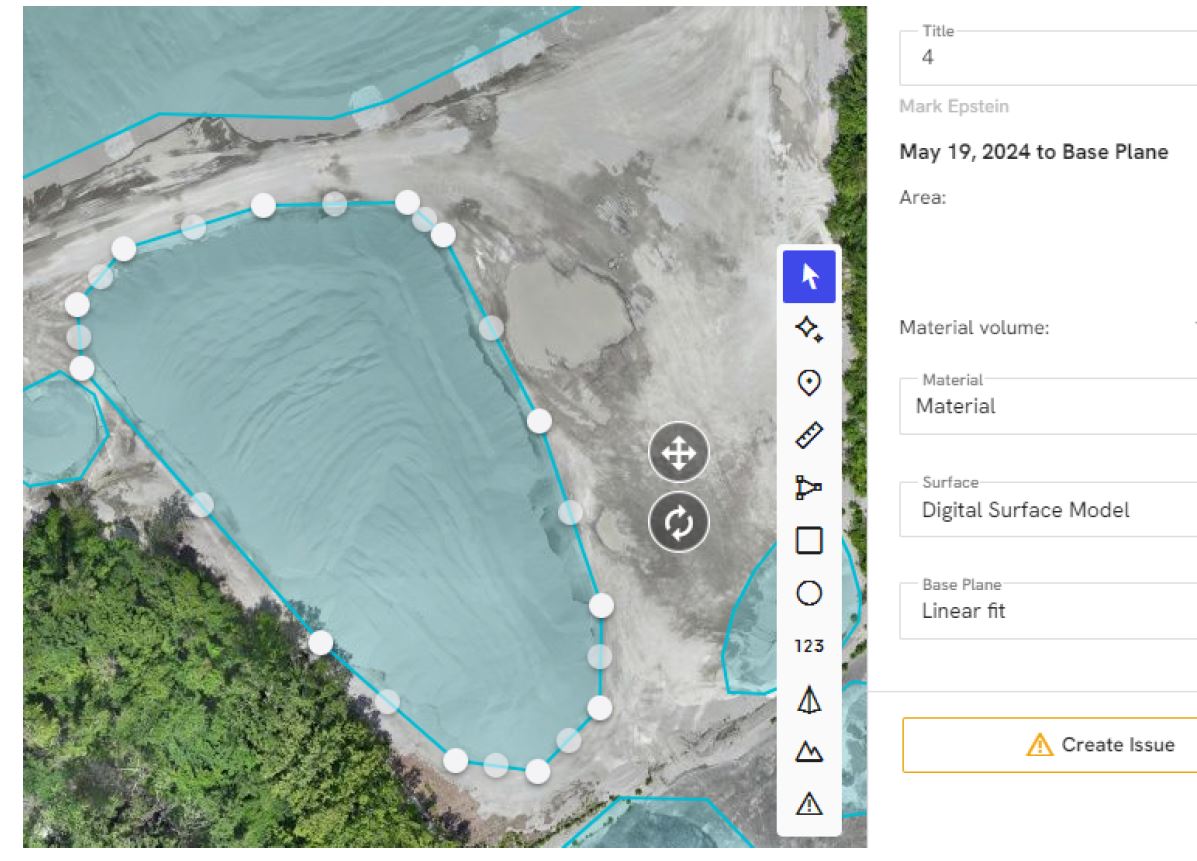
On sites with challenging grades, uneven ground, drainage concerns, or vegetation cover, LiDAR can help generate detailed elevation information. For construction planning, land development, engineering coordination, and site analysis, this level of spatial accuracy can be extremely useful.
Organizations often need to understand slope, grading, runoff patterns, and general terrain conditions before moving into design or operational decisions. A LiDAR-equipped drone can help capture that data faster than many traditional field workflows.
Existing Conditions Documentation
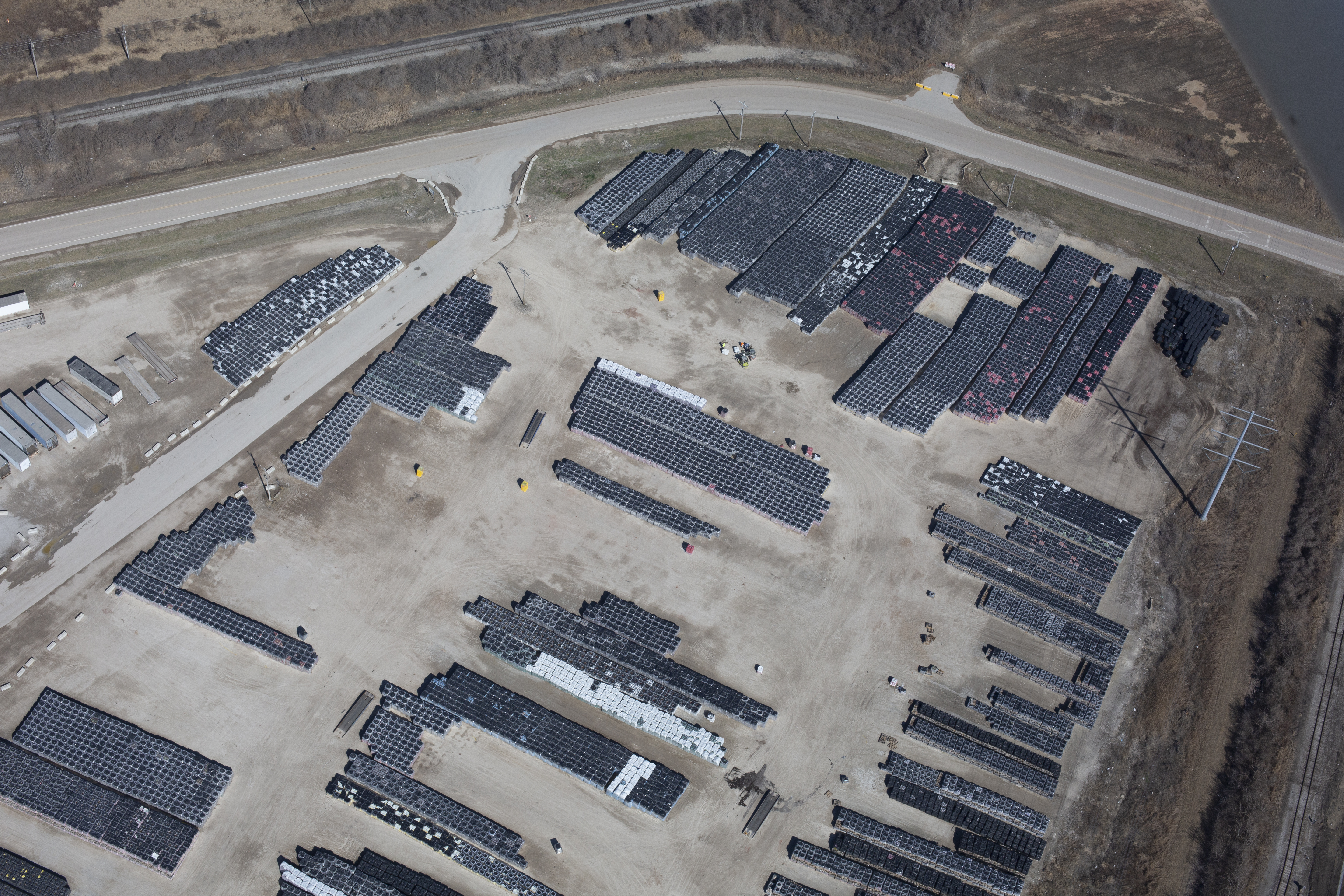
Before a project begins, many teams need a dependable record of what is already there. This may include structures, pavement, site boundaries, access roads, embankments, utility corridors, and surrounding context. LiDAR can support a more rigorous baseline record than ordinary stills or video alone.
That documentation can become valuable during planning, budgeting, coordination, and later dispute avoidance.
Construction and Site Progress Analysis
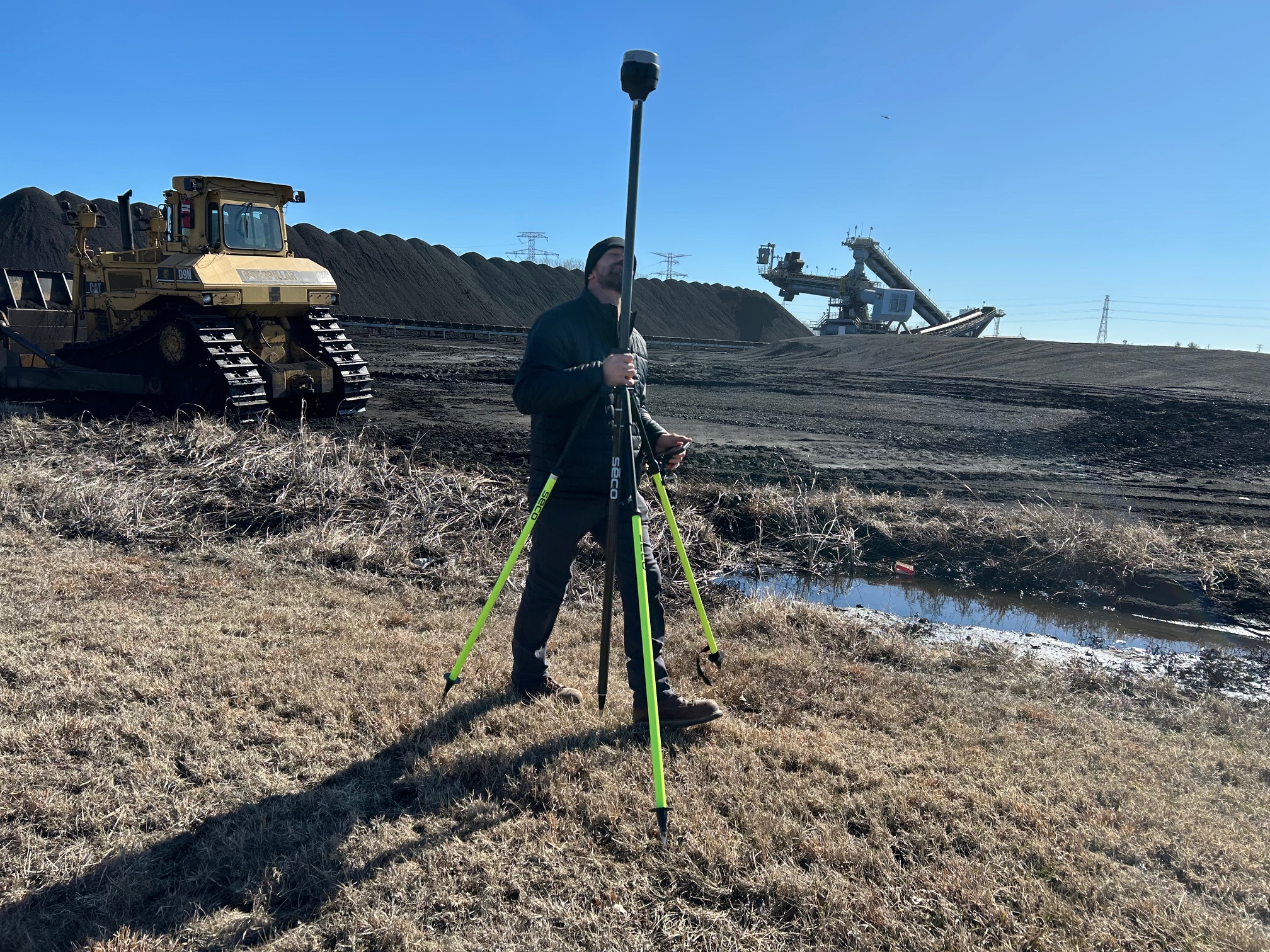
Construction managers and property stakeholders often benefit from periodic, structured data capture rather than occasional snapshot photography. LiDAR workflows can support repeatable comparisons over time. This can assist in progress review, site coordination, earthwork evaluation, and communication between teams.
When visual storytelling and technical site information are both needed, specialty drone work becomes even more powerful.
Difficult Vegetation and Complex Environments
One of the reasons LiDAR is so important is that it can perform well in environments where traditional image-based methods are less ideal. In certain cases, vegetation or irregular site conditions can make standard aerial modeling less reliable. LiDAR helps overcome some of those limitations by directly measuring surfaces using laser pulses.
For wooded tracts, utility corridors, undeveloped parcels, and certain industrial environments, that matters.
Thermal Drone Services: Seeing What the Eye Cannot
Thermal imaging gives organizations a different kind of intelligence. Instead of emphasizing shape, color, and composition, thermal drones reveal temperature differences across surfaces and structures. For many clients, that becomes the difference between guessing and investigating with purpose.
Roof Inspections and Moisture Detection
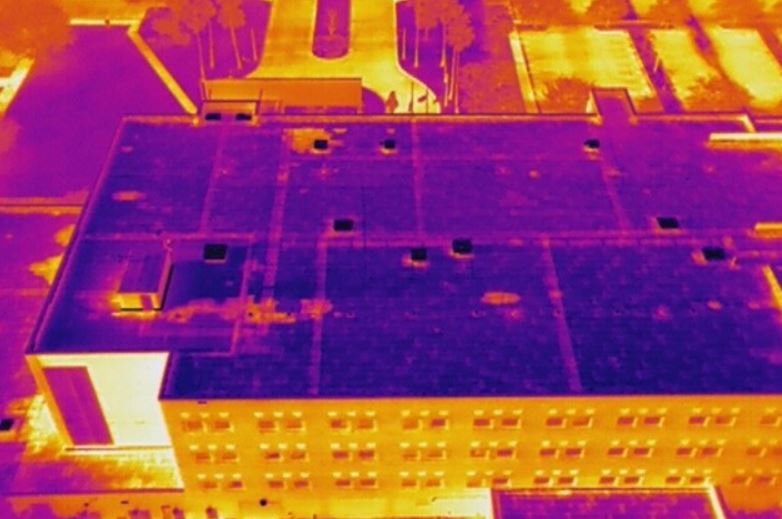
Commercial roofs are a major area where thermal drone services can be extremely effective. Temperature variation can sometimes indicate trapped moisture, compromised insulation, or areas of concern that deserve closer evaluation. Rather than relying only on visual observation, facility managers can use thermal imaging to identify suspicious zones more efficiently.
This does not replace qualified roofing professionals or invasive testing when necessary, but it can be an excellent screening and documentation tool.
Building Envelope Evaluation
Heat loss, insulation gaps, and performance inconsistencies in exterior walls, windows, and roof systems can affect building efficiency and occupant comfort. Thermal drone imaging can help organizations visualize patterns that may suggest areas needing further investigation.
For building owners and operations teams, this can be useful for maintenance planning, retrofit prioritization, and communicating building performance issues to consultants or stakeholders.
Solar Panel and Electrical System Review
Thermal imaging can also help identify abnormal heat patterns in solar arrays, electrical components, and certain mechanical systems. A hot spot is not automatically a diagnosis, but it can indicate where closer professional inspection is warranted.
This makes thermal drone imaging particularly useful as a screening and monitoring tool for large facilities and installations where manual inspection is slower, riskier, or less efficient.
Industrial and Mechanical Applications
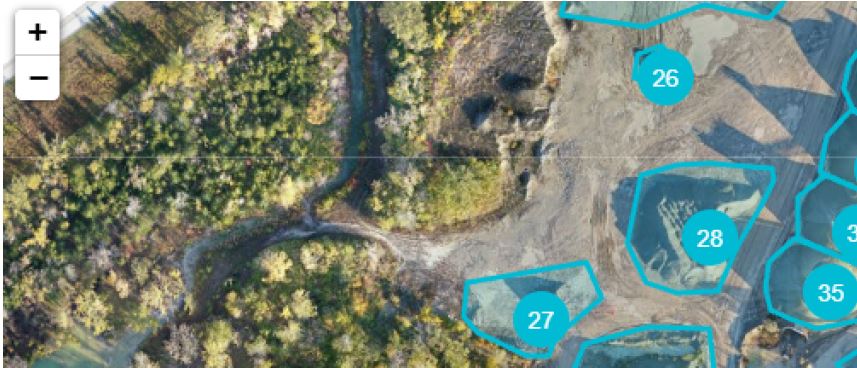
Industrial sites often contain equipment, piping, process areas, and building systems that are difficult to evaluate comprehensively from ground level alone. Thermal drones can assist in documenting temperature patterns across operational areas, helping teams identify anomalies, inefficiencies, or maintenance priorities.
Again, the value is not simply in creating interesting-looking heat images. The value is in helping decision makers focus attention where it matters.
Marketing Value Meets Operational Value
One of the most overlooked advantages of specialty drone services is that the same project can often serve both operational and marketing purposes.
A business may initially need LiDAR or thermal imaging for analysis, inspection, or planning. But that same assignment may also generate useful visual assets for presentations, investor communication, internal reporting, website content, recruitment materials, trade show visuals, and case studies.
This is where an experienced visual production company brings added value.
A purely technical provider may deliver data. A production-focused team with technical capability can help deliver data plus communication-ready assets. That matters when the final audience is not just engineers or inspectors, but executives, clients, boards, property owners, or the public.
When specialty drone work is integrated into a larger visual strategy, organizations can extend the return on that investment.
When to Consider LiDAR Instead of Standard Drone Mapping
Not every site needs LiDAR. In some cases, conventional aerial photography and photogrammetry may be sufficient. But LiDAR becomes worth considering when:
- vegetation complicates surface visibility
- terrain detail is especially important
- high-confidence elevation data is needed
- site conditions are complex
- repeatable measurement is a priority
- the project requires a stronger technical documentation foundation
The right workflow depends on the goals of the project, the site environment, and the required deliverables.
When Thermal Imaging Is the Right Choice
Thermal drone work is especially appropriate when the question is about condition rather than appearance. If a client needs to understand where energy may be escaping, where moisture may be present, where temperature anomalies exist, or where a system may require further inspection, thermal imaging is often the better tool.
It is particularly valuable when dealing with:
- commercial rooftops
- large facilities
- industrial operations
- building performance issues
- maintenance screening
- energy-related concerns
- difficult-to-access surfaces
The key is using thermal imaging with a clear purpose, proper flight planning, and realistic interpretation of results.
The Importance of Experience in Specialty Drone Work
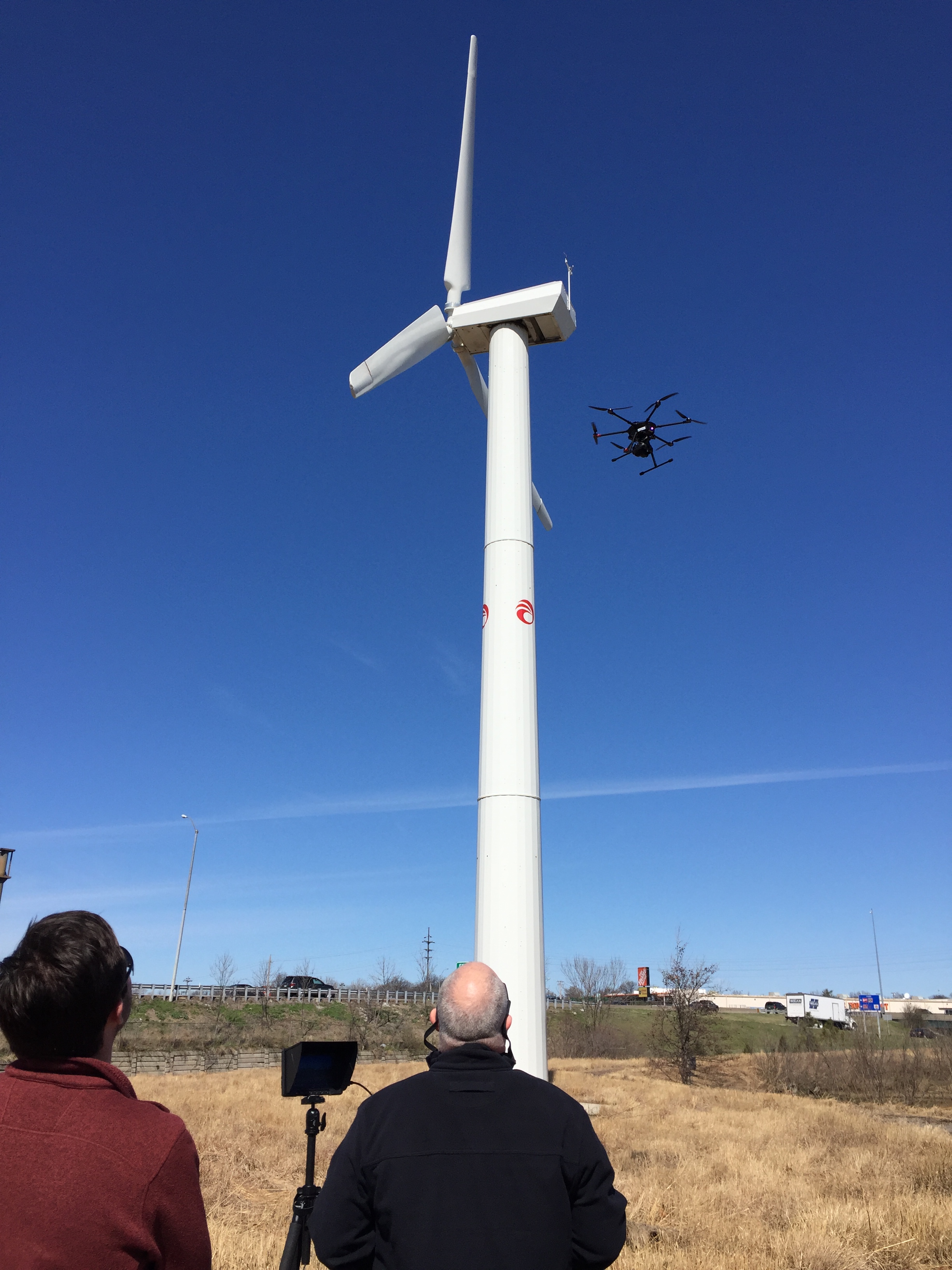
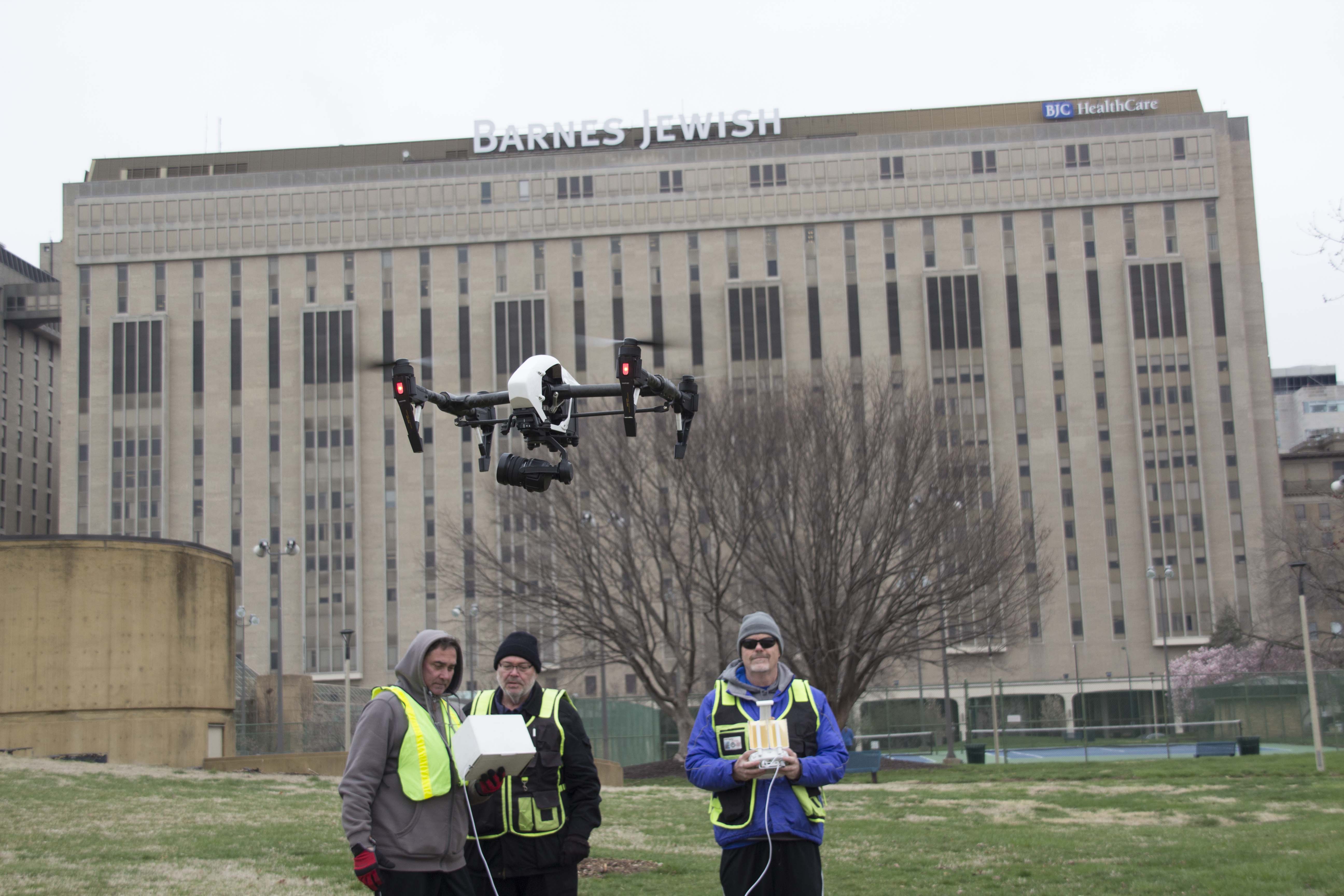
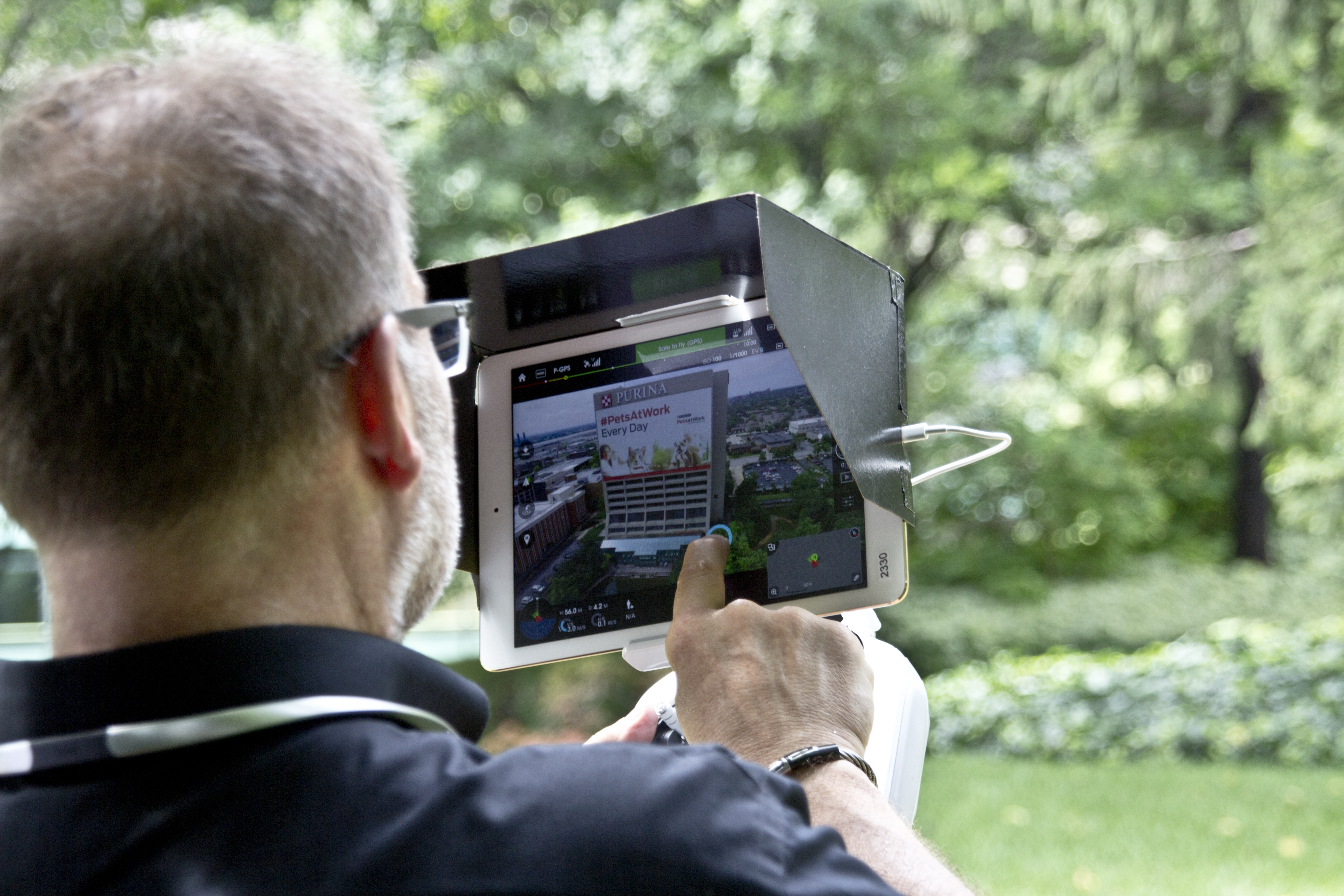
LiDAR and thermal imaging are not casual add-ons. They require planning, proper equipment, safe operation, and a clear understanding of the intended outcome. Flight conditions, site context, subject matter, capture methodology, and post-processing all affect the usefulness of the final deliverables.
That is why clients benefit from working with an experienced team that understands not only drones, but production, logistics, visual communication, and commercial client expectations.
For many organizations, the challenge is not collecting more media. It is collecting the right media in the right way, then turning it into something useful.
That may mean raw imagery, processed visuals, edited presentations, mapped outputs, inspection-style documentation, stakeholder summaries, or multi-use content packages that serve both technical and promotional objectives.
Specialty Drone Services for a Wide Range of Industries
In the St. Louis area, LiDAR and thermal drone services can support a broad set of industries and use cases, including:
- commercial real estate
- facility management
- architecture, engineering, and construction
- roofing and building envelope review
- manufacturing and industrial operations
- utilities and infrastructure
- logistics and distribution
- insurance-related documentation
- institutional campuses
- municipal and public-sector projects
- marketing agencies needing advanced visual assets for clients
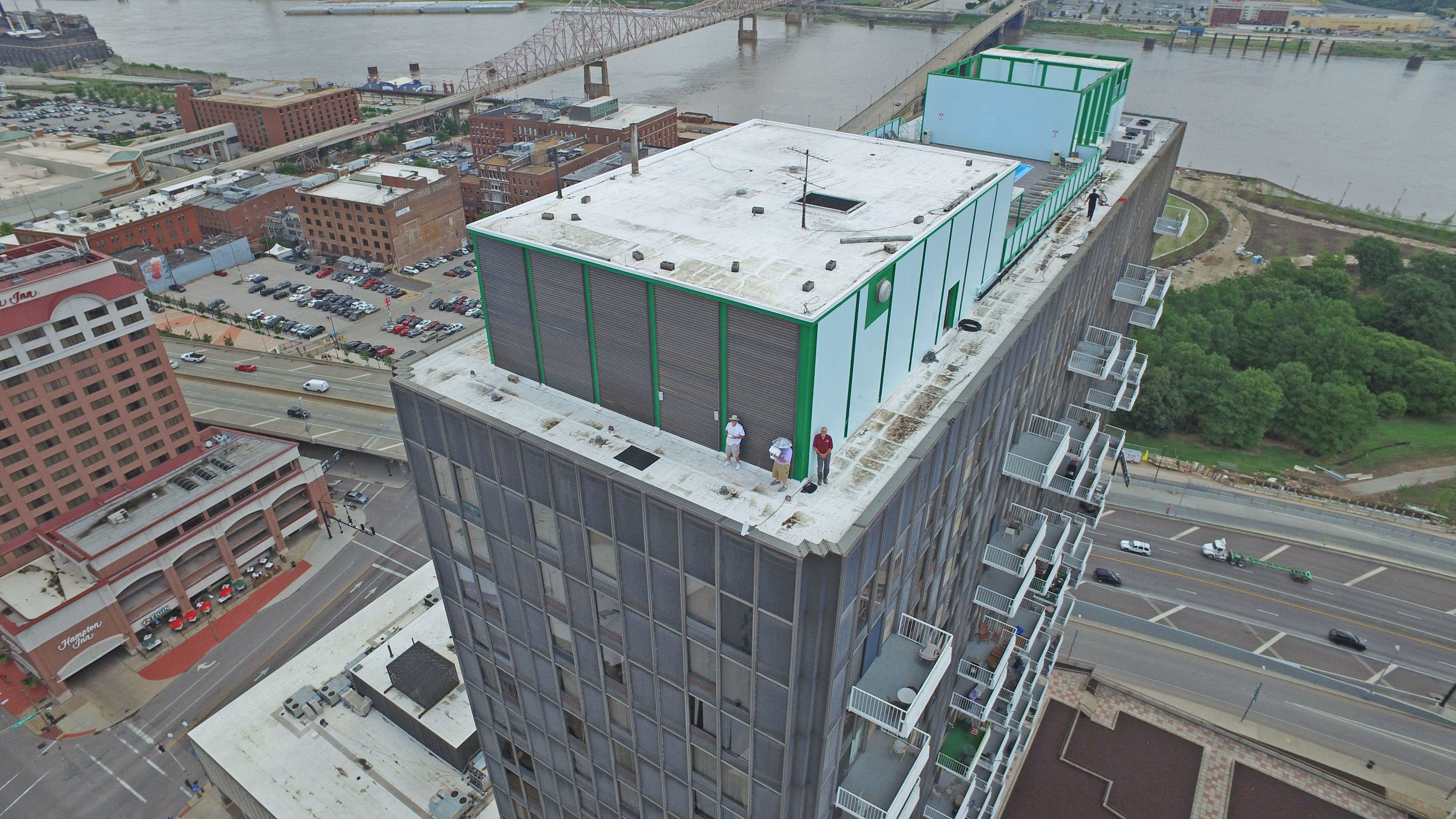
Every project is different. Some clients need data-rich documentation. Others need a hybrid approach that blends technical capture with polished production assets. The most effective specialty drone work begins by understanding how the client plans to use the results.
Better Deliverables Create Better Decisions
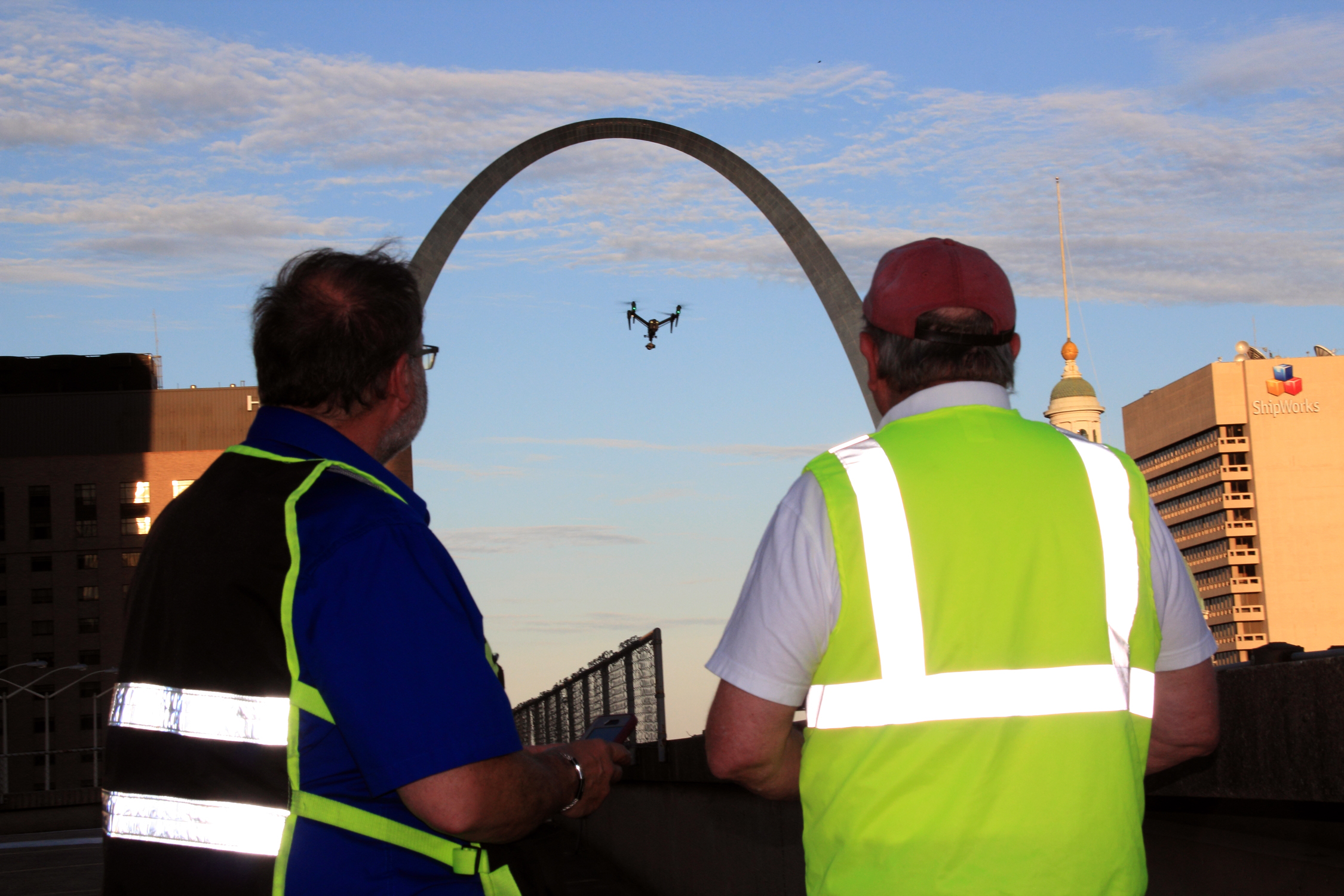
Technology alone is not the end goal. The real value is in helping people make more informed decisions. That is why specialty drone services should be approached as part of a broader production and communication process.
A rooftop thermal survey is more useful when the client also receives clear visual organization and edited presentation assets. A LiDAR site capture is more valuable when it is coordinated with practical production planning and usable outputs. A drone mission delivers more business value when the final files work smoothly across multiple platforms, departments, and audiences.
This is especially important for organizations that need to move quickly, share findings clearly, and repurpose visual material over time.
Why St Louis Video Editing Is a Strong Partner for LiDAR and Thermal Drone Services
At St Louis Video Editing, we bring more than equipment to a project. We bring production judgment, field experience, visual strategy, and decades of commercial service. As a full-service professional commercial photography and video production company, we understand how to capture specialized imagery while also thinking about how that imagery will be used in the real world.
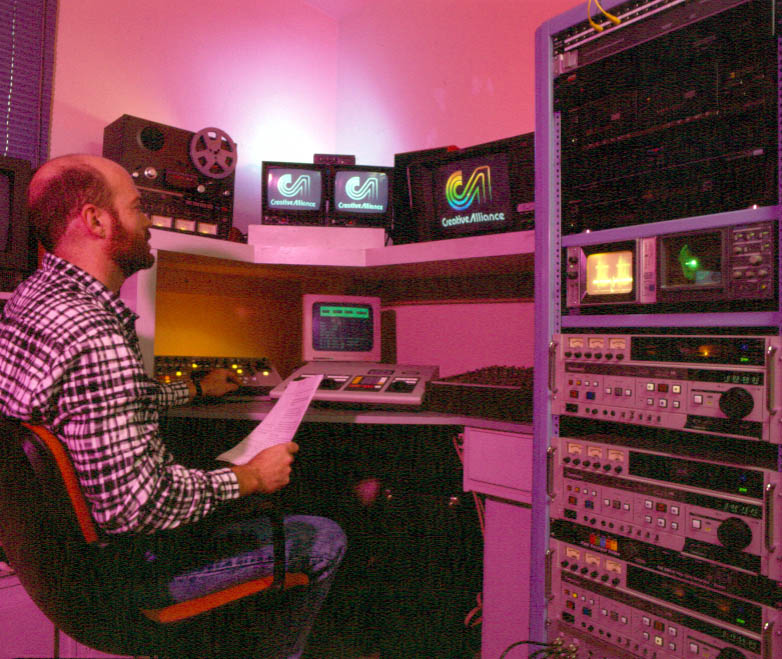
Since 1982, St Louis Video Editing has worked with many businesses, marketing firms, and creative agencies in the St. Louis area for marketing photography and video. We know how to support both technical and creative objectives, whether a client needs drone-based specialty services, polished marketing visuals, inspection support imagery, or a complete production workflow from capture through delivery.
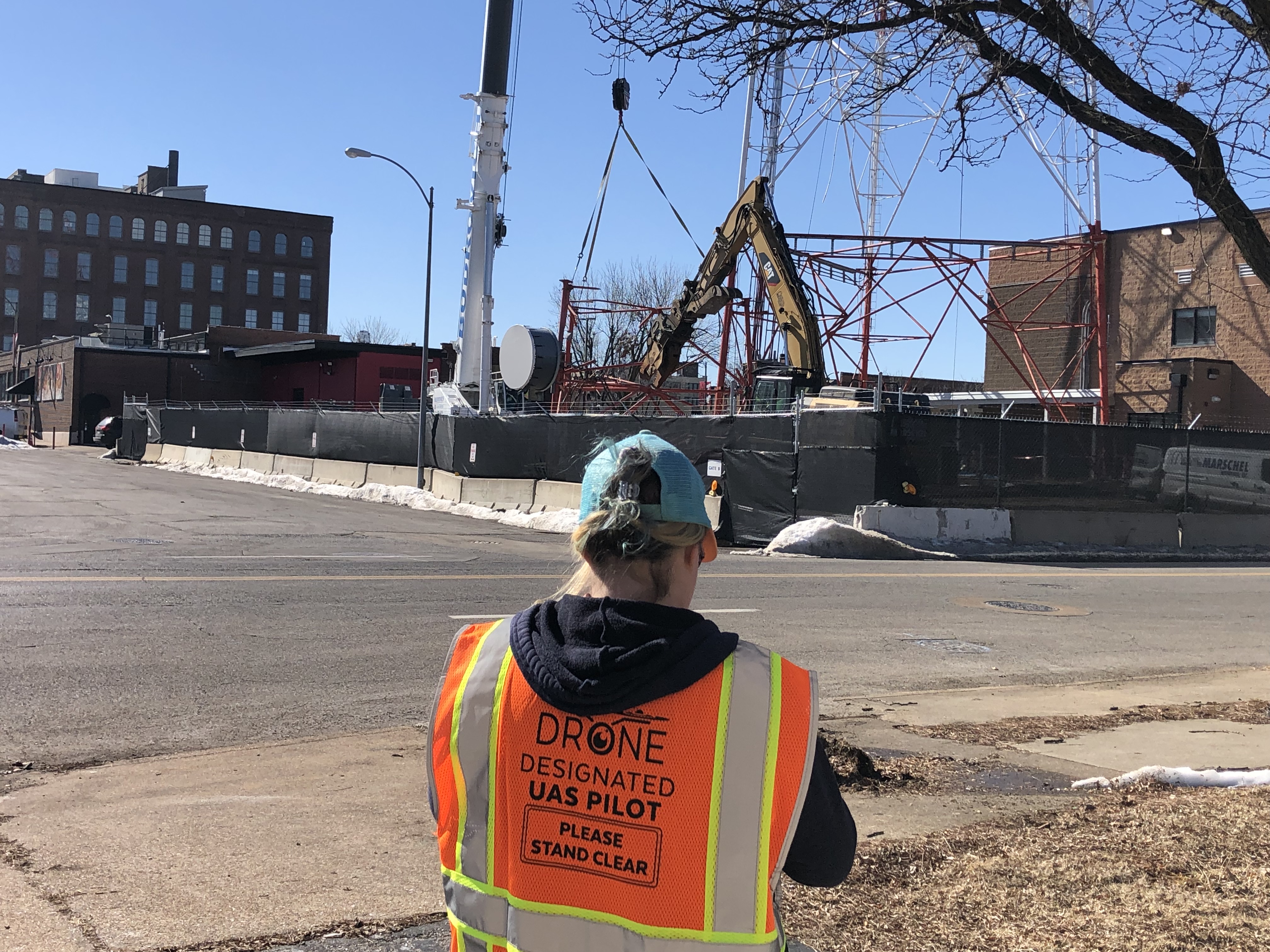
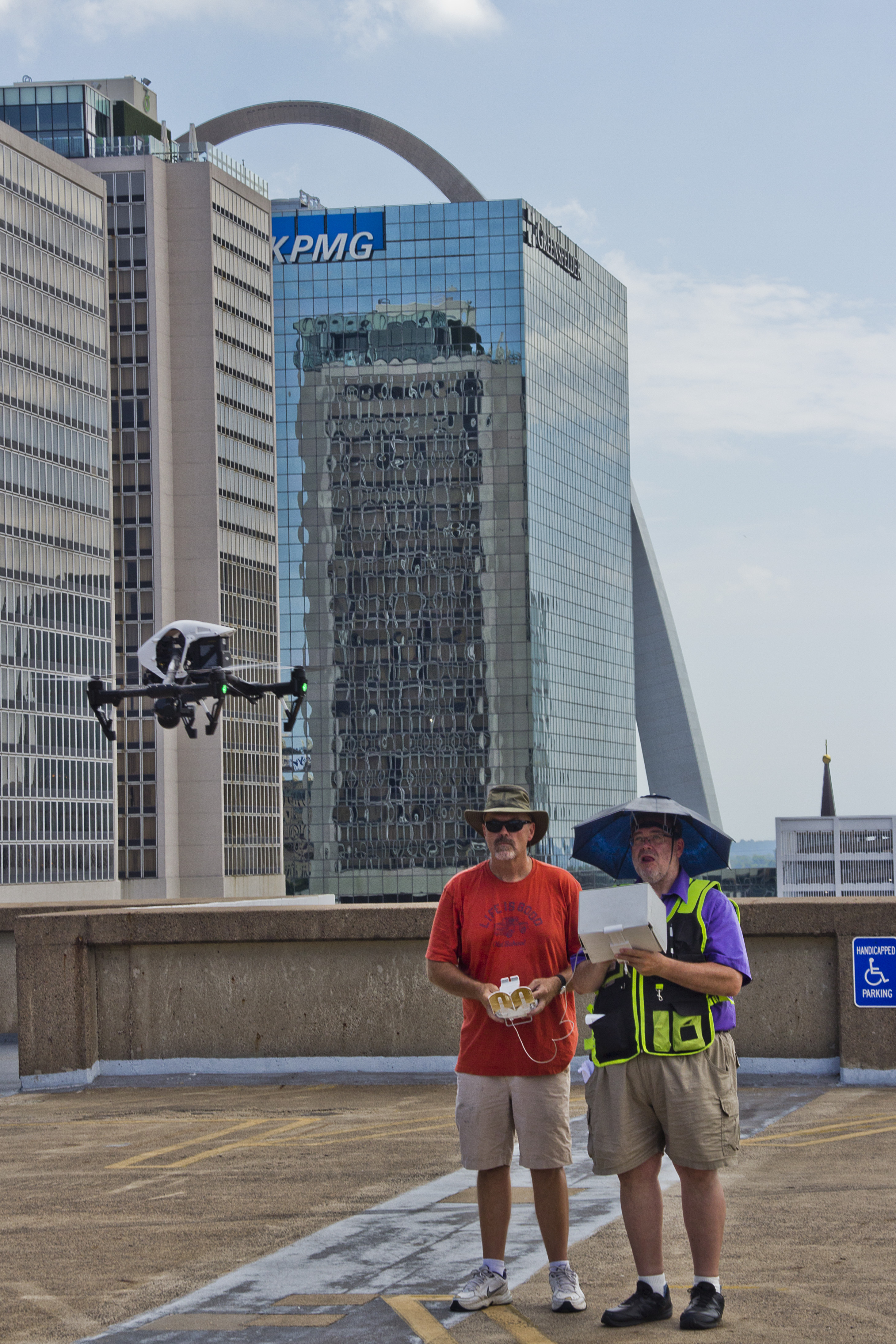
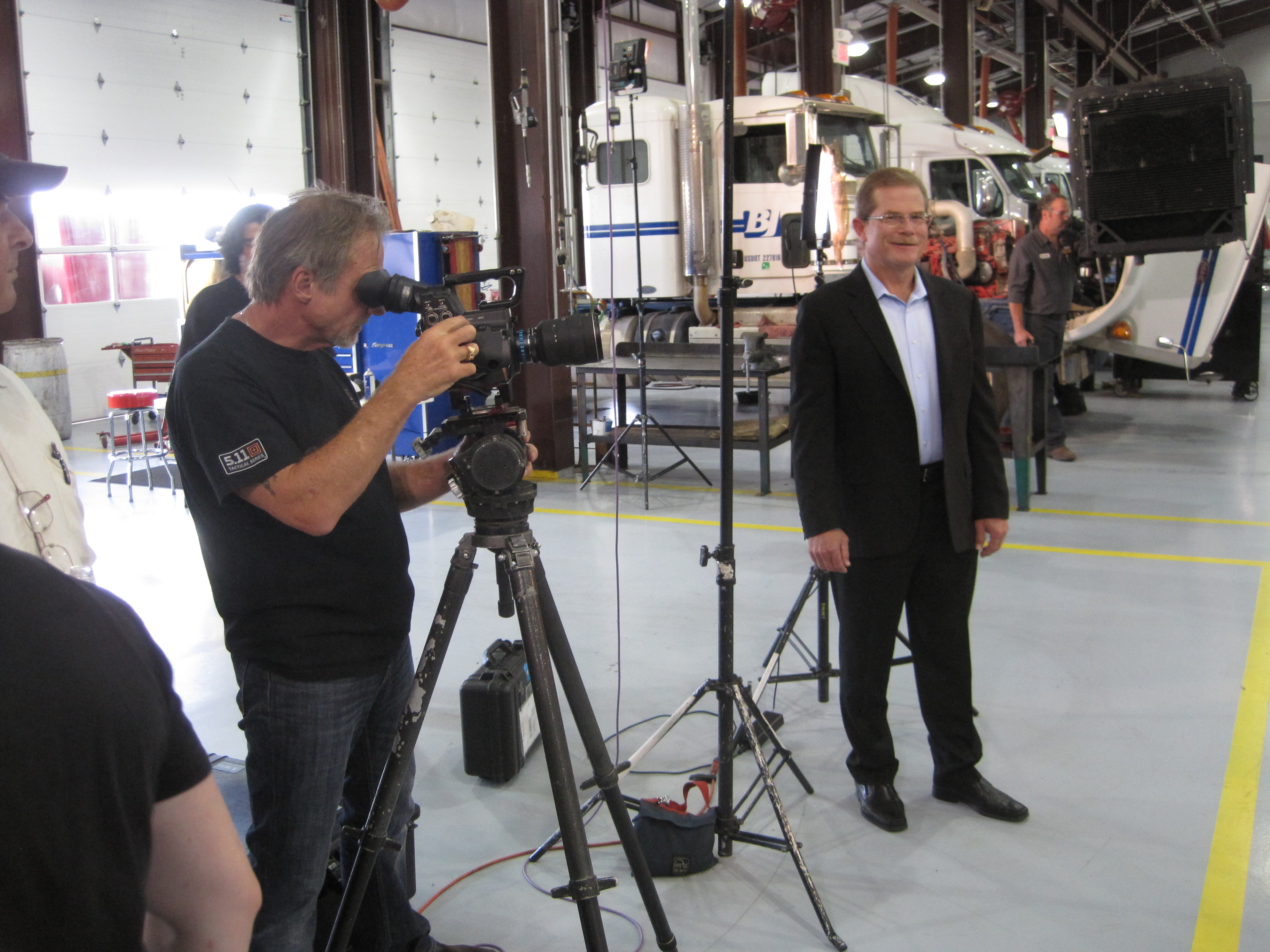
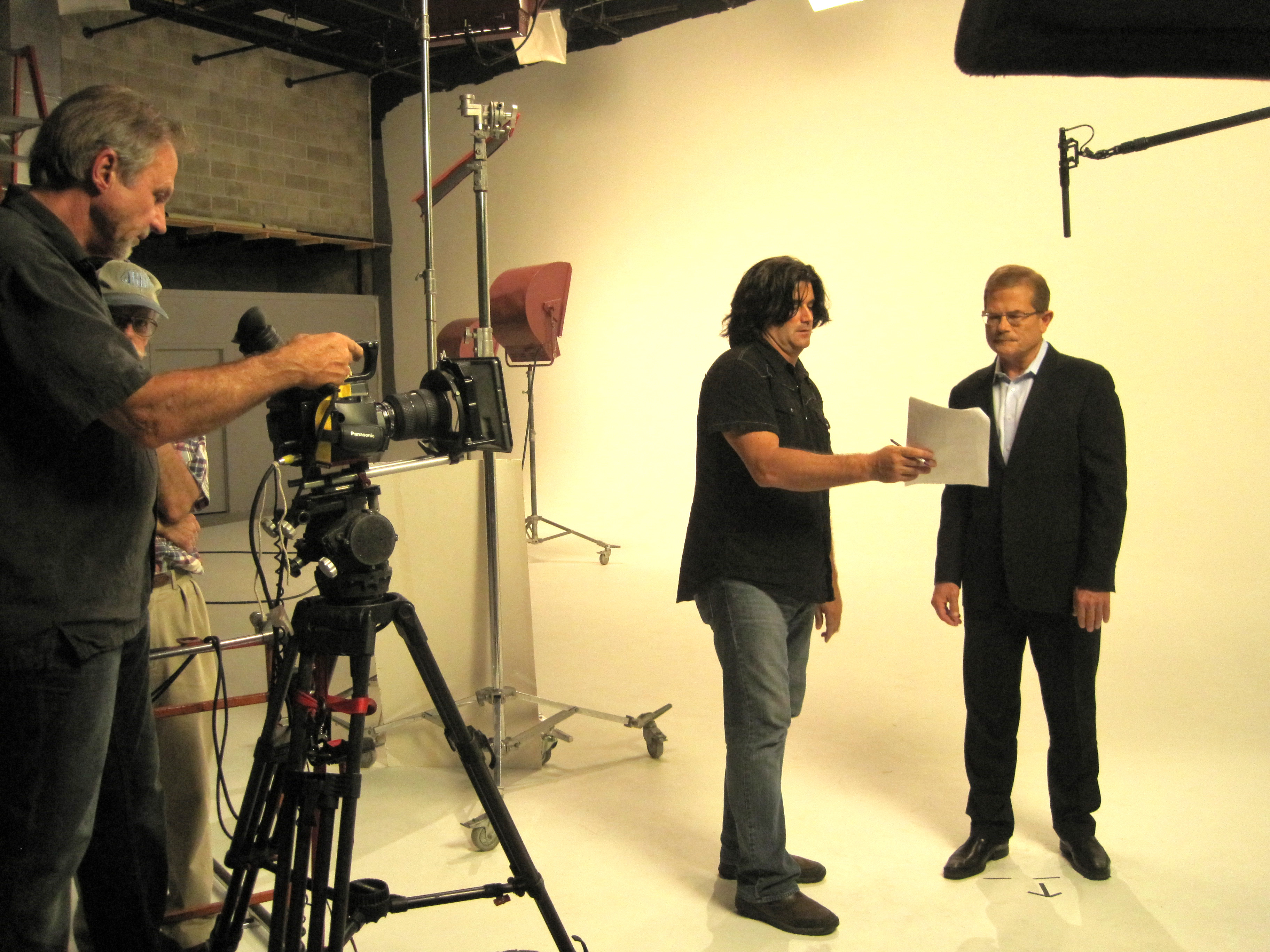
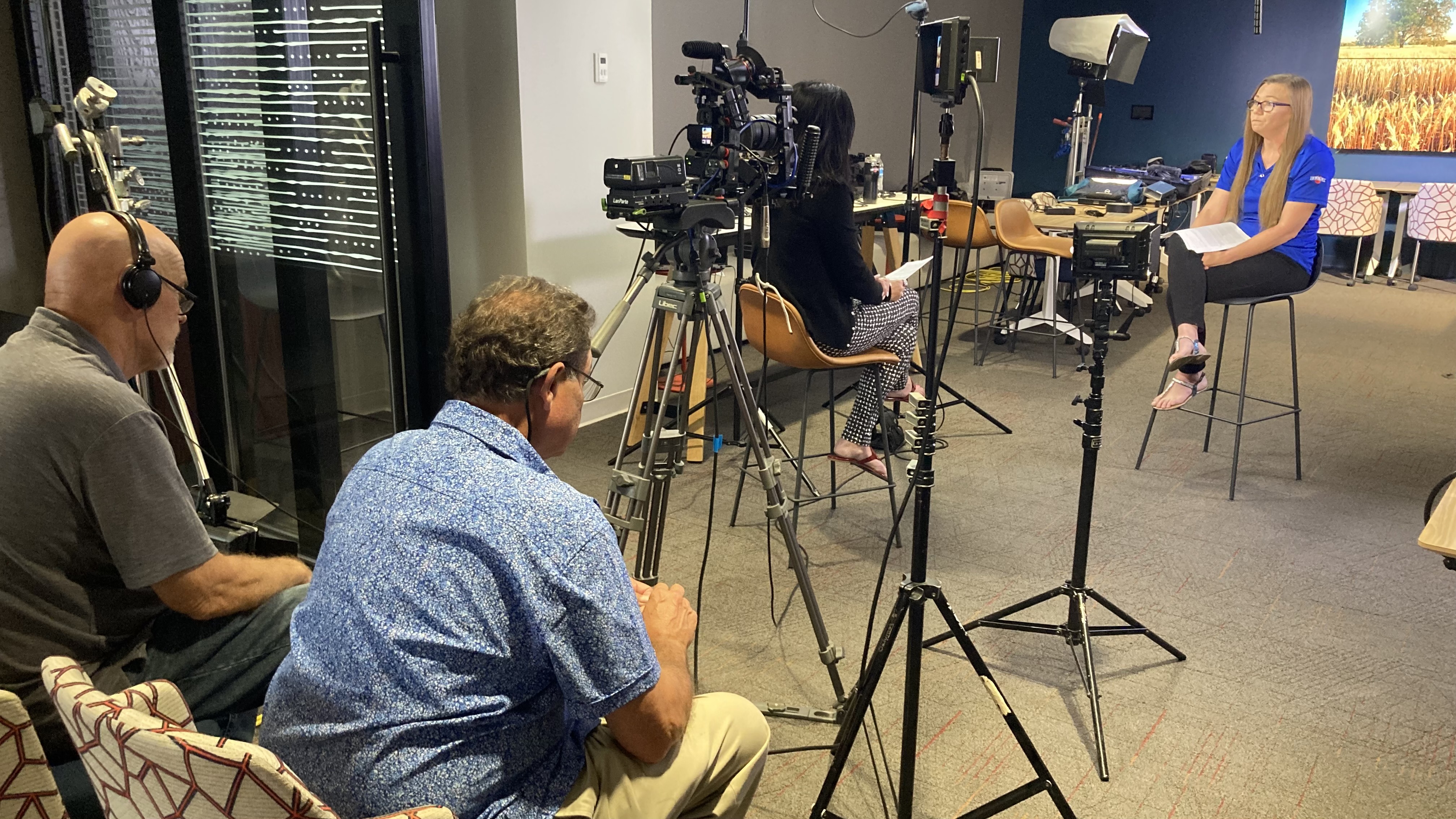
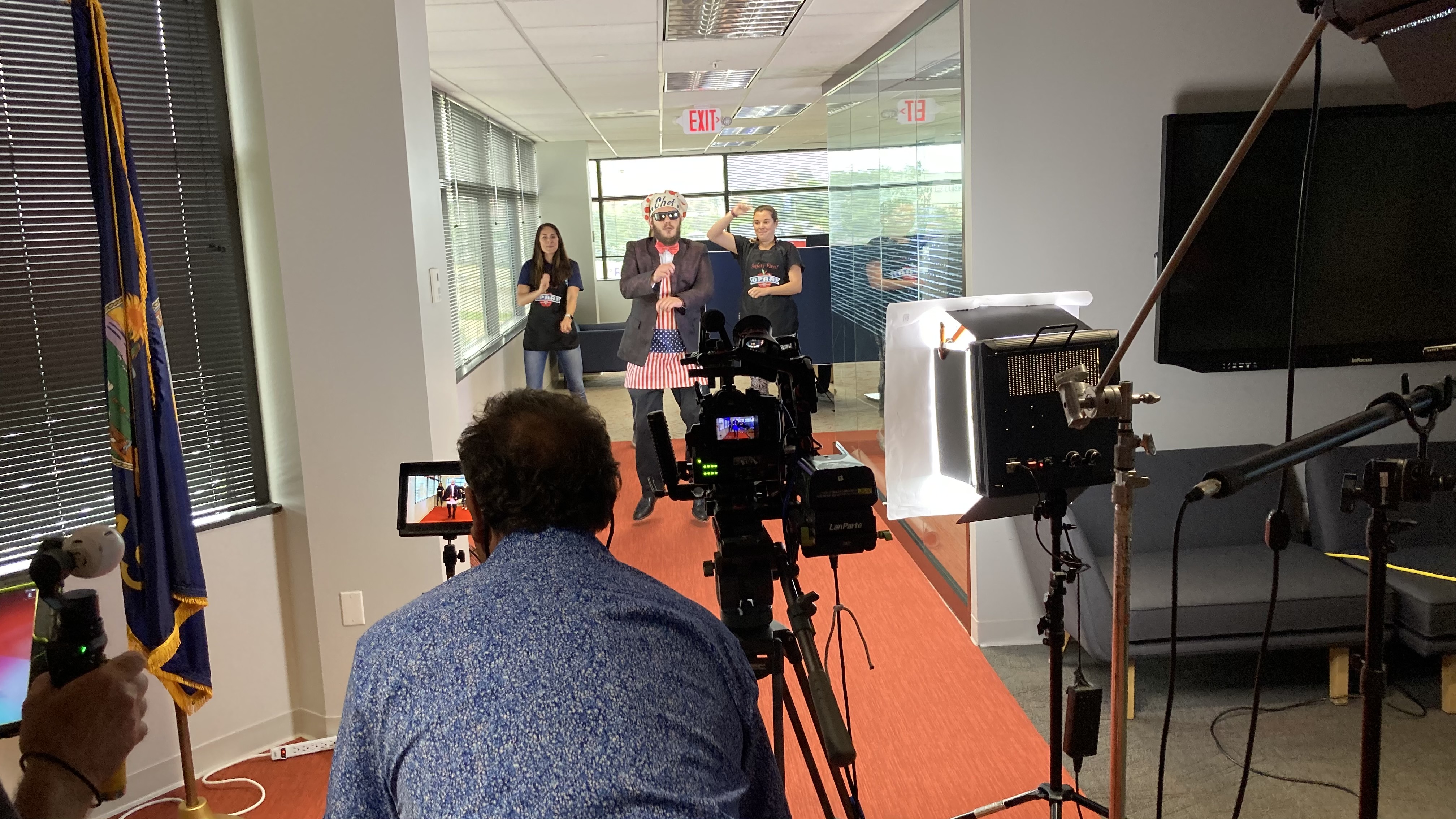
St Louis Video Editing is a full-service professional commercial photography and video production company with the right equipment and creative crew service experience for successful image acquisition. We offer full-service studio and location video and photography, as well as editing, post-production, and licensed drone services. St Louis Video Editing can customize your productions for diverse types of media requirements. Repurposing your photography and video branding to gain more traction is another specialty.
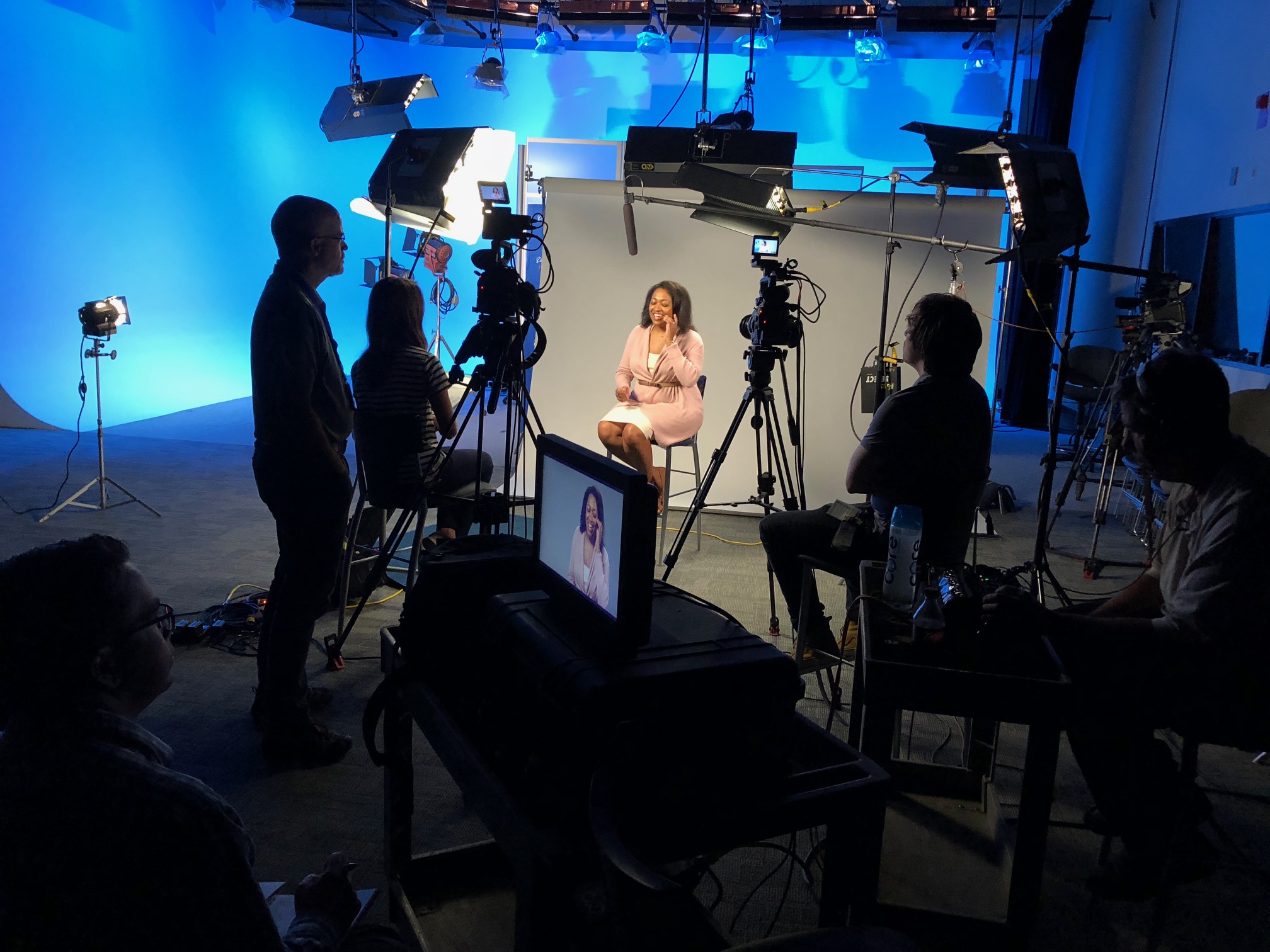
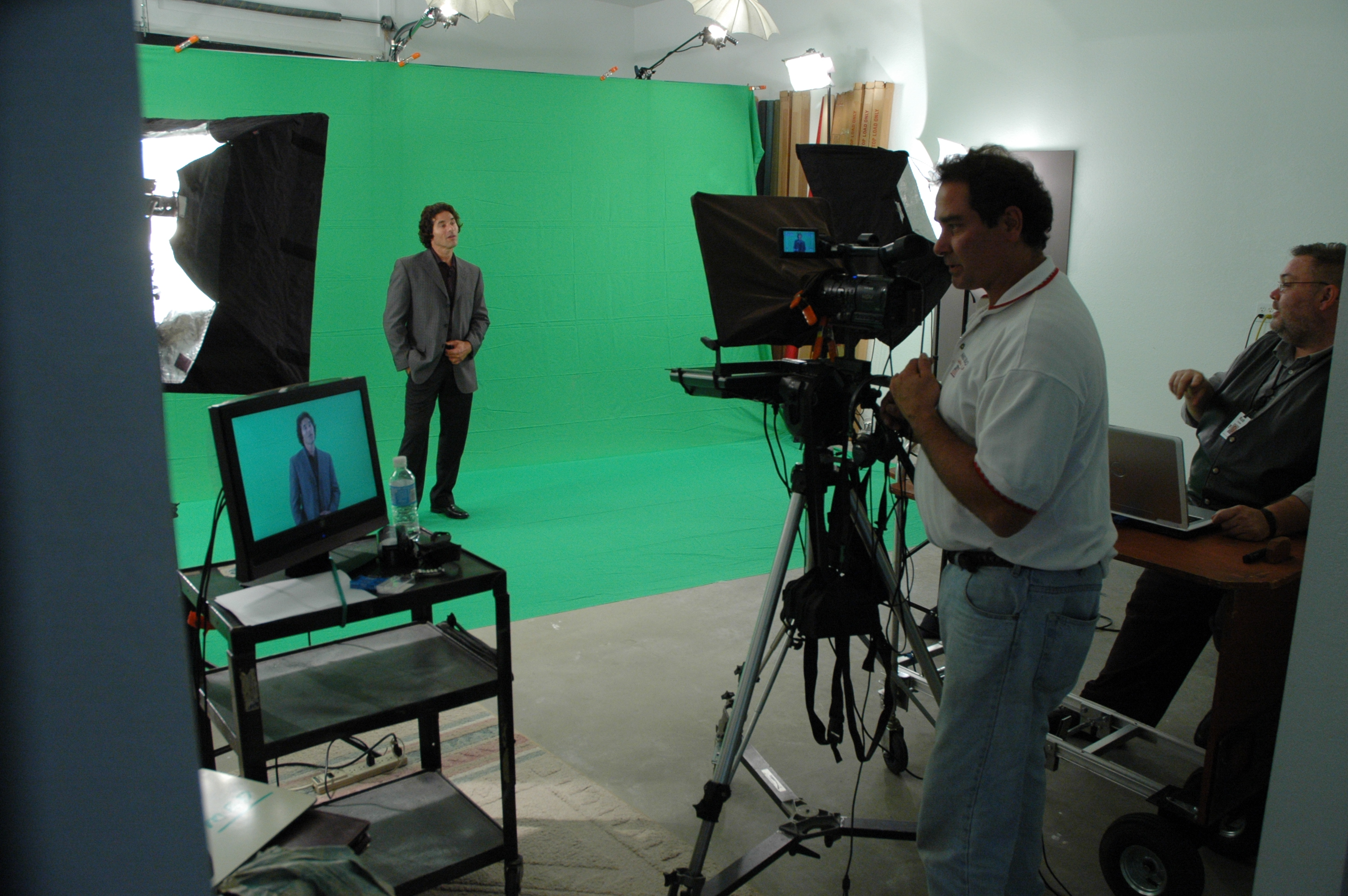
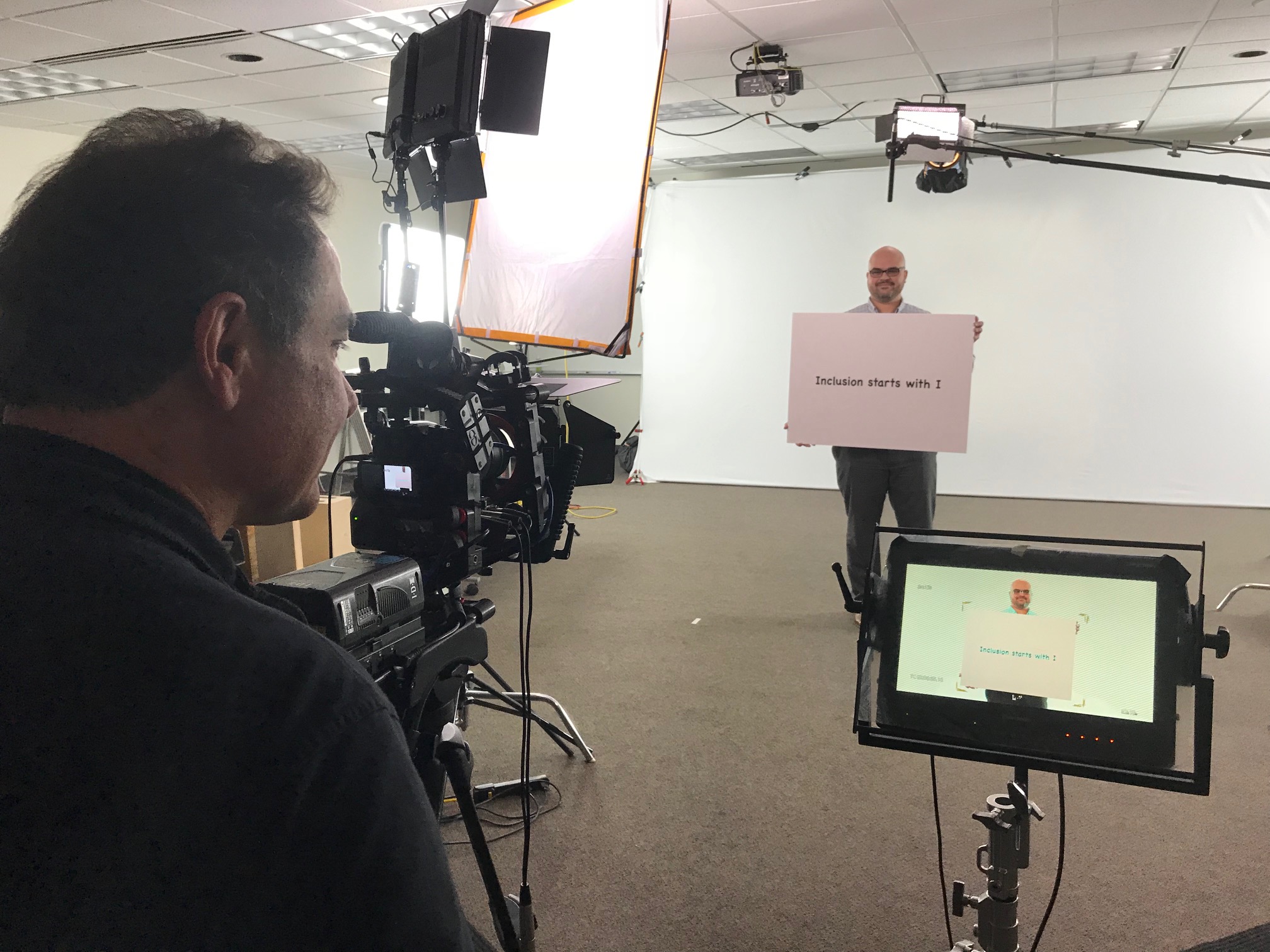
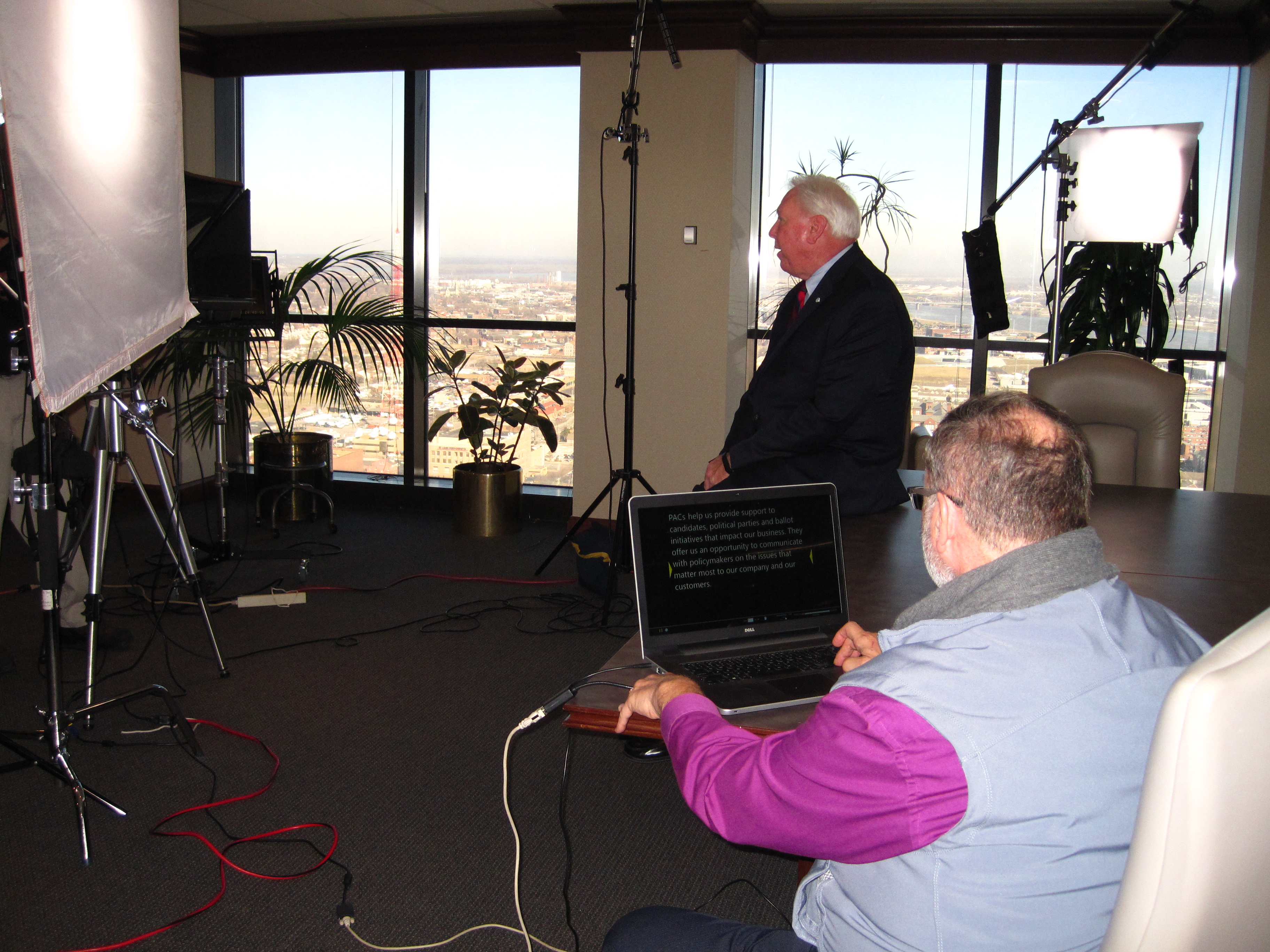
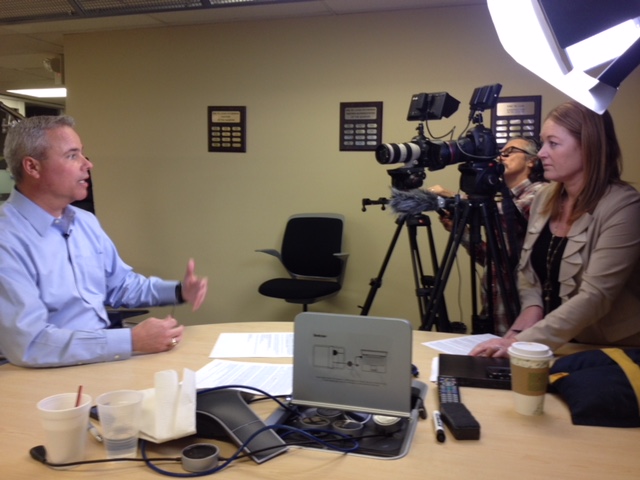
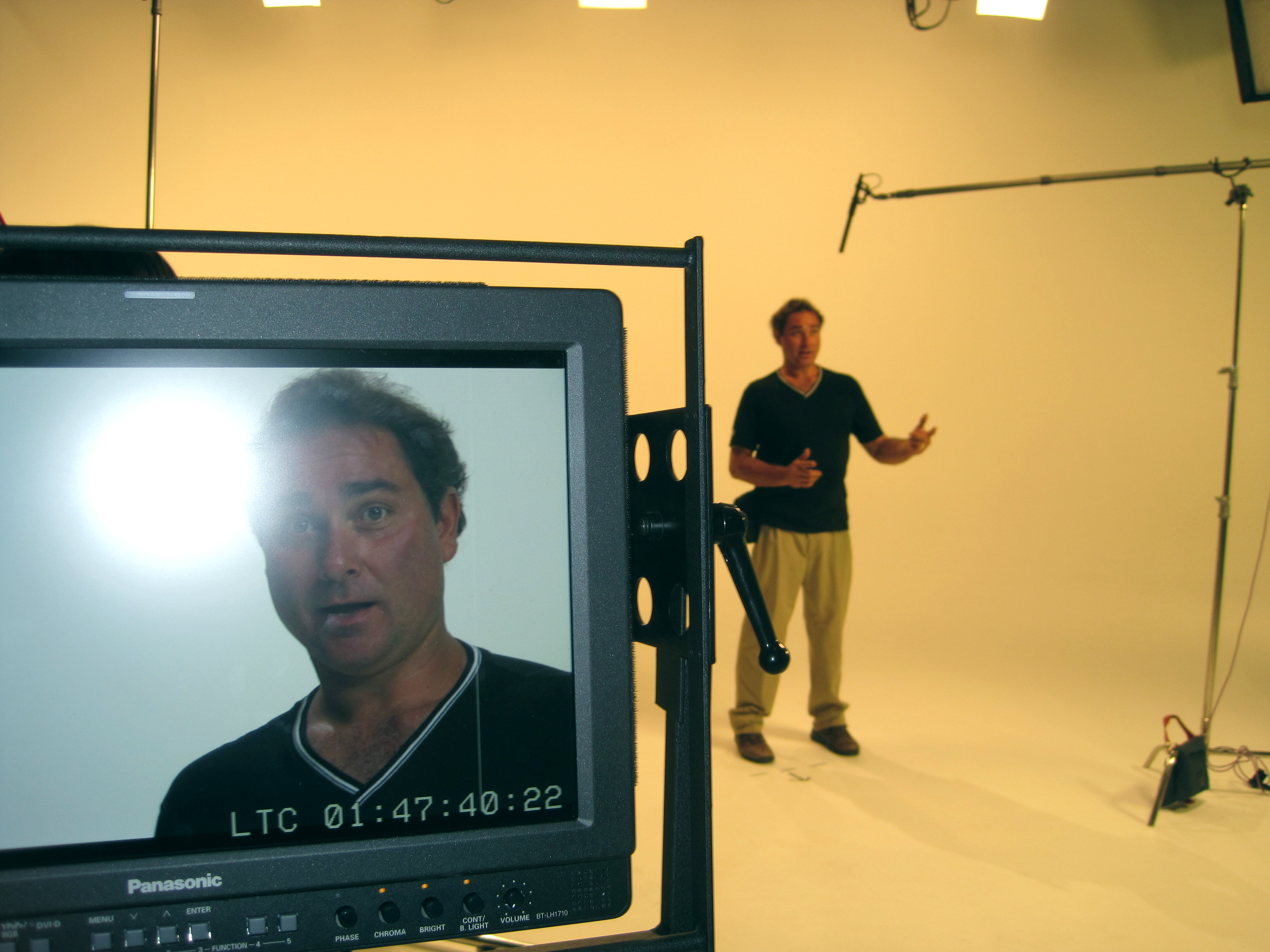
We are well-versed in all file types, styles of media, and accompanying software. We use the latest in Artificial Intelligence for all our media services. Our private studio lighting and visual setup is perfect for small productions and interview scenes, and our studio is large enough to incorporate props to round out your set. We support every aspect of your production, from setting up a private, custom interview studio to supplying professional sound and camera operators, as well as providing the right equipment, ensuring your next video production is seamless and successful. We can fly our specialized drones indoors.
For organizations seeking advanced St. Louis LiDAR and thermal drone specialty services, the advantage is not just in capturing impressive visuals. It is in partnering with a team that can combine technical capability, creative execution, and decades of experience into deliverables that are useful, persuasive, and production-ready.





 St Louis Video Editing