For seasoned executives and spokespeople, the teleprompter isn’t a crutch—it’s a precision instrument. It protects legal language, preserves brand voice, and compresses timelines. The difference between “reads well” and “sounds lived-in” comes down to a handful of controllable variables: optics, copy, scroll craft, coaching, and edit strategy. Here’s how pros keep it natural.
1) Optics & Eye-Line: Where Authenticity Starts
- Lens choice: 50–85mm (full-frame) compresses perspective, minimizes visible eye travel, and flatters facial geometry.
- Distance & font: Keep talent 5–10 feet from the glass; set font so lines fit comfortably within the top third of the screen—no scanning.
- Glass & glare control: Tilt prompter glass a few degrees; raise the key light 5–10°; use flags/hoods. Polarizers on the lens won’t fix glass reflections—adjust angles and lighting instead.
- Glasses on talent: Favor matte frames and AR coatings; a slight lens-below-eye-level setup often clears glare without “looking up” at the audience.
- Walk-and-talks: For moving shots, mount a compact prompter on a gimbal/Steadicam and keep copy centered. Pre-block turns so the eye-line doesn’t drift off axis.
2) Script Engineering: Write for the Ear, Not the Page
- Target pace: 110–135 words per minute (WPM) for conversational corporate delivery.
- One thought per line: 12–18 words; short clauses beat commas.
- Pronunciation keys: Phonetic notes inline for names/technical terms (“E-lee-uh,” “kuh-TEG-uh-ree”).
- Mark the music: Use slashes
/for micro-pauses, CAPS for emphasis sparingly, and bracketed cues:[SMILE] [PAUSE] [B-ROLL CUT]. - Numbers that land: Round when possible; stack hard figures on their own line so eyes don’t hunt.
- Version control: Lock filenames and keep a visible change log (e.g.,
CFO_Q3Update_v9_APPROVED).
3) Scroll Craft: The Operator Is Your Metronome
- Follow, don’t force: The operator matches talent cadence. Speed changes should be gradual; no “stair-steps.”
- Dead-band smoothing: Add a small acceleration limit to scroll inputs so motion looks organic, not mechanical.
- Sightline centering: Keep the active line near mid-screen; top/bottom edges trigger visible saccades.
- Chunk by beats: White space between ideas lowers cognitive load and reduces eye flick.
- Live edits, one owner: Last-minute tweaks are inevitable—route all changes through a single operator to avoid dueling cursors.
4) Coaching for Experienced Talent: Small Levers, Big Difference
- Warm-up (90 seconds): hum on an “M,” tongue twisters at 70% speed, then read a throwaway paragraph at 120 WPM to find pace.
- Breath mapping: Land breath at punctuation, not mid-phrase; treat commas as half-beats and periods as full beats.
- Landing words: Slightly lengthen key nouns/verbs; let function words glide.
- Face & posture: Feet planted, shoulders soft, chin level. “Neutral face” reads stern—carry a micro-smile through transitions.
- Pickups: Always redo the full sentence, not just the phrase, so editors have clean in/out points.
- IFB discipline: If using talkback, choose a single director voice; interruptions pause the scroll and reset the beat.
5) Advanced Situations (That Pros Plan For)
- Bilingual/variant reads: Duplicate scripts with language-specific line breaks. Keep sentence lengths symmetric so pacing transfers across languages.
- Panels & two-shots: When eye contact with a host matters, switch from TTL to a confidence monitor; write copy as talk points rather than full sentences.
- Data-dense segments: Break numbers into graphical cover beats—read headlines to camera, show details on B-roll and motion graphics.
- Remote executives: Place the overlay within 1–2 inches of the webcam lens. Use wired controllers to avoid Bluetooth lag; rehearse with the actual conferencing platform to measure latency.
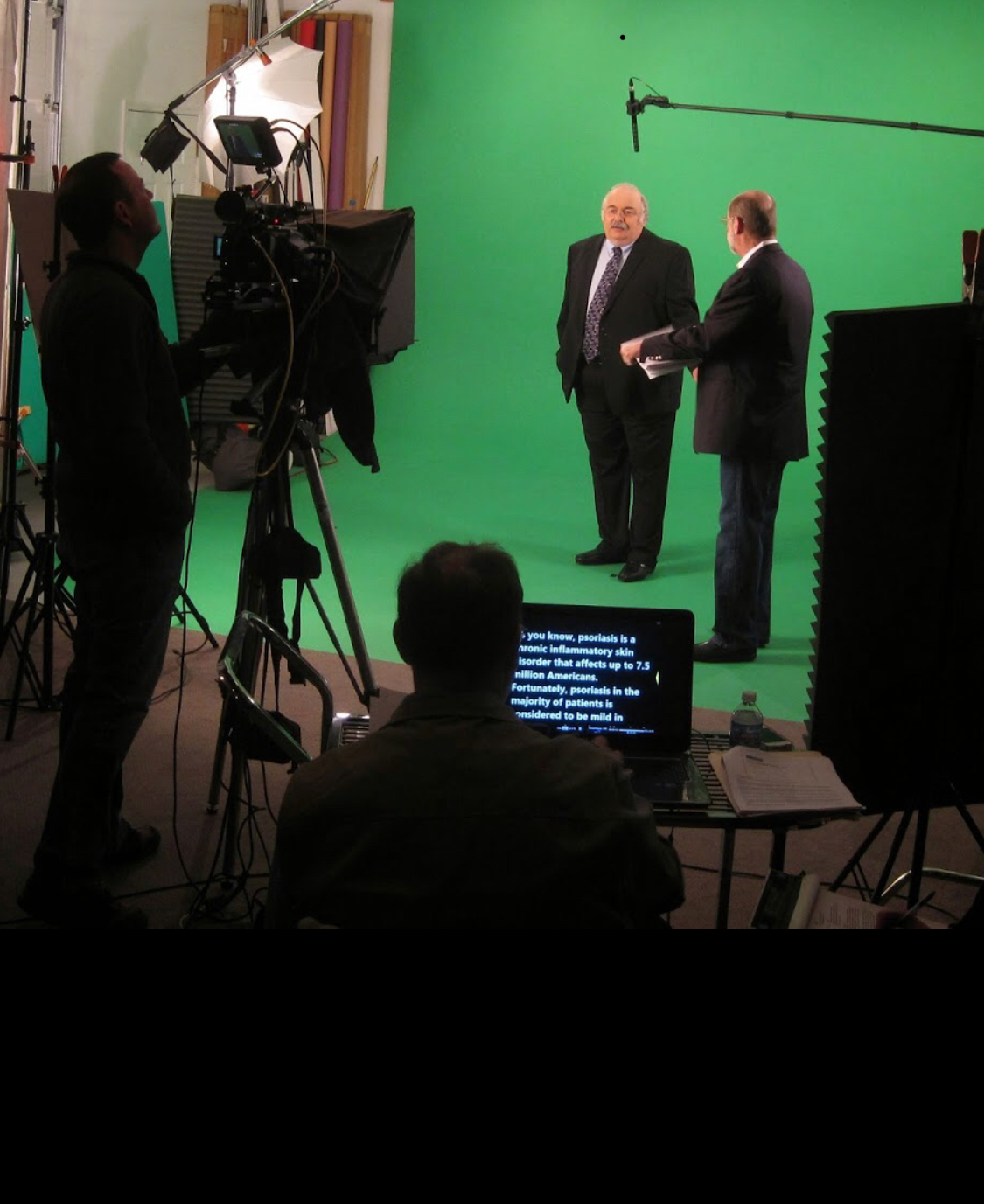
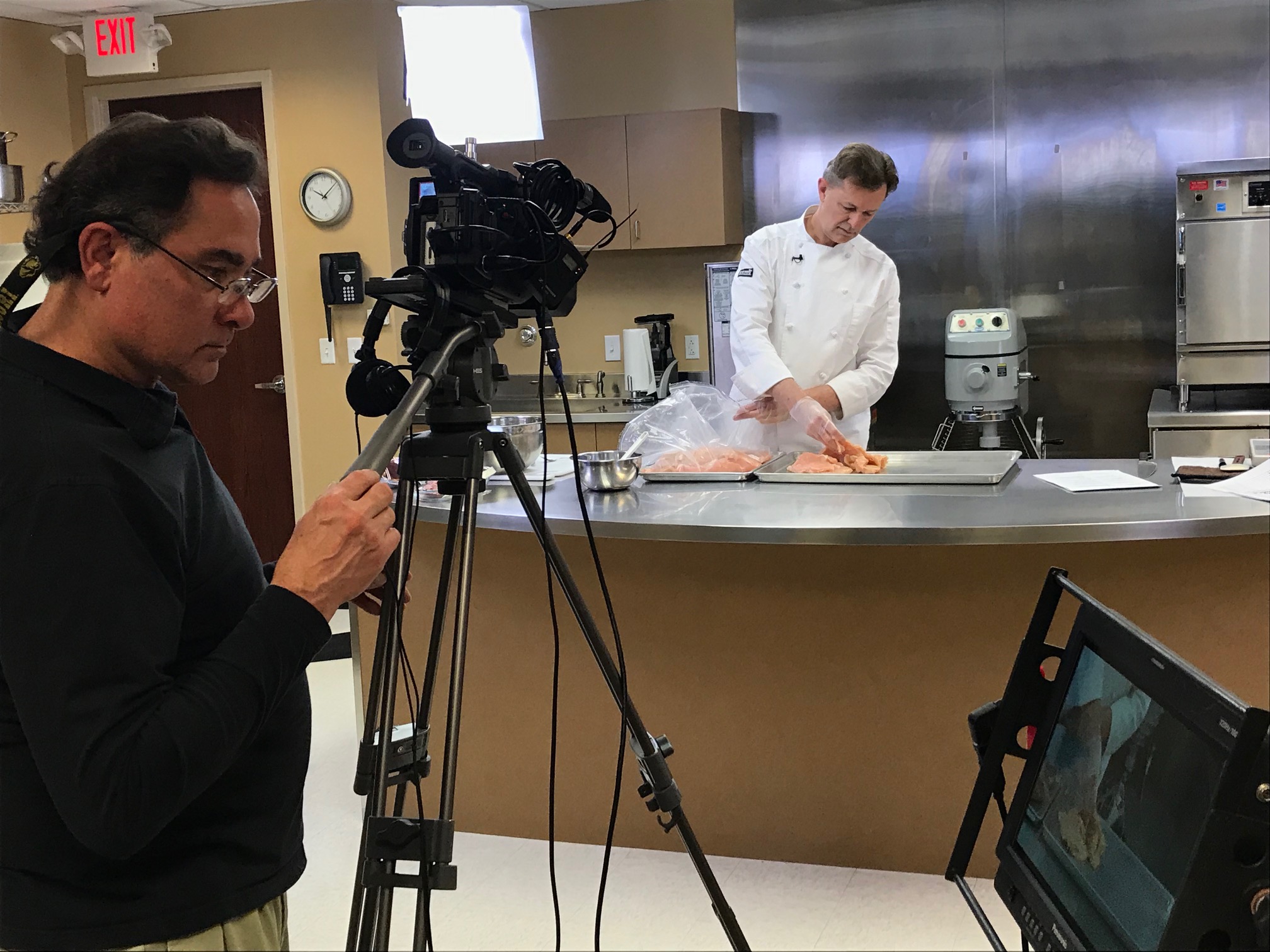
6) Editorial Integration: Shoot for the Edit
- Plan cutaways: Script [B-ROLL CUT] cues where you expect natural cover (product shots, charts, reactions).
- Room tone & handles: Roll 5 seconds before and after each take. Editors need clean handles for transitions and captions.
- Script-based editing: Align approved copy with auto-transcripts so legal/compliance checks use a single source of truth.
- Caption accuracy: Prompter scripts accelerate precise captions, multi-language subs, and accessibility deliverables.
7) Day-Of Prompter Checklist (Copy/Paste)
Gear
- TTL prompter + hood, high-nit monitor, mirrored flip verified
- Backup unit, UPS/power distro, wired scroll controller
- Lens set 50/85mm, matte box/flags, anti-glare wipes
Script
- Final PDF + live doc, large legible font (≥48–72 pt at distance)
- Phonetics, emphasis cues, [B-ROLL CUT] marks, duration targets
Talent
- Eye-line test recording (10s) and speed calibration pass
- Glasses/glare check, light powder for forehead/nose, lip balm/water
- Confirm landing words, CTA phrasing, and pronunciation traps
Ops
- Single owner for live edits, version log visible
- Rehearsal protocol: shadow → lead → follow
- Pickup protocol: full-sentence restarts, slate clearly
8) Script Skeleton for Pros (2:00 Target, ≈240–260 words)
OPEN [SMILE]
I’m [Name], [Title]. Today, three updates that make your team faster and more secure. / First: [headline benefit]. [PAUSE]
PROOF
Customers like [Client] saw [result] in weeks—not months. / Your workflows? Fewer steps, clearer approvals. [PAUSE]
WHAT’S NEW
Second: [feature] adds [capability]. / Third: [feature] simplifies [process]. / If you’re on [plan], these arrive [date]. [SMILE]
CALL TO ACTION
To activate, visit your admin panel or talk with your rep. / Thank you for trusting us to help you move faster. [HOLD]
Why This Matters to Decision Makers
Prompter-driven shoots reduce retakes, protect legal wording, and accelerate post. More importantly, they help leaders show up as themselves—clear, warm, and in control—while hitting time and message targets. The net: fewer surprises, faster approvals, and content that actually persuades.
Work With an Editing-Led Crew That Makes Prompters Invisible
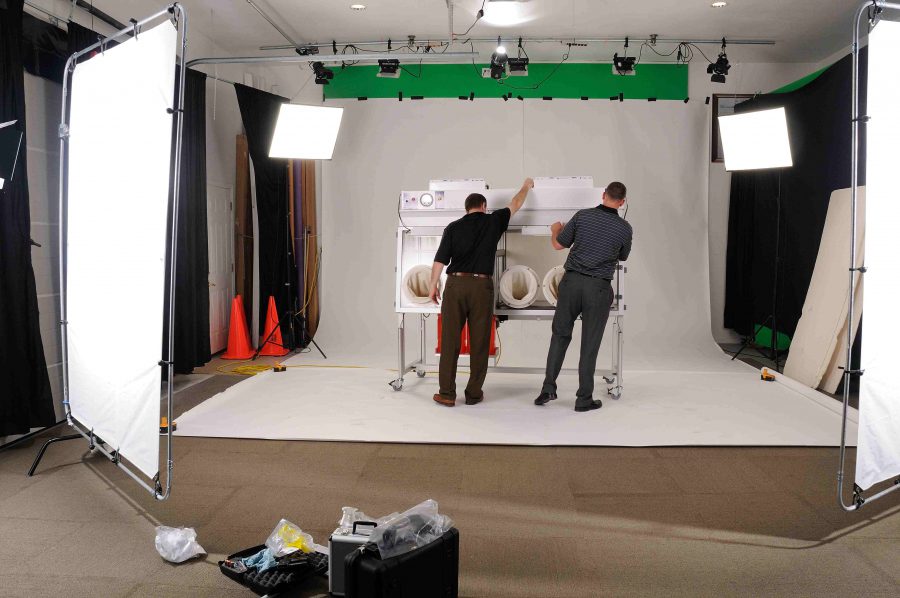
St Louis Video Editing is a full-service professional commercial photography and video production company with the right equipment and creative crew service experience for successful image acquisition. We offer full-service studio and location video and photography, as well as editing, post-production and licensed drone pilots. St Louis Video Editing can customize your productions for diverse types of media requirements. Repurposing your photography and video branding to gain more traction is another specialty. We are well-versed in all file types and styles of media and accompanying software. We use the latest in Artificial Intelligence for all our media services. Our private studio lighting and visual setup is perfect for small productions and interview scenes. Our studio is large enough to incorporate props to round out your set. We support every aspect of your production—from setting up a private, custom interview studio to supplying professional sound and camera operators, as well as providing the right equipment—ensuring your next video production is seamless and successful. We can fly our specialized drones indoors. As a full-service video and photography production corporation, since 1982, St Louis Video Editing has worked with many businesses, marketing firms and creative agencies in the St. Louis area for their marketing photography and video.
 St Louis Video Editing