Tag Archives: event photo and video

How to Turn Client Testimonials into Service Business Leads With Strategic Video Editing

Client testimonials are one of the few marketing assets that can outperform polished brand messaging—because they don’t sound like marketing. They sound like proof.

But most testimonial videos still underperform. Not because the clients weren’t enthusiastic, but because the edit didn’t do the one thing decision makers need: translate praise into purchase confidence.

If you’re a service business—or you market one—your testimonials shouldn’t live as isolated “nice-to-have” videos on a webpage nobody visits. They should be engineered into a lead-generation system: edited for attention, structured for credibility, and repurposed into multiple assets that support sales conversations across your entire funnel.

Below is the framework we use to turn raw testimonial footage into measurable business results.


Why testimonials work (and why most fail)

Testimonials are powerful because they reduce risk:

  • They validate your claims with third-party credibility.
  • They show real outcomes and real people.
  • They answer the unspoken question: “Will this work for us?”

They fail when:

  • The video starts with slow introductions and vague compliments.
  • The content focuses on “they were great to work with” instead of outcomes.
  • There’s no context (what problem, what stakes, what changed).
  • The edit is too long, too flat, and not built for where people actually watch (LinkedIn, mobile, email, landing pages).

A strong testimonial edit turns a client story into a buyer decision tool.


The testimonial-to-lead formula: edit for trust, then for action

To generate leads, your testimonial must do more than “sound good.” It needs five elements:

  1. Relevance: The viewer sees themselves in the client’s situation.
  2. Specificity: Clear “before” pain and “after” results.
  3. Authority: The speaker has a credible role and perspective.
  4. Process clarity: Viewers understand how results happened.
  5. Next step: A clean call-to-action that matches buyer intent.

Your editing strategy should build these in—on purpose.


Step 1: Start with the lead hook, not the introduction

Most testimonial videos begin with:
“Hi, I’m Jim, and I work at…”

That’s a retention killer.

Instead, open with a results-first hook or a pain-first hook, depending on your audience:

Results-first hook examples

  • “We cut turnaround time by 40% in the first month.”
  • “We stopped losing leads and finally had a predictable pipeline.”
  • “We reduced rework and improved consistency across every location.”

Pain-first hook examples

  • “We were drowning in bottlenecks and missing deadlines.”
  • “We had inconsistent quality, and it was costing us clients.”
  • “We didn’t know what marketing was working, so we kept guessing.”

In editing, this means you pull the strongest sentence from minute 8 and place it at second 1.


Step 2: Build the story using a tight structure

The best testimonial edits follow a simple narrative arc:

The 4-Part Testimonial Structure

  1. The Problem: What wasn’t working?
  2. The Stakes: What did it cost (time, money, risk, reputation)?
  3. The Fix: What did they implement with you?
  4. The Results: What changed, and how do they measure it?

If the interview didn’t naturally come out that way, editing can shape it.

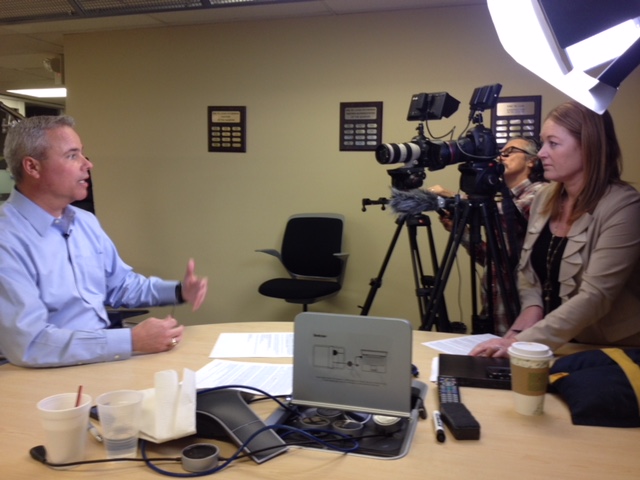
This is where professional post-production matters: we’re not “chopping clips.” We’re building a persuasive, watchable case narrative from real statements.


Step 3: Use specificity to make the testimonial believable

Generic praise is nice. Specific outcomes generate leads.

During editing, prioritize lines that include:

  • Timeframes (“in 30 days,” “within one quarter”)
  • Metrics (“increased conversion by 18%,” “cut callbacks by 25%”)
  • Process details (“we standardized onboarding,” “we built a reporting cadence”)
  • Comparisons (“we tried three vendors before this”)

If metrics can’t be shared publicly, you can still keep specificity:

  • “We reduced cycle time dramatically” becomes “We went from weeks to days.”
  • “We improved ROI” becomes “We stopped wasting spend and doubled down on what worked.”

Step 4: Let b-roll and overlays do the heavy lifting

Testimonial footage is often a talking head. That’s fine—if the edit adds visual support.

High-performing testimonial videos use:

  • b-roll of the client environment, team, workflow, location, equipment, or deliverables
  • on-screen keywords that reinforce key moments (problem, result, metric)
  • simple graphics (before/after, 3-bullet outcomes, timeline)
  • logo + role lower-thirds to establish credibility fast

This isn’t “fluff.” Visual proof reduces skepticism.


Step 5: Create a library of versions for each funnel stage

A single testimonial video should never be “one and done.”

A smart lead system produces multiple cuts from one shoot:

Core assets

  • 2–3 minute flagship testimonial (website, YouTube, proposals)
  • 60–90 second decision cut (landing pages, retargeting, sales follow-up)
  • 15–45 second social clips (LinkedIn, Instagram, paid ads)

Bonus assets that convert

  • Problem-specific cutdowns (one testimonial, multiple pain-point versions)
  • Industry-specific edits (same content, repositioned for different verticals)
  • Objection-handling clips (budget, timeline, change management, “we tried before”)
  • Quote cards + motion graphics for fast consumption

This is how testimonials become pipeline: repetition with variety, delivered where decision makers actually spend time.


Step 6: Edit to remove “trust killers”

Some small details silently reduce credibility:

  • Rambly responses that feel unscripted in a bad way
  • Over-editing that sounds unnatural or hides meaning
  • Bad audio (echo, room noise, inconsistent levels)
  • Unflattering lighting that makes the brand feel “small”
  • Unclear subject role (viewers don’t know why this person matters)
  • No context for what service was provided

Professional editing isn’t only about pace. It’s about confidence. Clean audio, consistent color, intentional framing, and structured storytelling all signal competence.


Step 7: Add a CTA that fits buyer psychology

A testimonial CTA should match the viewer’s mindset.

Avoid: “Call us today!”
Use: low-friction next steps that feel helpful:

  • “Want to see how this would apply to your team? Book a quick discovery call.”
  • “We can share a one-page comparison checklist—message us and we’ll send it.”
  • “If you’re dealing with the same issue, we’ll show you what we’d audit first.”

Your call-to-action should feel like the next logical step after proof—not a sales push.


Where testimonial leads come from

The “lead generation” effect typically shows up in a few places:

  • Landing pages (conversion rate lift from proof near the form)
  • Retargeting ads (warm audiences respond strongly to social proof)
  • Outbound email (a 30–60 second clip can outperform long copy)
  • Sales follow-up (testimonial clips answer objections faster than decks)
  • LinkedIn (short clips build familiarity and credibility over time)

The best part: once the testimonial system exists, it compounds. Every new client story becomes a new set of sales assets.


Closing: why St. Louis Video Editing is built for testimonial-driven lead generation

At St. Louis Video Editing, we’ve worked with businesses, marketing firms, and creative agencies in the St. Louis area since 1982, helping teams turn raw footage into high-performing marketing assets that build trust and generate leads.

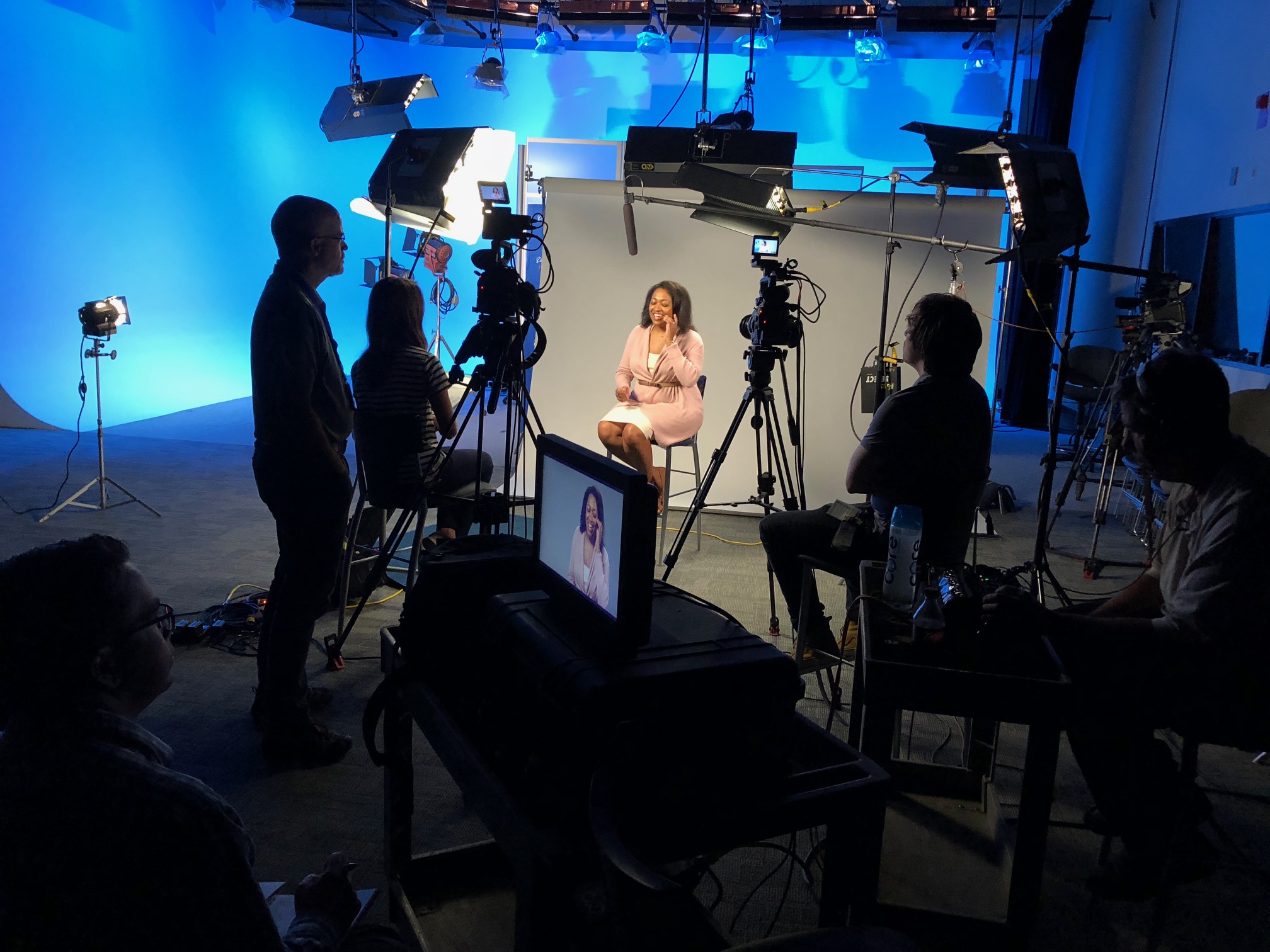
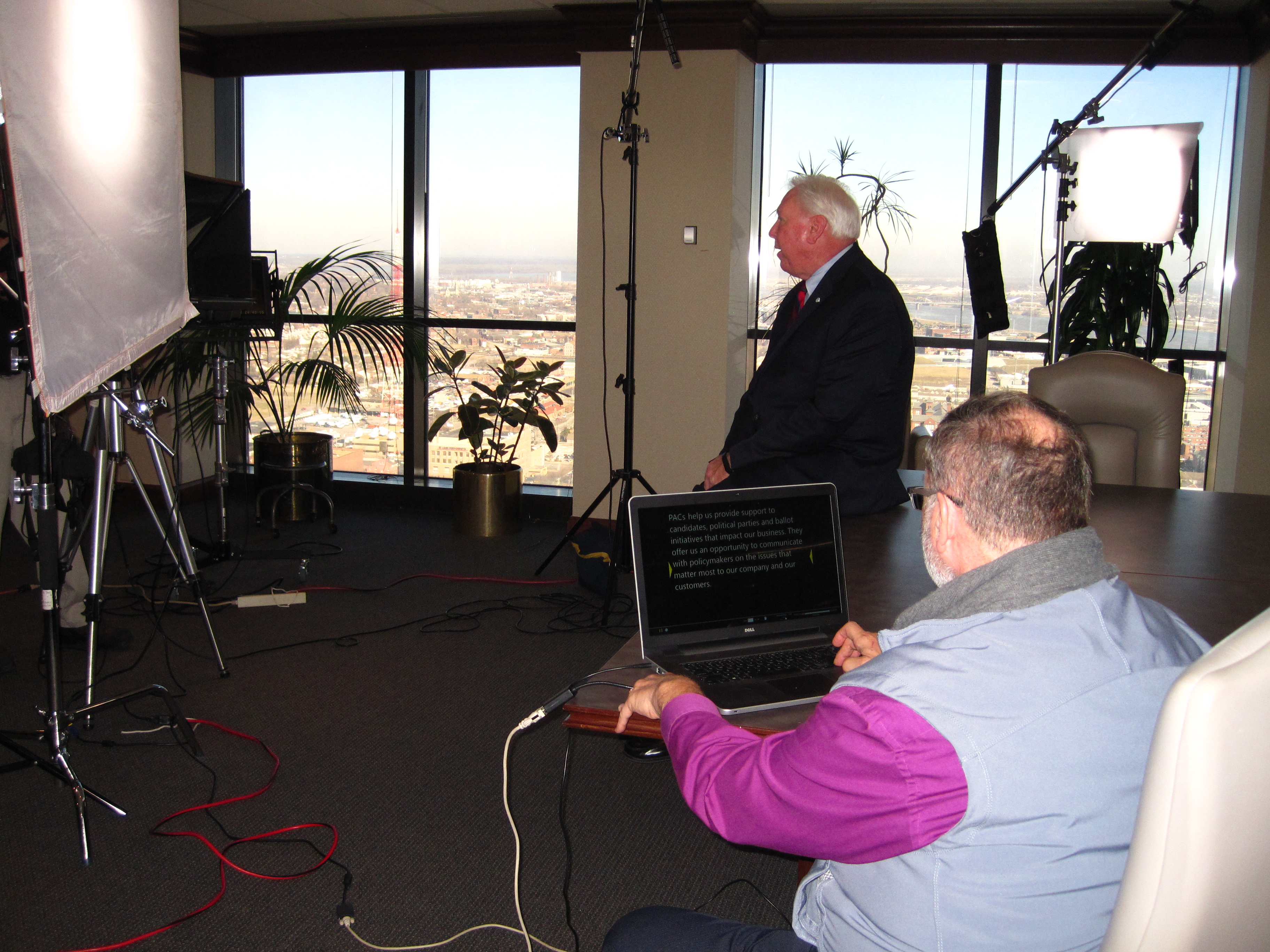
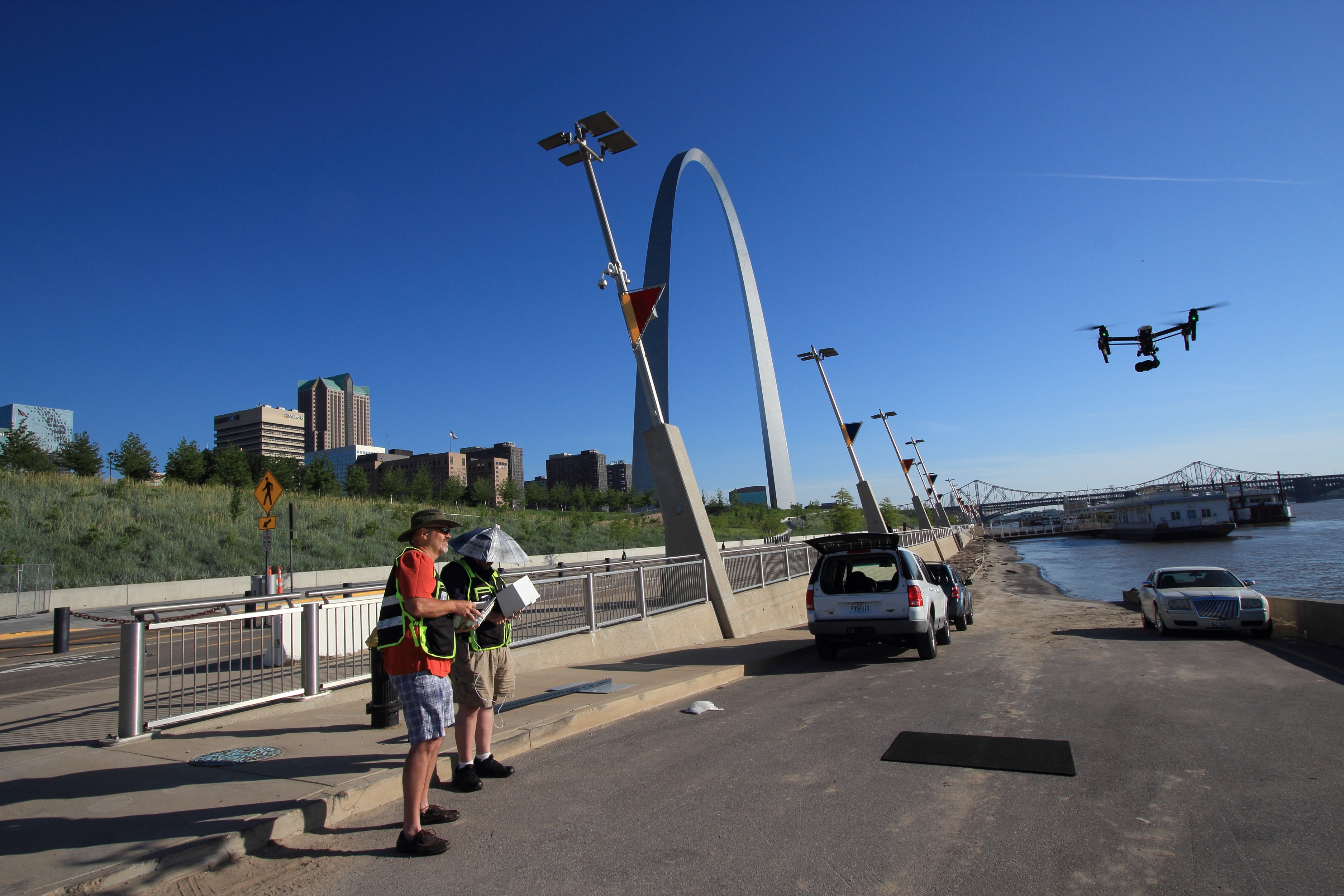
We’re a full-service professional commercial photography and video production company with the right equipment and creative crew service experience for successful image acquisition. We offer full-service studio and location video and photography, plus editing and post-production, and licensed drone pilots—including the ability to fly specialized drones indoors when your story needs dynamic visuals in tight spaces.

We can customize productions for diverse media requirements, and we specialize in repurposing your photography and video branding so a single testimonial shoot becomes a multi-platform lead system. We’re well-versed in all file types, delivery specs, and media styles, and we use the latest Artificial Intelligence tools across our workflows to speed up versioning, enhance post-production, and help you deploy more content faster—without sacrificing quality.

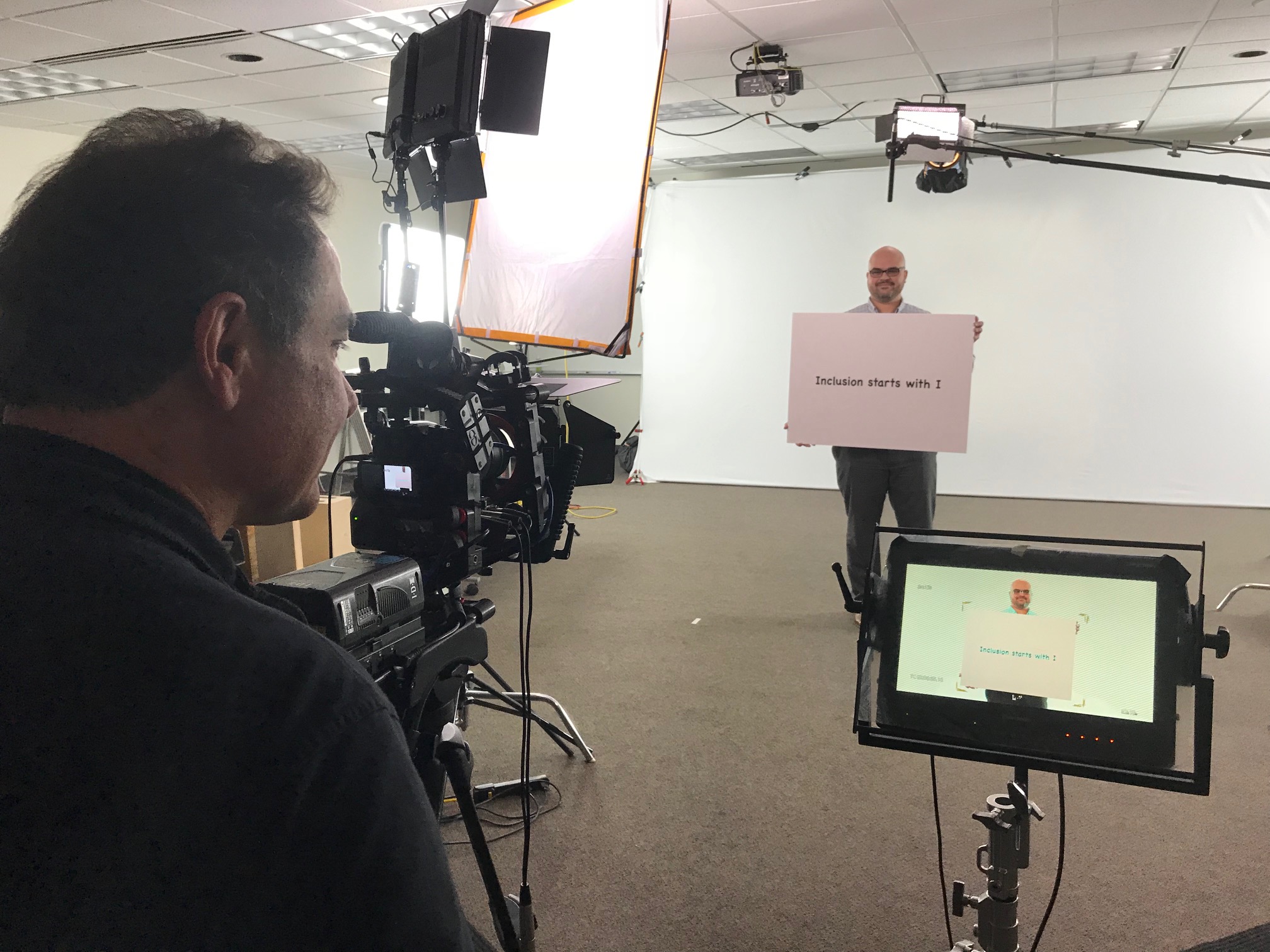
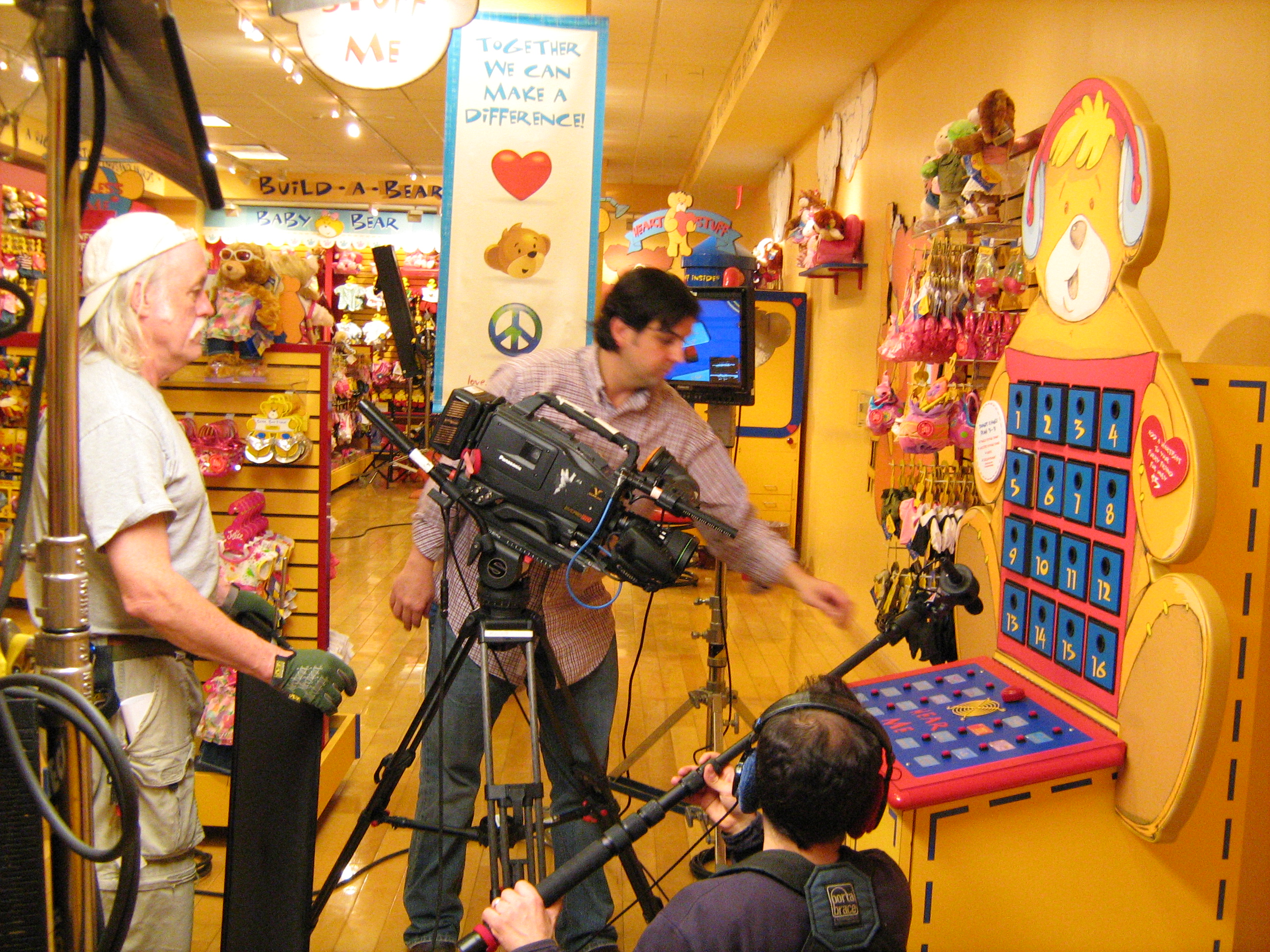
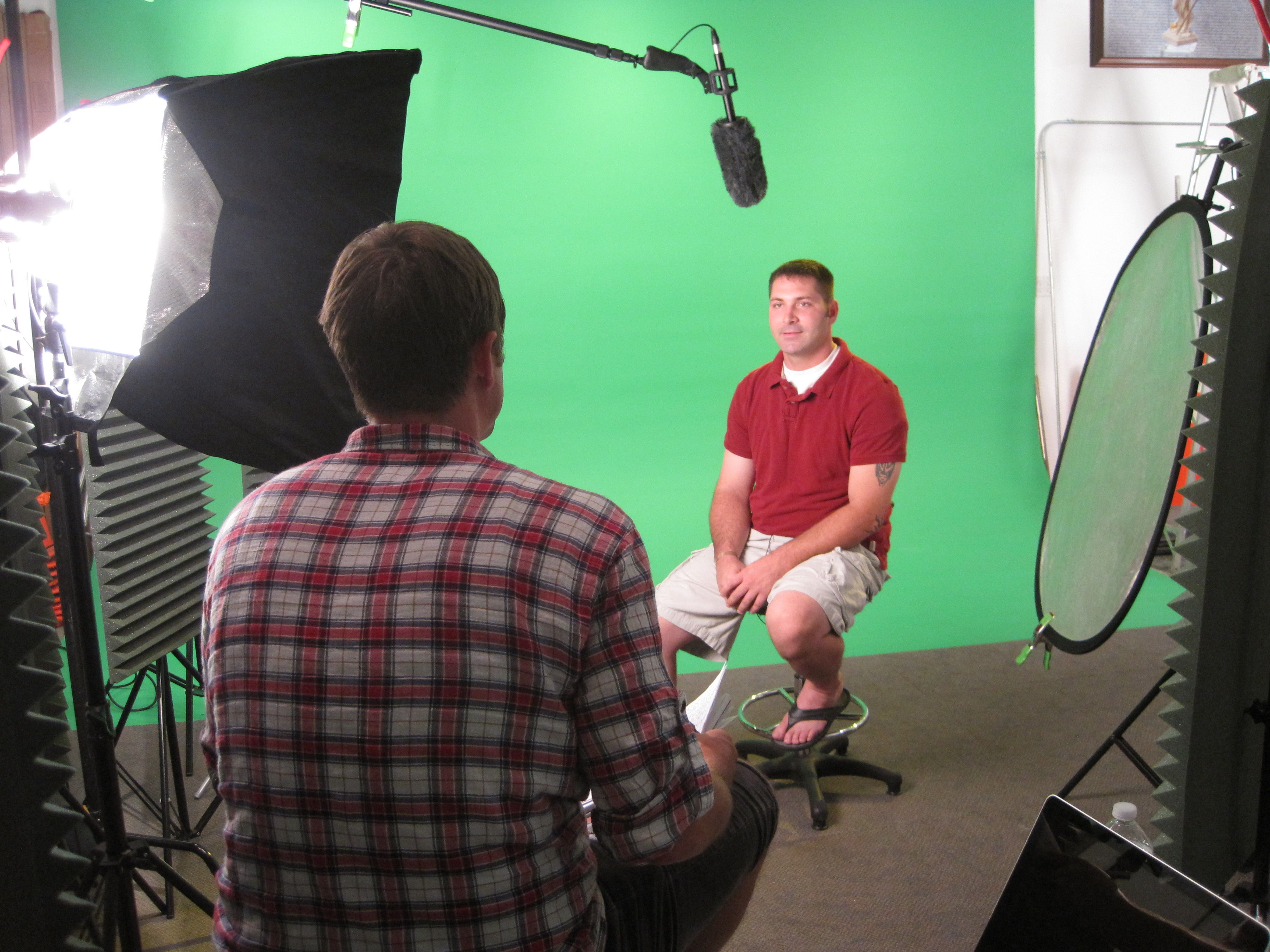
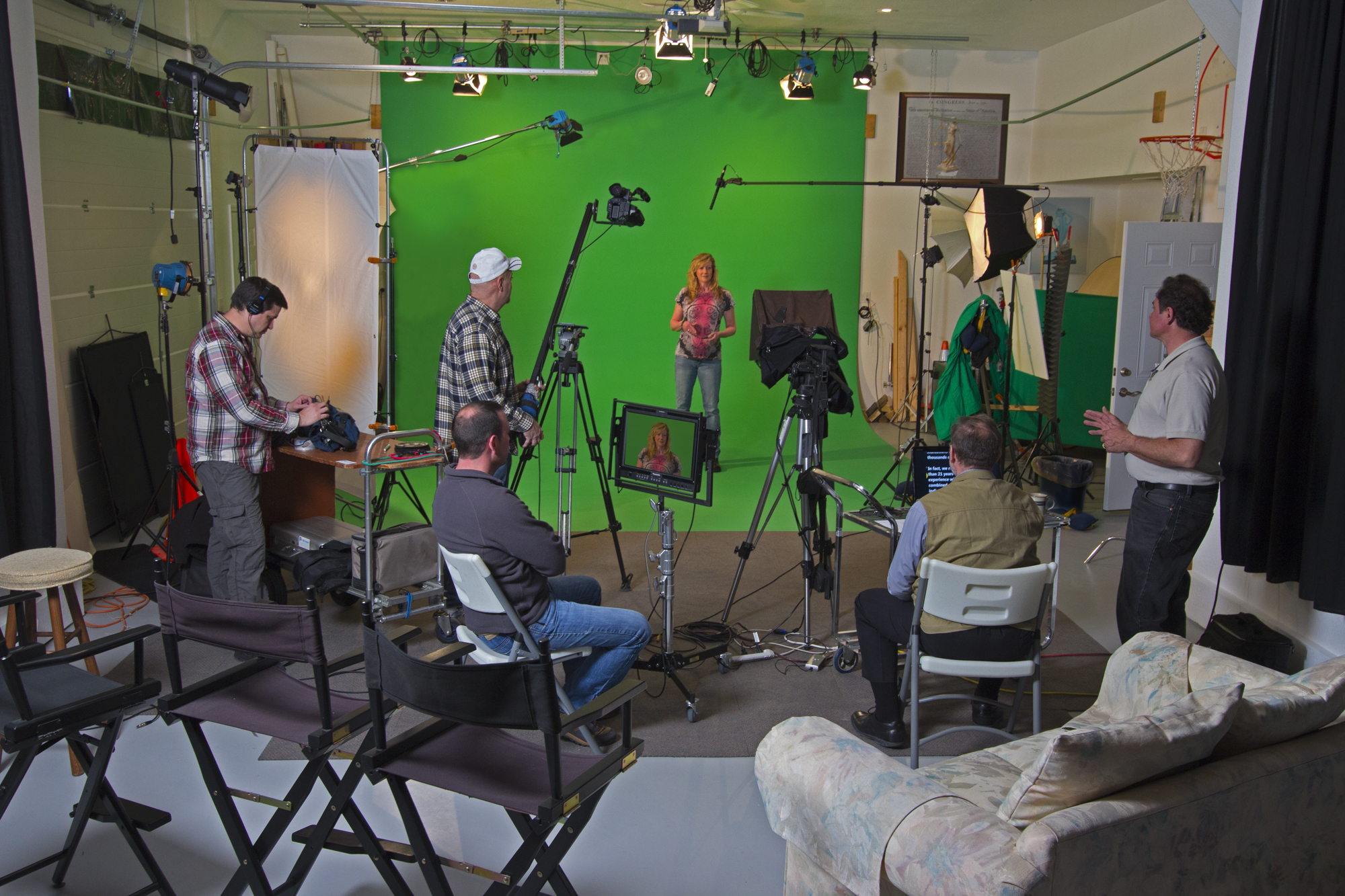
Our private studio lighting and visual setup is perfect for small productions and interview scenes, with enough space for props and set elements to match your brand. We support every aspect of your production—from setting up a private, custom interview studio to supplying professional sound and camera operators—ensuring your next testimonial project is seamless, efficient, and built to convert attention into action.

If your testimonials are currently “nice to have,” we can help you turn them into a repeatable system that reliably drives service business leads.

314-913-5626

mobuy1@gmail.com

What to Know About Lighting for Video and Photos at Your Event

Lighting is one of the most crucial elements in any video or photo production. Whether you’re hosting a corporate event, a product launch, or a corporate headshot session, the quality of your lighting can make or break the final results. For businesses and organizations seeking to make an impactful visual impression, understanding how lighting influences the image acquisition process is essential.

This is the natural or existing light that is available at the event venue. While ambient lighting may be soft and pleasant, it often needs enhancement to ensure it’s sufficient for video or photography.

At St Louis Video Editing, we work with companies of all sizes to ensure their video and photography production has the perfect lighting setup for any scenario. In this blog post, we’ll explore key aspects of lighting for event photography and videography, providing expert tips on how to maximize the potential of your next event shoot.

1. Why Lighting Matters in Video and Photography

Lighting is integral to creating visually compelling imagery. It sets the mood, highlights important details, and ensures that your subjects are seen clearly. In video production, lighting enhances the composition, while in photography, it determines the overall look and feel of the image. Proper lighting helps to:

  • Eliminate Shadows: Shadows can obscure important details or give an unflattering effect. A balanced lighting setup reduces harsh shadows and ensures your subjects are evenly illuminated.
  • Control Exposure: Exposure is the amount of light hitting the camera sensor. Proper lighting ensures that photos and videos are neither too bright (overexposed) nor too dark (underexposed).
  • Highlight the Subject: Good lighting draws attention to your subject. Whether it’s a speaker at an event, a product, or a corporate team, proper lighting makes them stand out in the frame.
  • Set the Mood: Lighting can create a mood or atmosphere in your visuals. Bright, vibrant lighting conveys energy, while softer, dimmer lighting may evoke a more intimate or serious tone.

2. Types of Lighting for Events

There are various types of lighting setups used in event photography and videography, and each serves a different purpose:

  • Key Lighting: This is the main light source and is used to highlight the subject. In studio setups, this is typically a softbox or a spotlight.
  • Fill Lighting: Used to fill in the shadows created by the key light, fill lighting helps to create a more balanced look without harsh contrasts.
  • Backlighting: Placing a light behind the subject creates a silhouette effect, emphasizing the contours of the subject and adding depth to your images.
  • Ambient Lighting: This is the natural or existing light that is available at the event venue. While ambient lighting may be soft and pleasant, it often needs enhancement to ensure it’s sufficient for video or photography.
  • Accent Lighting: This lighting is used to draw attention to certain details, like a product display or an important backdrop.

3. Challenges of Event Lighting

Lighting for events can present several challenges. Outdoor events can be tricky with fluctuating natural light, while indoor events may require additional lighting equipment to ensure consistency and clarity. Here are a few common challenges:

  • Lighting Fluctuations: Natural light can change throughout the day, making it hard to maintain consistent lighting for your video or photography. It’s important to have a flexible setup that can adapt to changes in lighting conditions.
  • Limited Space: Events often take place in venues with limited space. This can affect where you can position your lights and how you can balance the lighting to achieve the best results.
  • Venue Lighting: Some venues might have poor lighting or harsh overhead lights, which can affect the quality of your footage. In these cases, it’s necessary to supplement the venue’s lighting with professional equipment.

4. Tips for Perfect Event Lighting

Here are some practical tips to ensure your event is well-lit for photography and video production:

  • Use Soft, Diffused Light: Harsh light can create unflattering shadows and highlights. Diffuse your light using softboxes or light diffusers to soften the light and create a more flattering effect.
  • Position Your Lights Correctly: Place the key light at a 45-degree angle to your subject to create a natural look. Fill lights should be positioned opposite to reduce shadows.
  • Use the Right Color Temperature: Different light sources have different color temperatures (measured in Kelvin). Ensure your lighting is consistent to avoid color mismatches in your photos or video. Daylight balanced lighting (around 5500K) works well for most events.
  • Incorporate Ambient Lighting: In venues with beautiful natural light, use it to your advantage. Augment it with additional lighting to create a more dynamic visual.
  • Adjust Your Settings: Adjusting your camera settings (ISO, aperture, shutter speed) is essential to work with your lighting setup and ensure the best image quality.

5. St Louis Video Editing: Experts in Lighting and Event Production

At St Louis Video Editing, we understand that the right lighting can elevate your event video and photography, making your content more engaging and professional. As a full-service commercial photography and video production company, we specialize in creating exceptional visuals tailored to your event needs.

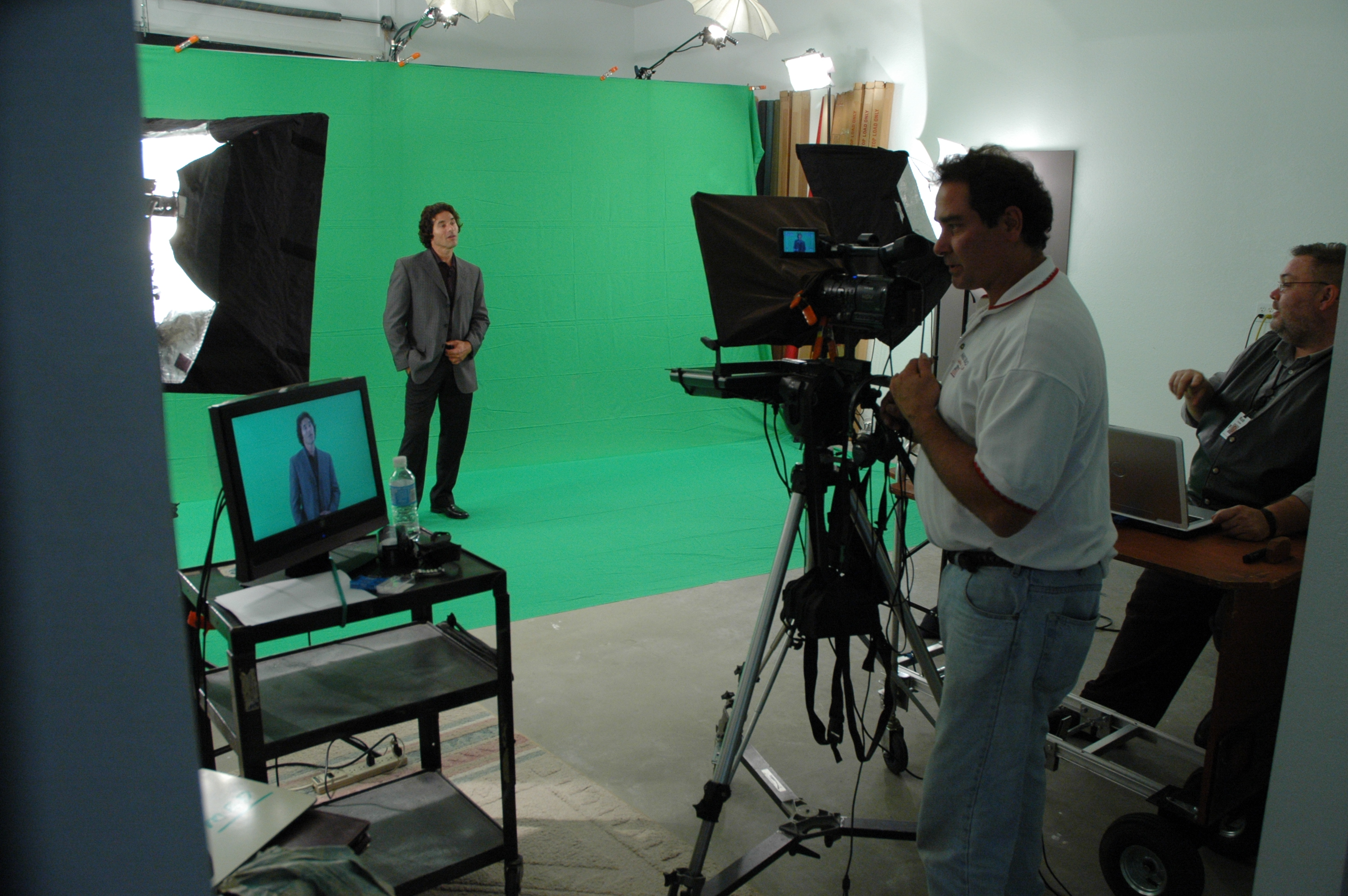
We have the right equipment and creative crew experience to ensure successful image acquisition, whether you need high-end studio setups or flexible on-location lighting for your event. Our private studio is equipped with professional lighting setups perfect for small productions and interview scenes, while also large enough to accommodate props for a complete set design.

We also offer the flexibility of flying our specialized drones indoors for unique aerial shots, making your event coverage stand out even further.

Whether you need video or photography for corporate events, product launches, team headshots, or any other business-related needs, St Louis Video Editing has the expertise and experience to deliver results. Since 1982, we’ve worked with businesses, marketing firms, and agencies throughout the St. Louis area, providing high-quality production services that go above and beyond your expectations.

Let St Louis Video Editing help you create compelling visuals that bring your brand to life. We’re here to handle every aspect of your production—from the perfect lighting to post-production edits and drone shots—ensuring your final product is nothing short of exceptional.

Contact St Louis Video Editing today to get started on your next project and see how we can make your event shine through the power of great lighting and professional video production.

314-913-5626

mobuy1@gmail.com