Tag Archives: webcasting and video streaming

How to Tell Your Best Business Story Through Video Editing

In the dynamic world of business, effective storytelling is crucial. Video has become a powerful medium for engaging audiences and conveying your brand’s message. But creating compelling video content is only half the battle. The true magic often happens in the editing room, where raw footage is transformed into a polished narrative that resonates with viewers. In this post, we’ll explore how to leverage video editing to tell your best business story, enhancing your brand’s presence and driving engagement.

1. Understand Your Story and Audience

Before diving into editing, it’s essential to have a clear understanding of the story you want to tell and who your audience is. This clarity will guide your editing choices, from the tone and pace to the visual and auditory elements. A well-defined narrative and target audience ensure that your final product speaks directly to the viewers you want to reach.

2. Craft a Compelling Narrative

Effective video editing is all about storytelling. Begin by structuring your footage to create a cohesive and engaging narrative. This involves:

  • Creating a Story Arc: Structure your video with a clear beginning, middle, and end. Start with a hook to grab attention, followed by a detailed exploration of the topic, and conclude with a strong call-to-action.
  • Maintaining Flow: Ensure that your video flows smoothly by connecting scenes logically. Use transitions to bridge gaps and maintain viewer interest without jarring shifts.
  • Highlighting Key Messages: Focus on the core messages you want to communicate. Emphasize these through careful selection of clips, strategic pacing, and reinforcing visuals or text.

3. Utilize Advanced Editing Techniques

To elevate your video and make it stand out, incorporate advanced editing techniques:

  • Color Correction and Grading: Enhance the visual appeal of your footage with color correction and grading. This not only improves the overall look but also sets the tone and mood of your video.
  • Sound Design: Audio plays a crucial role in storytelling. Use sound effects, background music, and voiceovers strategically to complement the visuals and reinforce the message.
  • Text and Graphics: Add text overlays, graphics, and animations to highlight important information, add context, or create visual interest. Ensure they are aligned with your brand’s style and message.

4. Optimize for Multiple Platforms

Different platforms have varying requirements and audience preferences. Edit your video with these considerations in mind:

  • Aspect Ratios: Tailor your video’s aspect ratio for different platforms (e.g., 16:9 for YouTube, 1:1 for Instagram).
  • Length and Format: Adjust the length and format to suit the platform and audience’s expectations. For instance, shorter, punchy videos work well on social media, while longer, more in-depth content may be suitable for a company website.
  • Engagement Features: Incorporate elements that encourage viewer interaction, such as clickable links, calls-to-action, or interactive features where applicable.
5. Repurpose Content for Maximum Impact

To maximize the value of your video content, consider repurposing it across various channels. This could involve creating shorter clips from a longer video, adapting content for different platforms, or using footage in different contexts. Repurposing helps in extending the reach of your content and engaging a wider audience.

6. Leverage Professional Editing Services

For businesses aiming to make a significant impact, working with professional video editors can be invaluable. At St Louis Video Editing, we specialize in transforming your raw footage into a compelling narrative that aligns with your brand’s vision. Our full-service studio and location video and photography, along with expert editing, post-production, and licensed drone pilots, ensure that every aspect of your production is handled with precision and creativity.

We offer a range of services including customizing productions for diverse media requirements, repurposing your photography and video branding, and providing private studio setups perfect for small productions and interview scenes. Our studio is equipped with the latest technology, including specialized drones capable of flying indoors, allowing us to create the perfect environment for your video needs.

With extensive experience working with businesses, marketing firms, and agencies in the St. Louis area since 1982, St Louis Video Editing is well-versed in all file types and media styles, ensuring that we can deliver a final product that meets your highest expectations. Let us help you tell your best business story through expert video editing, enhancing your brand’s presence and driving meaningful engagement.


Feel free to reach out to us at St Louis Video Editing for all your video production needs. We’re here to help you create captivating content that makes a lasting impression.
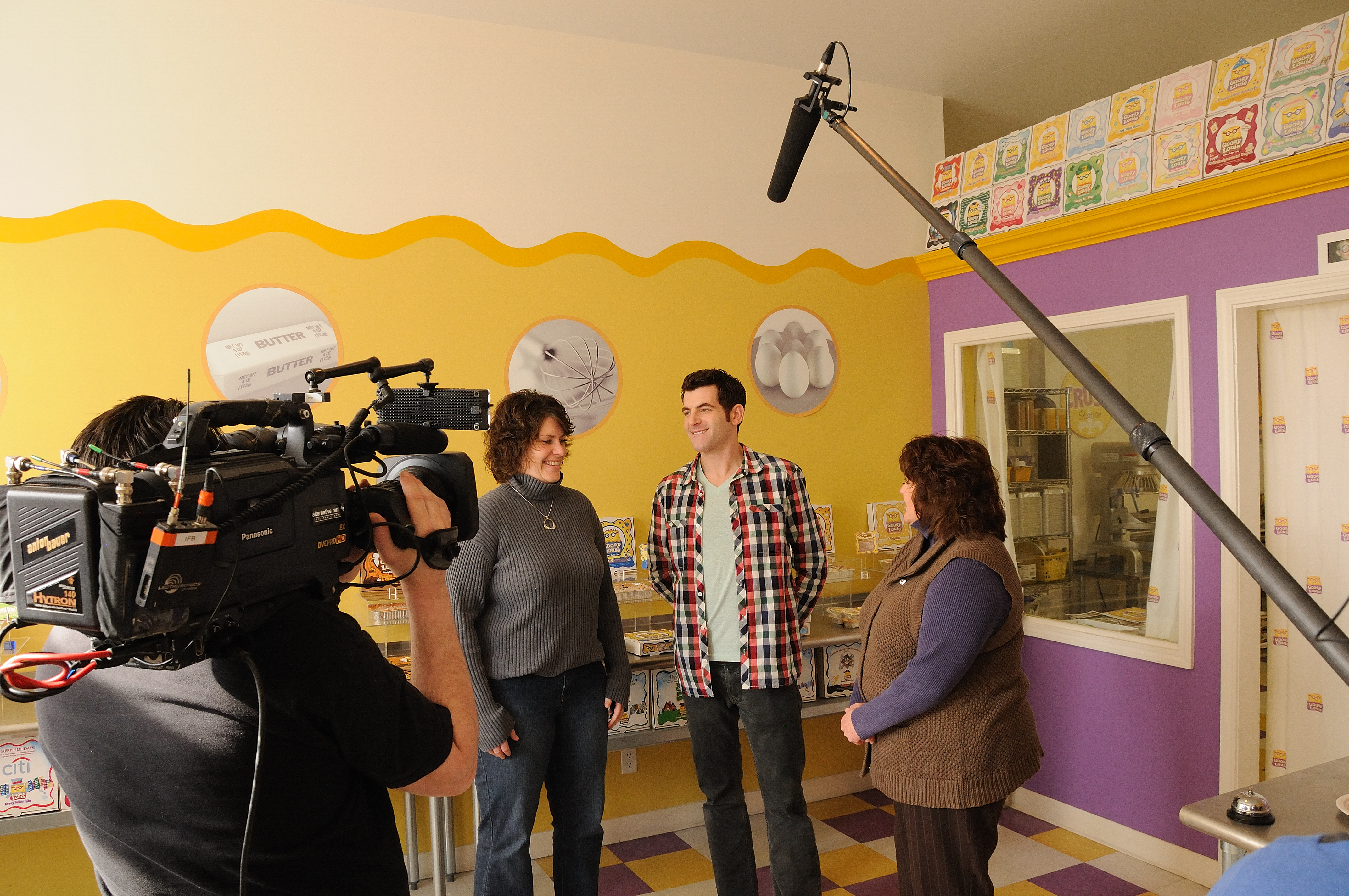
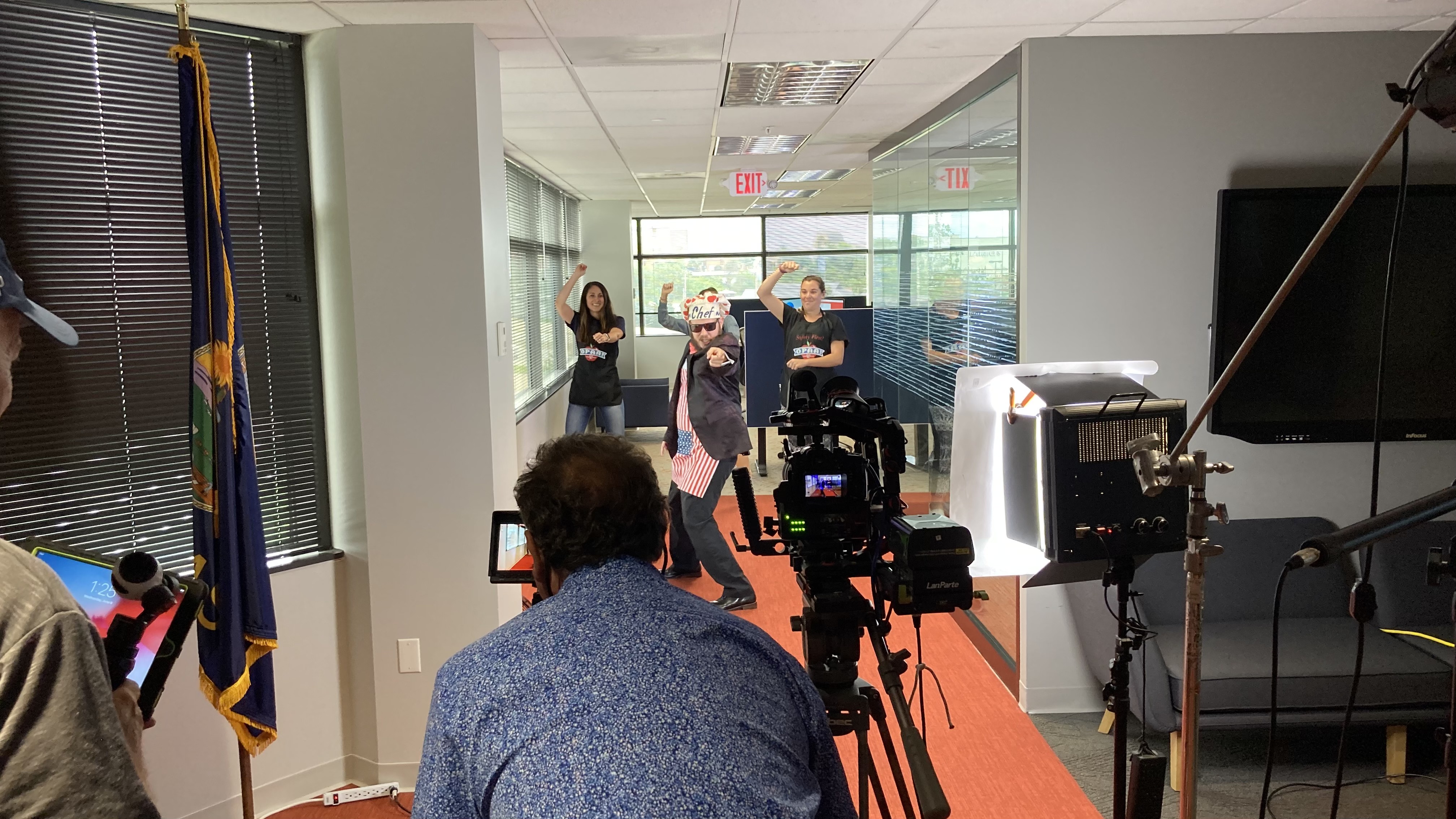
314-913-5626

mobuy1@gmail.com

What are the Top 10 Questions Asked About Editing a Corporate Video Production?

Creating a corporate video is a complex process that involves much more than just shooting footage. The editing phase is where the real magic happens, transforming raw footage into a polished, compelling story that aligns with your brand’s message. As decision-makers in businesses and organizations, understanding the intricacies of video editing can help you make informed choices that maximize the impact of your corporate videos. Here are the top 10 questions often asked about editing a corporate video production.

Music is a powerful tool in video production that can set the mood, emphasize key points, and enhance the overall viewing experience.

1. What is the Role of Editing in Corporate Video Production?

Editing is the process of selecting and combining shots, adding music, graphics, and effects to create a cohesive and engaging final product. It’s where the narrative is crafted, pacing is set, and the overall tone of the video is established. Good editing can make the difference between a mediocre video and a memorable one that resonates with your audience.

2. How Long Does the Editing Process Take?

The duration of the editing process depends on several factors, including the length and complexity of the video, the amount of raw footage, and the specific requirements of the project. A simple, straightforward video might take a few days to edit, while a more complex production could take several weeks.

3. What Software is Used for Editing?

Professional video editors use a range of software to achieve high-quality results. Popular options include Adobe Premiere Pro, Final Cut Pro, and DaVinci Resolve. These tools offer advanced features for color correction, sound editing, special effects, and more, ensuring a polished final product.

4. How Do You Ensure the Video Aligns with Our Brand?

During the pre-production phase, we work closely with you to understand your brand’s identity, messaging, and goals. This collaboration continues through the editing process, where we ensure that the visual and audio elements of the video reflect your brand’s style and tone. Consistent communication and feedback loops are crucial to achieving this alignment.

5. What Kind of Input Do We Need to Provide During the Editing Process?

Your input is vital throughout the editing process. Initially, we’ll need a clear understanding of your objectives and any specific requirements you have. As we progress, your feedback on rough cuts and draft versions will help refine the video to meet your expectations. Providing timely and constructive feedback ensures that the final product aligns with your vision.

6. Can You Add Graphics and Animations to Our Video?

Absolutely. Adding graphics and animations can enhance the visual appeal of your video and help convey complex information more effectively. Whether it’s logo animations, infographics, lower thirds, or motion graphics, we can integrate these elements seamlessly into your video.

7. How is Music Integrated into the Video?

Music is a powerful tool in video production that can set the mood, emphasize key points, and enhance the overall viewing experience. We source high-quality, licensed music that aligns with your brand and the video’s message. The music is carefully integrated to complement the visuals without overpowering them.

8. What About Voiceovers and Sound Effects?

Voiceovers and sound effects play a crucial role in storytelling. We work with professional voiceover artists to deliver clear and engaging narration that enhances your video’s message. Sound effects are also added to create a more immersive experience and emphasize specific actions or emotions.

9. How Do You Handle Revisions and Final Approvals?

We understand that revisions are a natural part of the creative process. We typically offer a set number of revision rounds, during which you can provide feedback and request changes. Final approval is given once you are completely satisfied with the video. Clear communication and a structured review process help ensure that the final product meets your expectations.

10. What Formats Will the Final Video Be Delivered In?

The final video can be delivered in various formats depending on your needs, including MP4, MOV, AVI, and others. We ensure that the video is optimized for its intended platform, whether it’s for web, social media, or broadcast. We also provide guidance on the best practices for distributing your video to maximize its impact.

Conclusion

At St Louis Video Editing, we understand the intricacies and importance of the editing process in creating a successful corporate video. Our full-service professional commercial photography and video production company is equipped with the right tools and creative expertise to deliver high-quality results. We offer comprehensive studio and location video and photography services, as well as editing, post-production, and licensed drone operations.

Our experienced team can customize your productions to meet diverse media requirements and repurpose your photography and video branding to gain more traction. We are proficient in all file types and styles of media, ensuring that your project is handled with the utmost care and precision. Our private studio lighting and visual setup are perfect for small productions and interview scenes, while our spacious studio can accommodate larger sets and props.

From private custom interview studio setups to providing sound and camera operators, we have everything needed to make your next video production perfect. Our specialized drones can even fly indoors, adding a unique perspective to your footage. St Louis Video Editing has worked with numerous businesses, marketing firms, and agencies in the St. Louis area, making us your go-to partner for all your corporate photography and video needs.

314-913-5626

mobuy1@gmail.com

Mastering the Art of Videotaping Conference Speakers

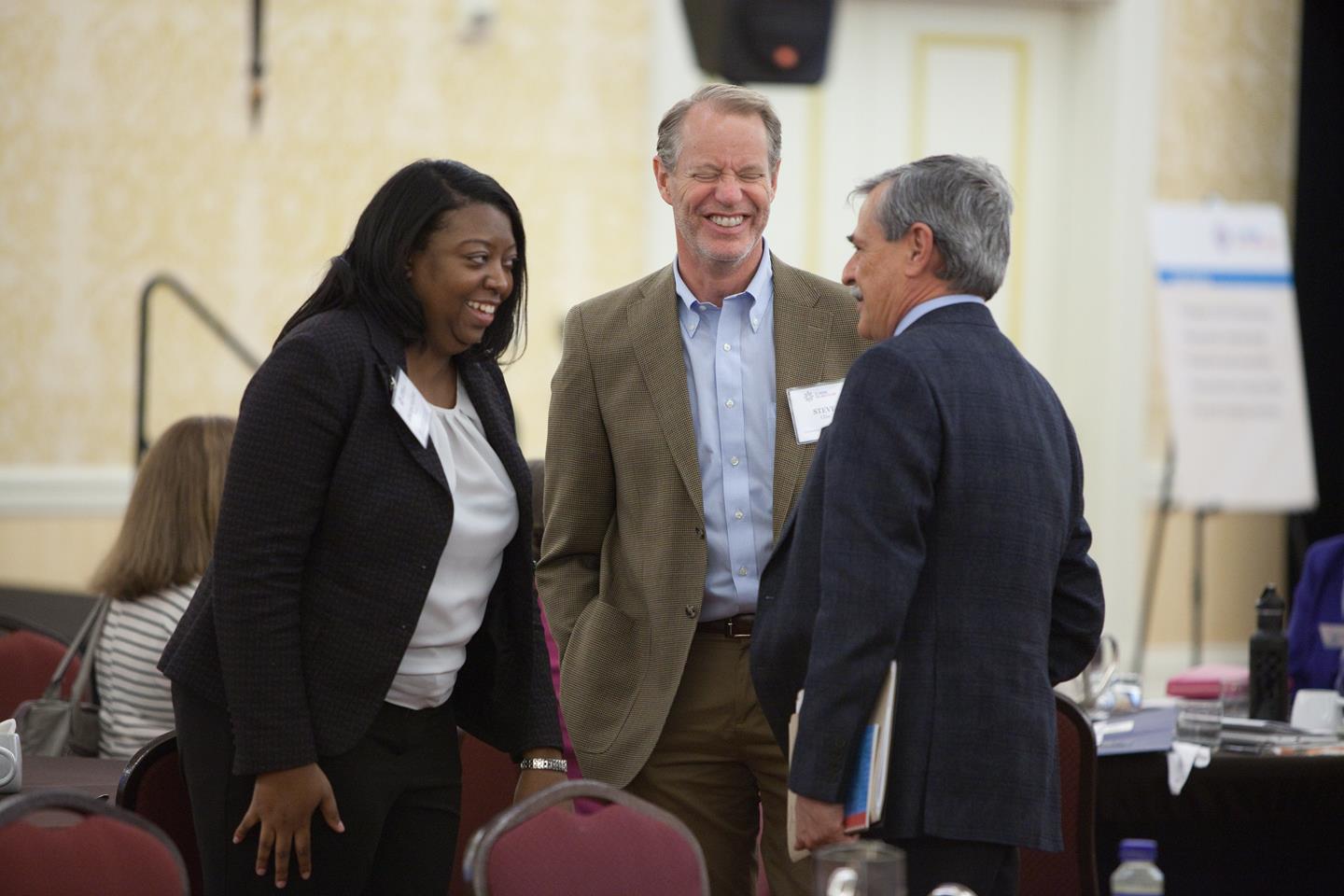
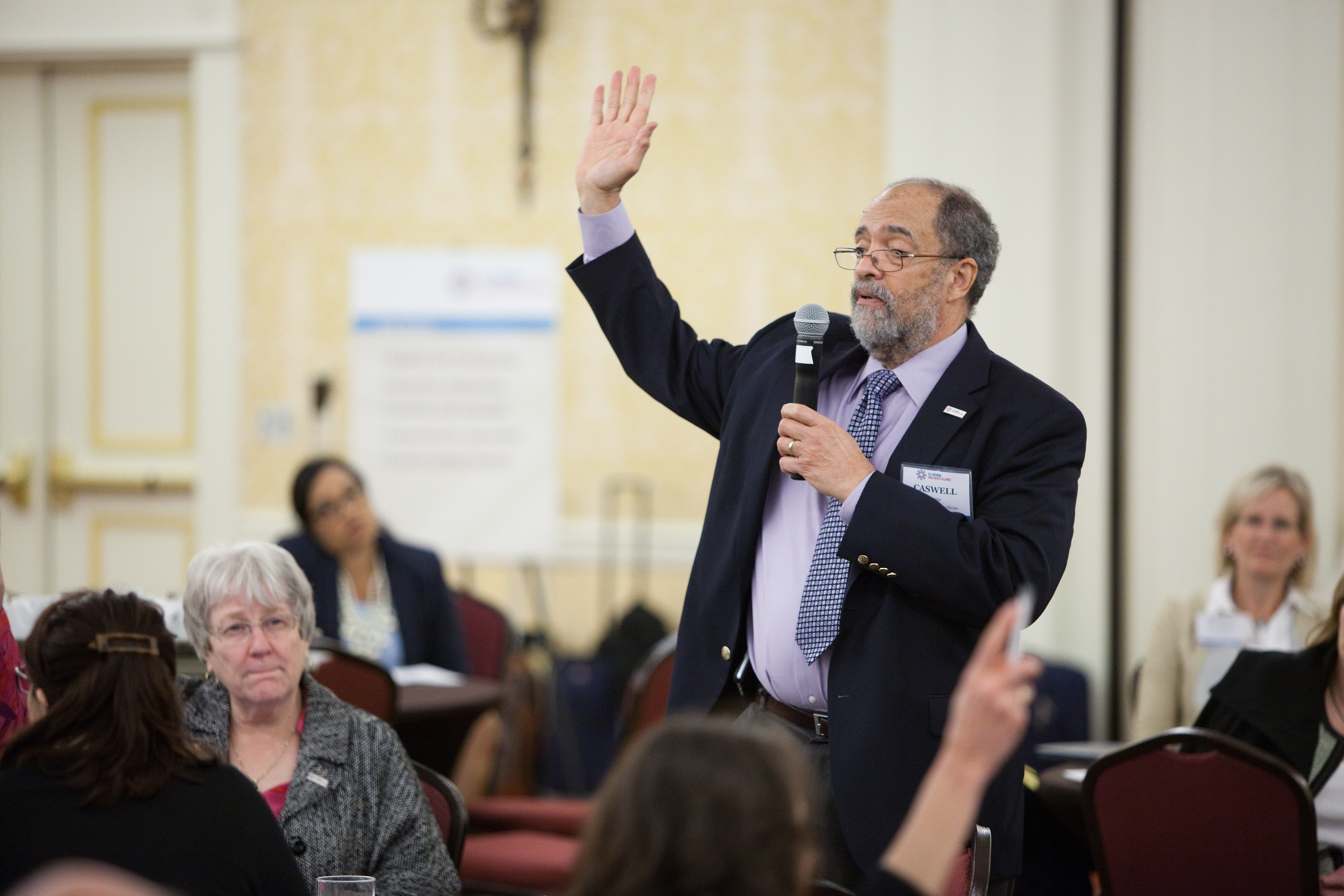
Conference speakers are the lifeblood of any event, and their presentations are often the main draw for attendees. As an experienced photographer and videographer at St. Louis Video Editing, I’m here to guide you through the intricate process of mastering the art of videotaping conference speakers.

Convert conference sessions into online courses or webinars for extended education and monetization opportunities.

The Significance of Conference Documentation

Before we delve into the technical aspects of recording conference speakers, let’s understand why documenting conferences is essential. Conference documentation serves several critical purposes:

  1. Knowledge Preservation: Conferences often feature experts sharing valuable insights and knowledge. Recording these presentations ensures that this information is preserved for future reference.
  2. Wider Reach: In an age of digital connectivity, recorded conference sessions can be shared online, allowing a global audience to access and benefit from the content.
  3. Marketing and Promotion: High-quality videos of speakers can be used for marketing future events or promoting the current conference on social media and websites.
  4. Archival Purposes: Conferences hold historical value, and well-documented recordings can serve as archives for institutions, organizations, and industries.

Now that we understand the importance of conference documentation, let’s delve into the process of capturing speakers effectively.

Preparing for the Videotaping

1. Scouting the Venue

Before the conference begins, it’s crucial to visit the venue and assess the layout. Determine where the speakers will be positioned, the lighting conditions, and any potential obstacles that could affect your filming.

2. Equipment Checklist

As a full-service professional commercial photography and video production company, St. Louis Video Editing is well-equipped to handle conference documentation. Here’s a checklist of essential equipment:

  • Cameras: High-quality video cameras with interchangeable lenses for flexibility in different shooting scenarios.
  • Tripods: Sturdy tripods to ensure steady shots and eliminate shaky footage.
  • Microphones: Lavalier microphones or shotgun microphones for clear audio capture.
  • Lighting: Additional lighting equipment to enhance visibility and reduce shadows.
  • Backup Equipment: Always have backup cameras, memory cards, batteries, and cables to avoid any technical hiccups.

3. Pre-conference Speaker Briefing

Before the conference begins, meet with the speakers to discuss logistics. Explain the recording process, microphone placement, and any specific requests they may have. Building a rapport with the speakers will help them feel more comfortable on camera.

Filming Techniques

4. Camera Placement

Position your cameras strategically to capture the speaker from various angles. Ensure that the frame includes the speaker’s face, body language, and any visuals they may be presenting. Multiple camera angles can make the final video more engaging.

5. Lighting

Proper lighting is crucial for high-quality video. If the venue’s lighting is insufficient, consider adding external lights to illuminate the speaker evenly. Avoid harsh shadows on the speaker’s face, as this can be distracting.

6. Audio Capture

Capturing clear audio is equally important as video quality. Use lavalier microphones on the speakers to pick up their voices clearly. Additionally, record ambient audio to capture audience reactions and applause.

7. Visuals and Slides

If the speaker uses slides or visual presentations, make sure to capture them as well. Use a second camera or switch between the speaker and the visuals during editing to maintain viewer engagement.

During the Conference

8. Continuous Monitoring

Throughout the conference, continuously monitor your equipment, audio levels, and video quality. Make necessary adjustments as needed to ensure everything runs smoothly.

9. Backup Recordings

Record backup audio and video footage separately, ideally on different devices. This precaution can be a lifesaver if any technical issues arise during the conference.

Post-Production

10. Editing

Once the conference is over, it’s time to edit the footage. This process involves trimming unnecessary sections, improving audio quality, adding graphics or text overlays, and ensuring a seamless flow.

11. Color Correction

Apply color correction to enhance the overall look of the video. This step can make a significant difference in the final product, especially if lighting conditions were less than ideal.

12. Adding Graphics and Effects

To make the video visually engaging, consider adding graphics, animations, and effects. This can include speaker introductions, lower-thirds with their credentials, and transitions between segments.

Repurposing Conference Content

At St. Louis Video Editing, we understand the value of repurposing your conference photography and video content to gain more traction. Here are some ways to repurpose conference footage:

  • Social Media Clips: Create short, attention-grabbing clips from the conference sessions and share them on social media platforms to generate interest in upcoming events.
  • Online Courses: Convert conference sessions into online courses or webinars for extended education and monetization opportunities.
  • Blog Posts: Transcribe conference presentations and turn them into informative blog posts, helping you reach a wider audience.
  • Email Campaigns: Use snippets from the conference to engage your email subscribers and encourage them to watch the full sessions.
  • Marketing Collateral: Incorporate conference footage into your marketing materials, such as brochures, flyers, and promotional videos.

St. Louis Video Editing: Your Conference Documentation Partner

As a full-service video and photography production company, St. Louis Video Editing has extensive experience in capturing and documenting conferences. We have successfully worked with numerous businesses, marketing firms, and agencies in the St. Louis area for their corporate photography and video needs.

Our commitment to excellence is reflected in our state-of-the-art equipment, dedicated team of creative professionals, and a deep understanding of diverse media requirements. Whether you require studio or location videography and photography, editing, or post-production services, we have the expertise to tailor our services to your specific needs.

We are well-versed in handling various file types and styles of media, utilizing the latest software and technology to deliver exceptional results. When you choose St. Louis Video Editing, you’re not just hiring a service; you’re partnering with a team that is passionate about capturing the essence of your conferences and events.

Conclusion

Mastering the art of videotaping conference speakers is a multifaceted process that involves careful preparation, technical expertise, and post-production finesse. The importance of conference documentation cannot be overstated, as it serves as a valuable resource for knowledge preservation, marketing, and archival purposes.

At St. Louis Video Editing, we take pride in our ability to deliver top-notch conference documentation services. Our track record of working with businesses, marketing firms, and agencies in the St. Louis area speaks volumes about our dedication to excellence. With our state-of-the-art equipment, creative team, and proficiency in handling various media requirements, we are your ideal partner for successful conference documentation.

Don’t miss the opportunity to elevate your conference documentation to the next level. Contact us today to discuss your specific needs and let St. Louis Video Editing capture the essence of your next conference with precision and artistry.

Contact St. Louis Video Editing for all your conference documentation needs.

314-913-5626

mobuy1@gmail.com