Tag Archives: social-media

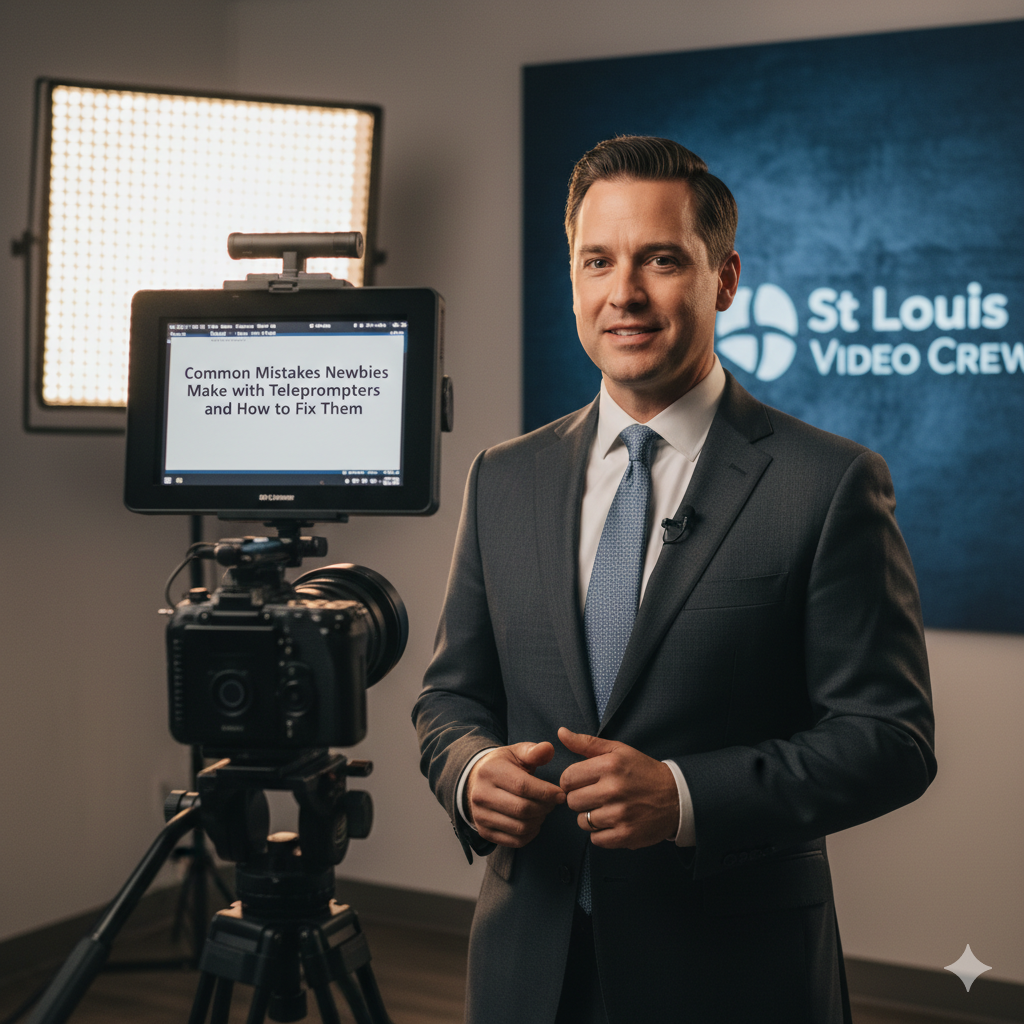
Elevate Your Edits: B-Roll Tricks to Keep Your Videos Engaging

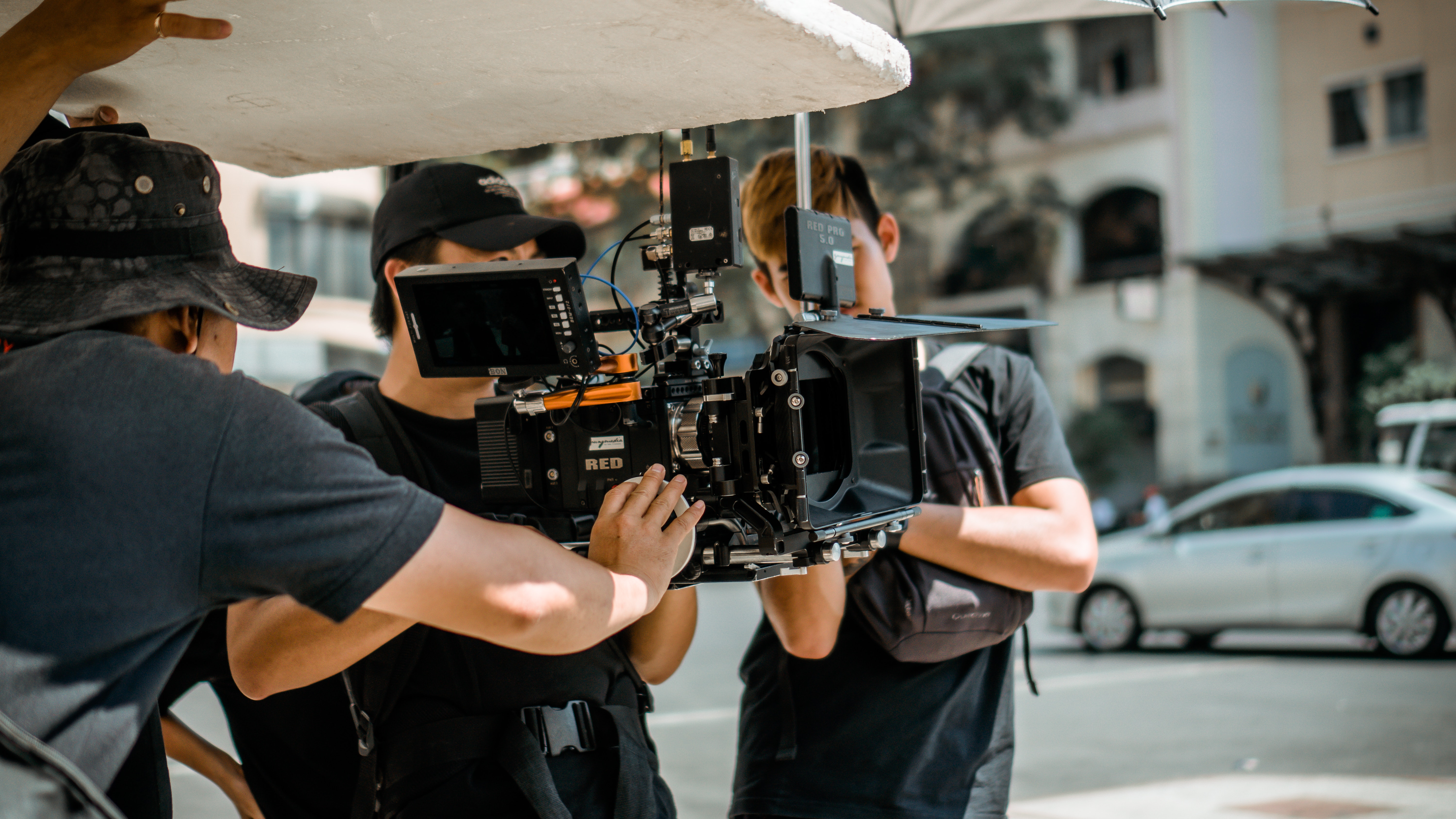
As decision-makers in photography, marketing, and video production for your organizations, you understand that an impactful video is far more than a sequence of static shots. It’s a dynamic, compelling narrative that holds your audience’s attention from the first frame to the last. At the heart of achieving this dynamic quality is the skilled use of B-roll footage.

B-roll—the supplemental or alternative footage intercut with the main shot (often called A-roll, such as an interview)—is your secret weapon against viewer fatigue. But simply having B-roll isn’t enough; the real magic lies in the editing.

Here are advanced B-roll editing tricks and techniques we employ to keep your corporate and marketing videos fresh, professional, and, most importantly, engaging.


✂️ The Art of the Intercut: Beyond the Simple Cover-Up

The fundamental role of B-roll is to cover jump cuts in A-roll interviews or to illustrate a speaker’s point. However, expert editing elevates this function:

  • The Illustrative Beat: Don’t just show what’s being said; show what’s being meant or felt. If an executive is discussing “innovation,” cut to a tight shot of a team collaborating intensely or a product in development, rather than just a generic office shot. Precision in timing is key—the B-roll must land right on the word or phrase it’s illustrating.
  • Action and Reaction: When covering a live event or a case study, intercut shots of the action (A-roll subject doing something) with the reaction (close-up of a team member’s face, a customer smiling). This technique instantly adds an emotional layer and humanizes the narrative.
  • The “L-Cut” and “J-Cut” Mastery: These audio-visual tricks create seamless transitions:
    • L-Cut: The audio from the preceding B-roll clip continues to play under the next A-roll clip.
    • J-Cut: The audio from the upcoming A-roll (interview) clip starts under the current B-roll clip. This subtle overlapping smooths out cuts, making the video flow naturally and feel more cinematic.

🎥 Varied Pacing and Shot Selection for Visual Interest

A sequence of equally long B-roll clips will bore the viewer. Professional editing introduces rhythmic variation:

  • Quick-Cut Sequences: Use a rapid succession of very short (2-3 frame) B-roll clips when you need to convey energy, speed, or a sense of many moving parts (e.g., a bustling factory floor, a fast-paced meeting). This injects dynamic momentum into an otherwise slow-paced interview.
  • The Moment of Focus: Contrast the quick cuts with a strategically placed longer shot—perhaps a beautifully composed slow-motion shot or a steady push-in/pull-out with a gimbal. This serves as a visual palate cleanser and gives the audience a moment to absorb a key visual element.
  • Close-Up Detail (Inserts): Never underestimate the power of a tight close-up on hands working, a product detail, or eyes focusing. These “insert shots” are highly effective B-roll because they draw the viewer in and eliminate visual clutter, focusing their attention on the essence of the message.

✨ Post-Production Polish and AI Enhancement

The right B-roll is often perfected in post-production with tools that ensure consistency and add flair:

  • Color Grading Harmony: Ensure your B-roll clips have a consistent and professional look, even if shot on different cameras or locations. Uniform color grading ties the footage together and reinforces your brand’s visual identity.
  • Motion and Effects: Judicious use of subtle zooms, pans, or tilts (digital manipulation in post) can transform static B-roll into dynamic footage. Furthermore, we leverage the latest in Artificial Intelligence tools to enhance image quality, automate complex tasks like object tracking, and even generate subtle, high-quality effects, allowing us to focus more on the creative narrative.
  • Sound Design Layering: The B-roll is not just a visual tool. Layering in ambient sound (e.g., the subtle hum of machinery, keyboard clicks, light crowd noise) beneath the A-roll audio creates a rich, immersive soundscape that makes the entire production feel more premium and believable.

Partner with St Louis Video Editing and Photography

For decision-makers who demand successful image acquisition and unparalleled video production quality, partnering with an experienced, full-service professional commercial photography and video production company is essential.

Since 1982, St Louis Video Editing and Photography has been a trusted corporation serving businesses, marketing firms, and creative agencies throughout the St. Louis area. We bring the right equipment and a creative crew with decades of service experience to every project.

We offer full-service studio and location video and photography, backed by extensive editing and post-production capabilities. Our specialization extends to licensed drone pilots—including the ability to fly our specialized drones indoors for unique perspectives—and we are well-versed in all file types and media styles.

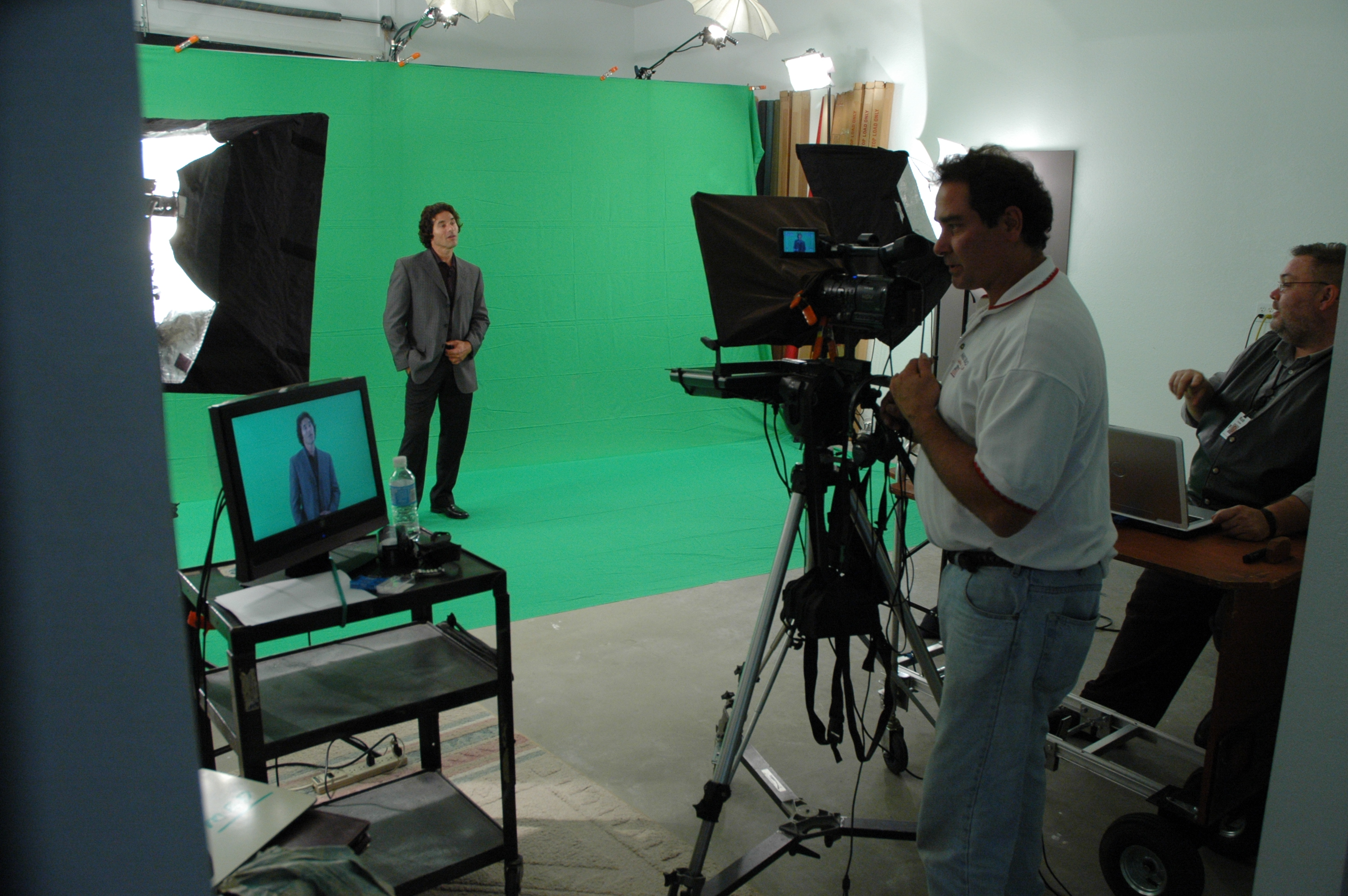
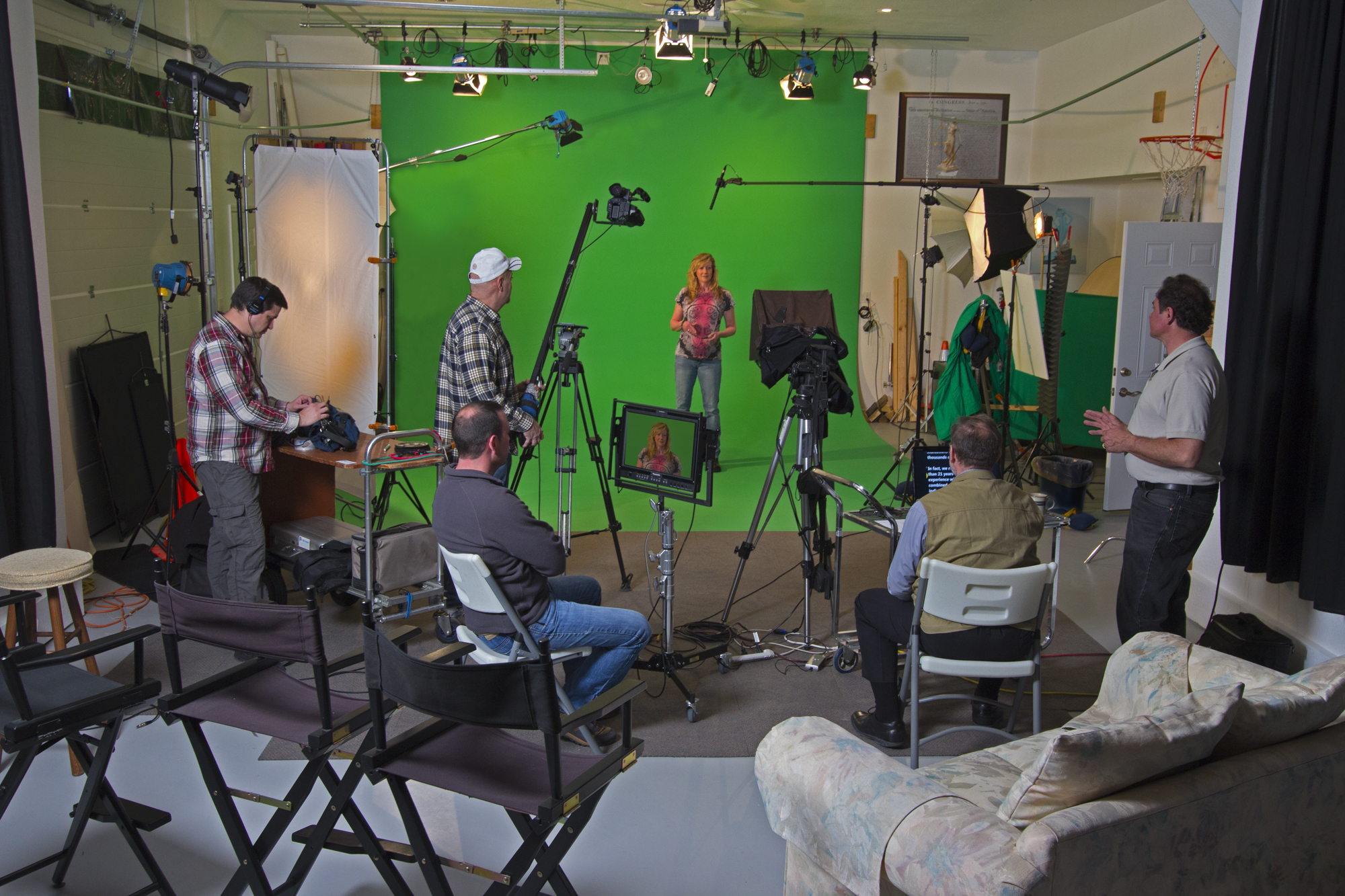
Our commitment to innovation is shown through our use of the latest in Artificial Intelligence for all our media services, ensuring efficiency and cutting-edge results. Our private studio lighting and visual setup is perfect for small productions, interview scenes, and is large enough to incorporate props to round out your set.

From setting up a private, custom interview studio to supplying professional sound and camera operators, we support every aspect of your production, ensuring your next video is seamless and successful. We also specialize in repurposing your photography and video branding to customize your productions for diverse types of media requirements and gain more traction across all platforms.

Let us put our experience to work to capture and create the compelling visuals your brand deserves.


Would you like to schedule a consultation to discuss how our full-service video and photography capabilities can enhance your current marketing initiatives?

314-913-5626

mobuy1@gmail.com

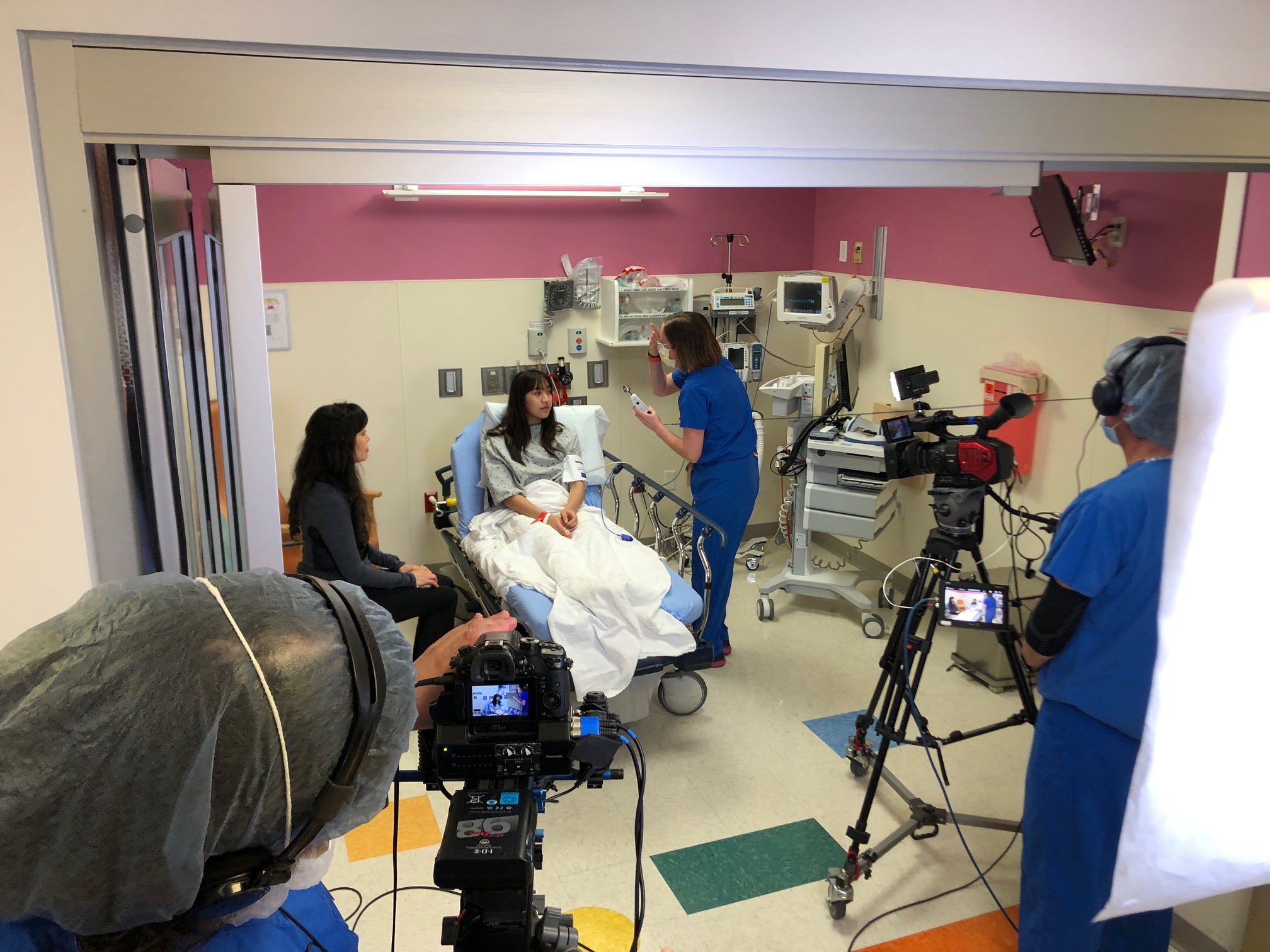
Clearing the Hurdles: Simple Steps to Engaging Safety Training Videos

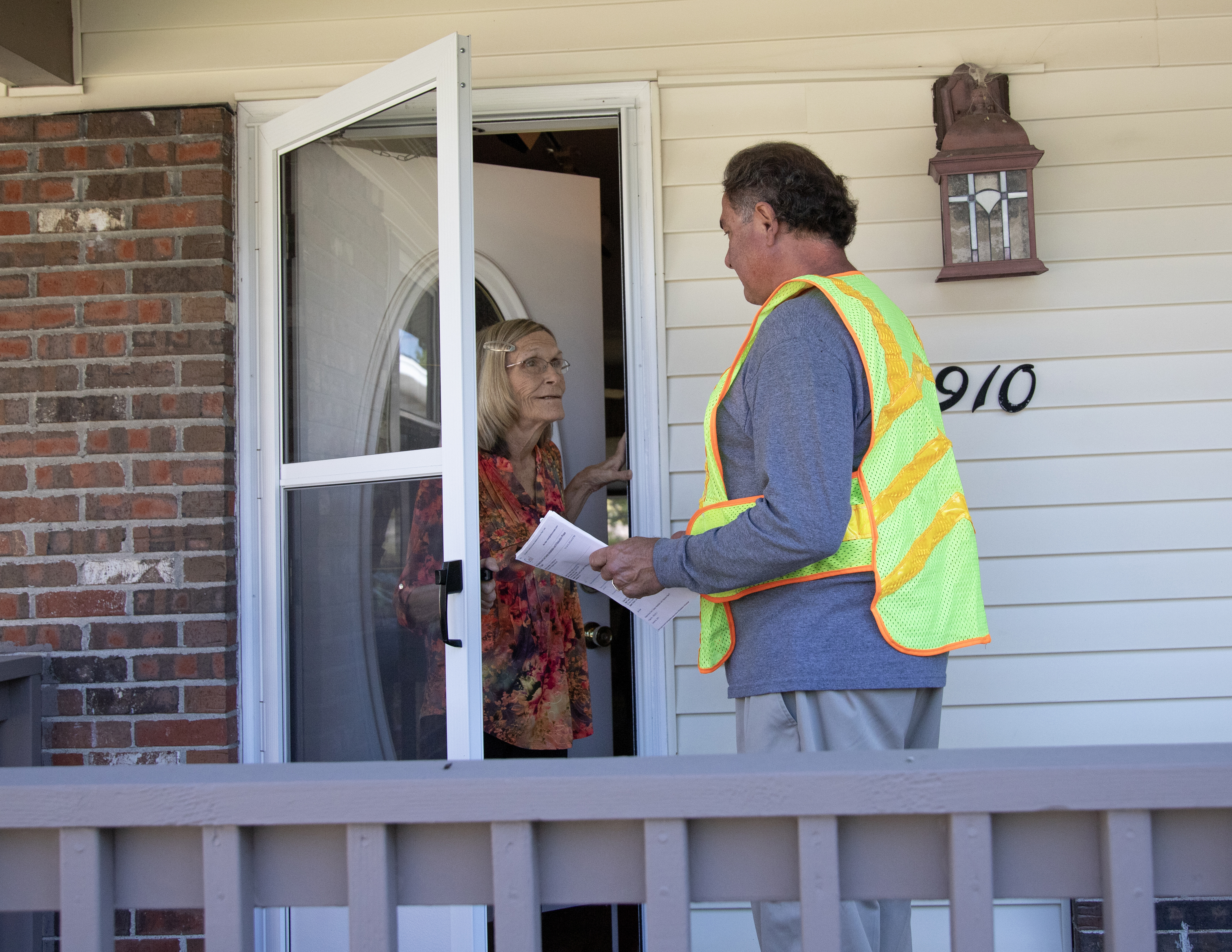
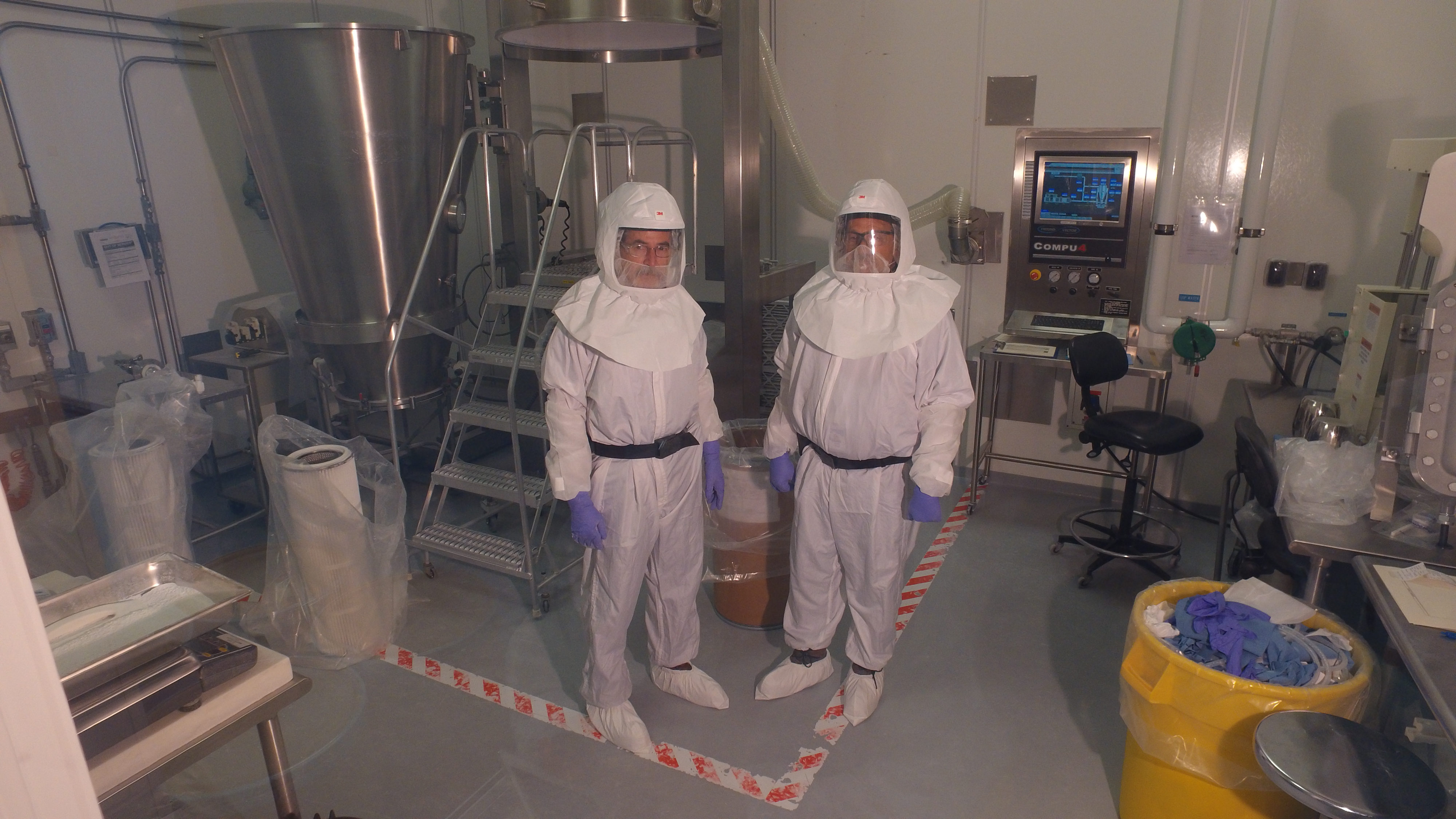
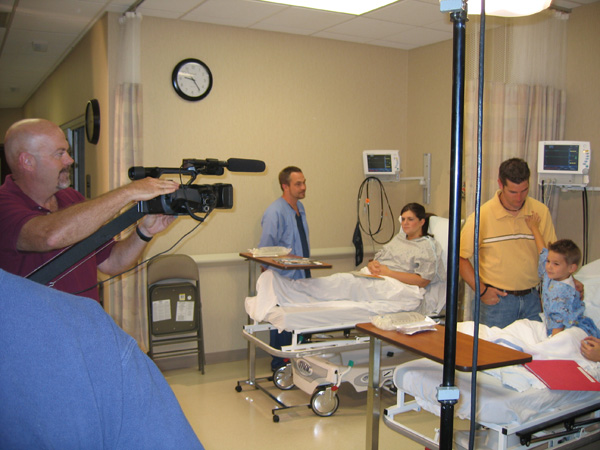
As seasoned professionals in commercial photography and video production, we at St Louis Video Editing have witnessed a common challenge for businesses and organizations: transforming essential, often complex, safety information into engaging and memorable training videos. The goal isn’t just to deliver information, but to ensure it’s retained and applied. Too often, safety videos fall into predictable traps, becoming monotonous and ineffective.

Here, we’ll address the common hurdles and offer straightforward solutions to produce safety training clips that truly resonate with your audience.

The Common Hurdles: Why Safety Videos Miss the Mark

  1. Information Overload & “Talking Head” Syndrome: Many safety videos cram too much detail into a single segment, delivered by a static presenter. This quickly leads to cognitive overload and disengagement.
  2. Lack of Visual Interest: Relying heavily on text, bullet points, or generic stock footage fails to capture attention. Safety procedures, by their nature, can be visually rich, yet often aren’t depicted effectively.
  3. Passive Learning Experience: Traditional safety videos treat viewers as passive recipients. Without opportunities for interaction or emotional connection, the information remains theoretical.
  4. Dated Production Quality: Poor lighting, amateurish sound, or low-resolution visuals can undermine the credibility of even the most critical safety messages. If the production looks unprofessional, the message might be perceived similarly.
  5. One-Size-Fits-All Approach: Using the same video for diverse roles or departments ignores specific risks and procedures, making the content less relevant to individual viewers.

Simple Steps to Produce Engaging Safety Training Clips

The good news? Overcoming these hurdles is entirely achievable with a strategic approach to planning and production.

Step 1: Define Your Objective & Audience (The “Why” and “Who”)

Before pressing record, understand the core safety message you need to convey and, crucially, who needs to hear it.

  • Specific Learning Objectives: What precise actions or knowledge do you want viewers to gain? Break down complex topics into digestible, single-objective clips.
  • Target Audience Profile: What are their roles, prior knowledge, and potential pain points regarding this safety topic? Tailor your language and visual examples to resonate with them directly.

Step 2: Storyboard for Engagement, Not Just Information (The “What” and “How”)

Think like a storyteller, not just an instructor. How can you make the safety message relatable and memorable?

  • Scenario-Based Learning: Instead of just stating a rule, show the consequences of not following it (responsibly and without being overly graphic) and the benefits of adherence. Use relatable workplace scenarios.
  • Visual Dominance: Prioritize showing over telling. Demonstrate proper techniques, equipment usage, and emergency procedures clearly.
  • Keep it Concise: Break down long safety manuals into short, focused video modules (e.g., 2-5 minutes per topic). This makes content easier to digest and reference.
  • Introduce Characters (Even Simple Ones): A consistent, relatable “safety champion” character (could be an animated icon or a real employee) can guide viewers through different scenarios.

314-913-5626

mobuy1@gmail.com

Getting the Best Ground and Drone Shots Together: A Strategic Guide to Visual Storytelling

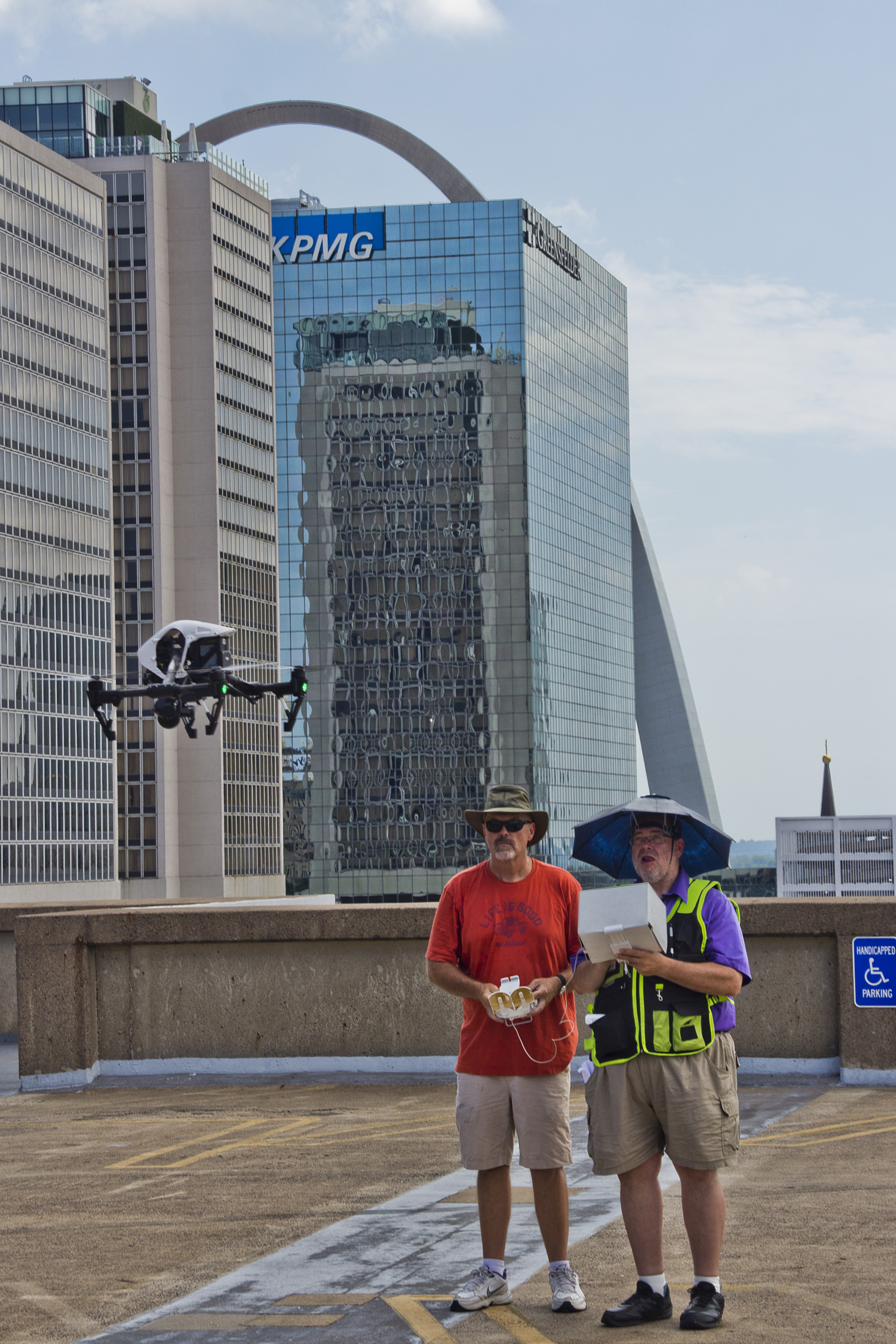
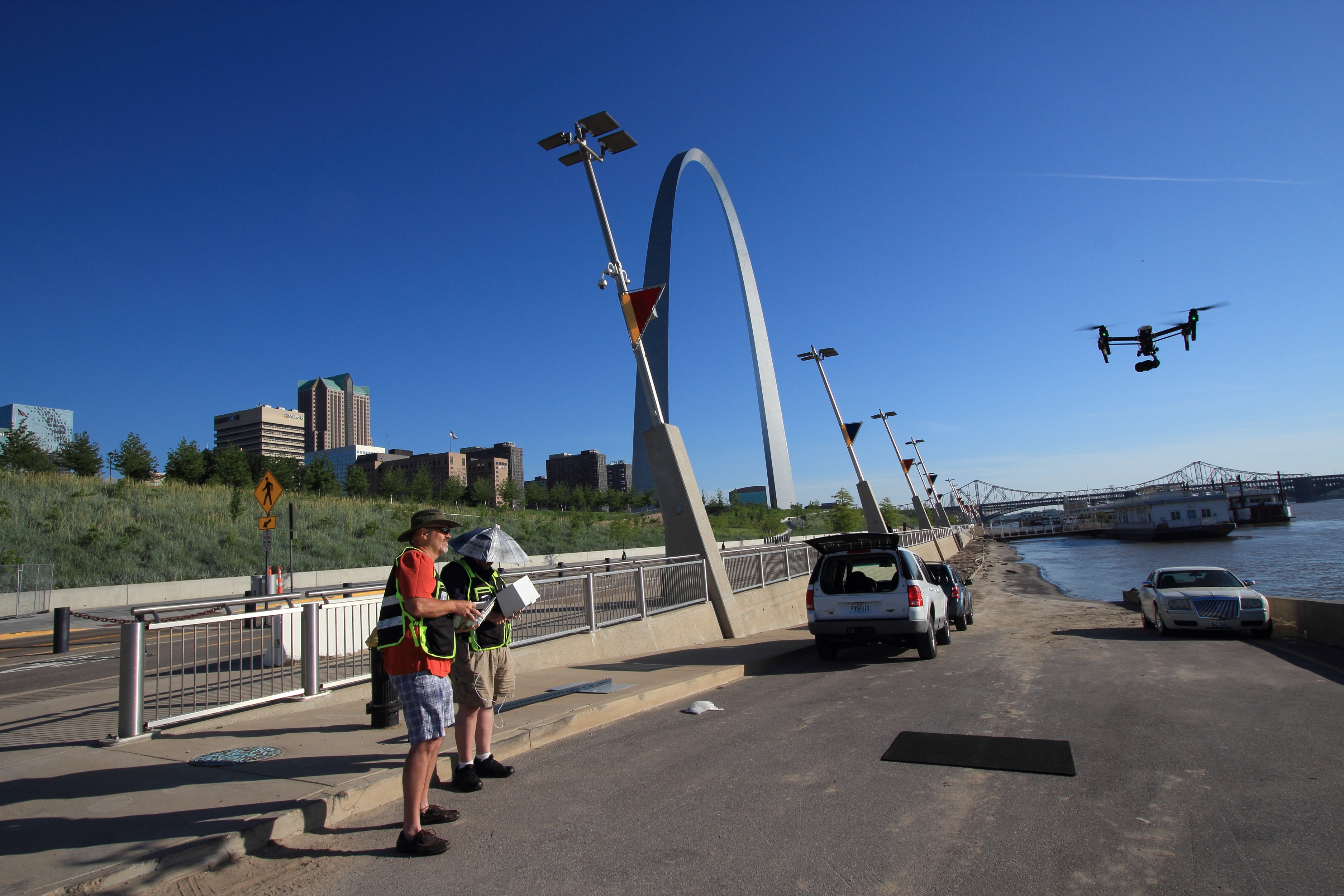
In today’s fast-paced visual media landscape, combining ground and drone footage is no longer just a luxury—it’s a competitive advantage. When done right, the interplay between aerial and ground-level shots creates depth, scale, and emotional engagement that static visuals alone cannot achieve. Whether you’re producing a brand video, a commercial, or a marketing campaign for a product or service, integrating these two perspectives ensures a more dynamic and immersive story.

At St Louis Video Editing, we understand the technical and creative nuances that go into blending ground and drone footage. In this post, we’ll walk you through the essentials of capturing cohesive visuals from both the sky and the ground—and how thoughtful planning and editing elevate your project.


1. The Power of Perspective

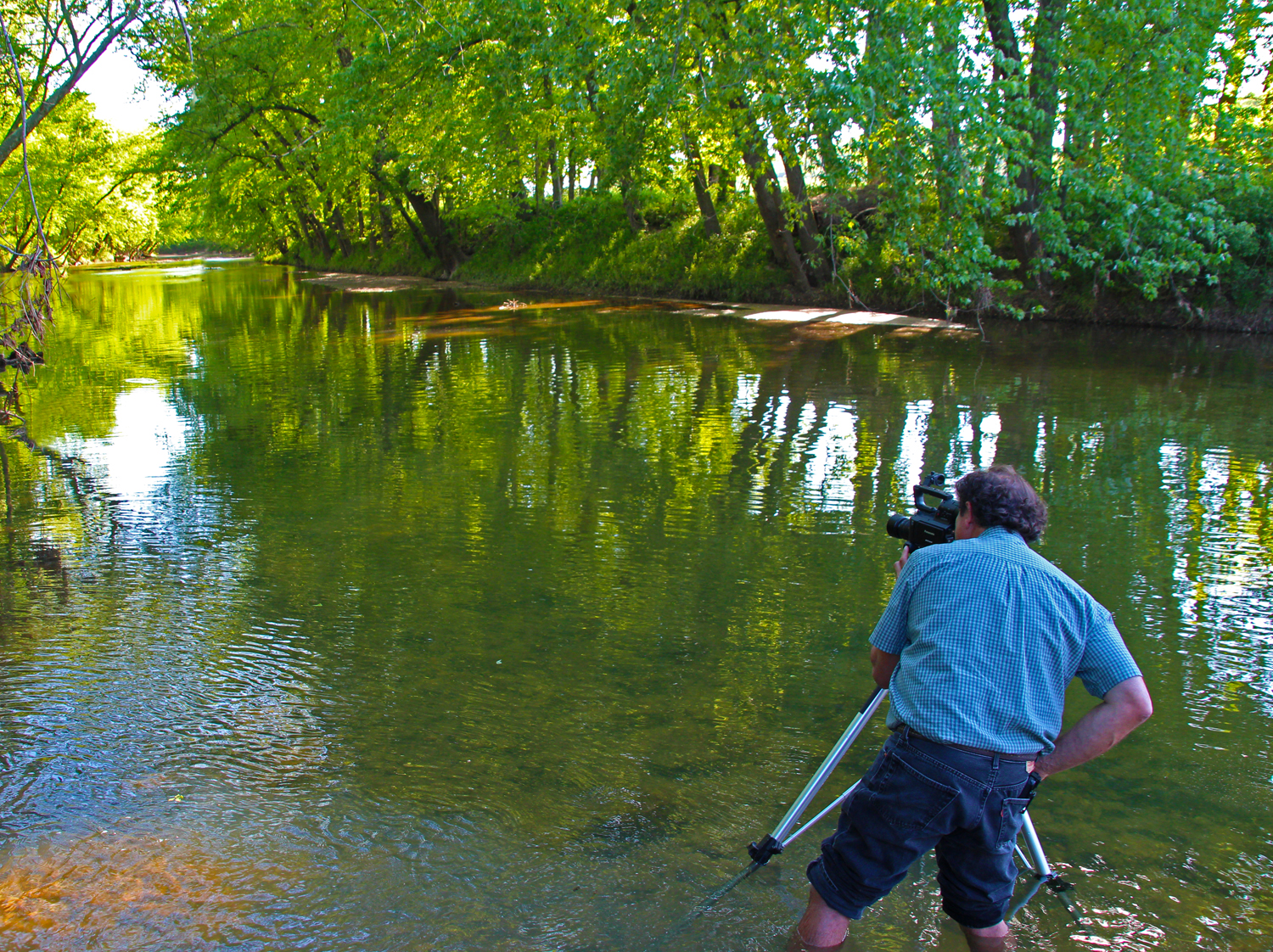
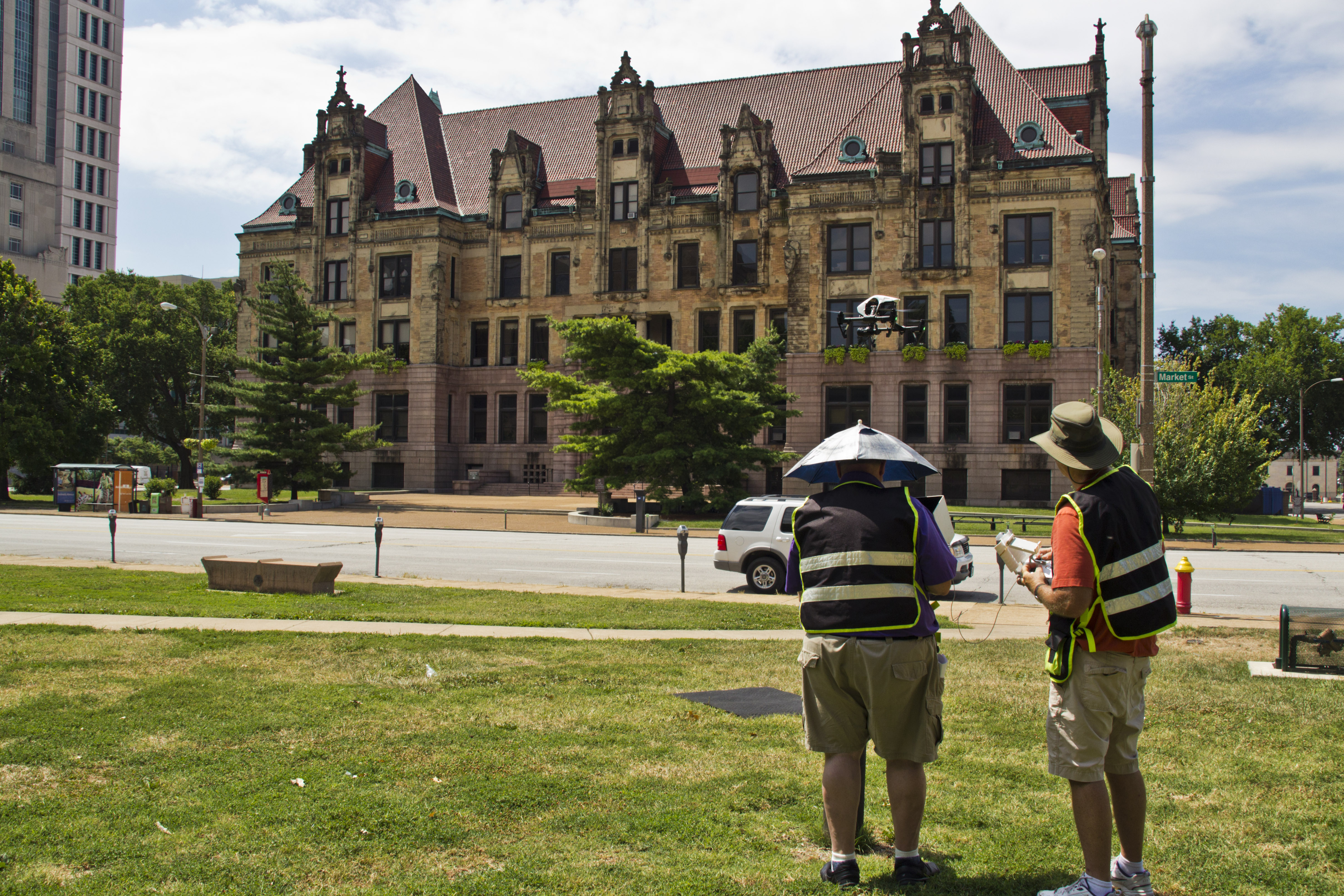
Ground shots give intimacy, texture, and direct storytelling—ideal for interviews, close-up product shots, and detailed walkthroughs. Drone shots, on the other hand, reveal context, scale, and movement. When combined, they work together to:

  • Highlight both the macro and micro elements of your story
  • Establish a location, then dive into specific details
  • Transition between scenes with smooth and professional pacing

The contrast between these vantage points helps your audience experience a story both emotionally and spatially.


2. Planning for Cohesion Before Shooting

To achieve seamless integration of drone and ground footage, it’s crucial to plan for:

  • Shot continuity: Matching camera movement, frame rates, and lighting styles helps maintain a consistent feel.
  • Purposeful transitions: Drone shots shouldn’t just be pretty visuals—they should serve a function: an establishing shot, a reveal, or a dynamic scene transition.
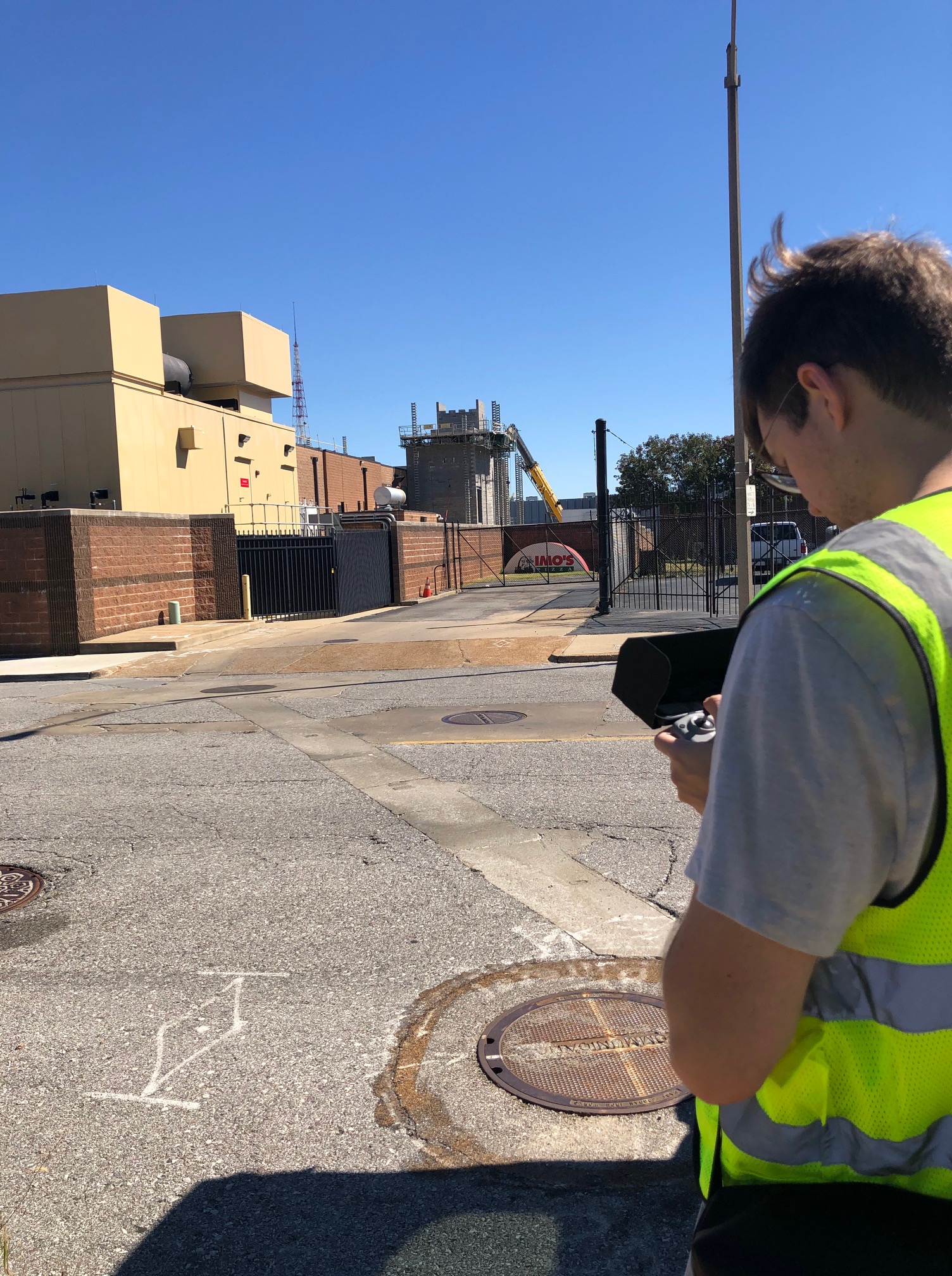
  • Location logistics: Ensuring the drone and ground crews aren’t in each other’s shots (unless intended) saves time in post-production.

A coordinated storyboard or shot list is key. At St Louis Video Editing, our producers work with clients beforehand to design these visual blueprints.


3. Equipment and Camera Matching

Matching cameras—or at least matching color profiles and resolution settings—is critical to maintaining consistency between ground and aerial footage. Our team uses professional-grade camera systems that are either matched or calibrated in post.

Key equipment considerations:

  • Gimbals for smooth motion on the ground
  • Stabilized drones for cinematic flight footage
  • Lens selection to keep visual continuity between shots

We also monitor weather and lighting conditions to optimize visual consistency across shots.


4. The Art of Editing Ground and Drone Together

The magic often happens in post. The editing process involves:

  • Color grading to unify tone and atmosphere
  • Motion matching so aerial fly-ins and ground pans blend seamlessly
  • Audio design that syncs location ambiance and background music with changing perspectives

We employ the latest AI-assisted editing tools to enhance footage without losing its authenticity, allowing for efficient workflows while maintaining high creative standards.
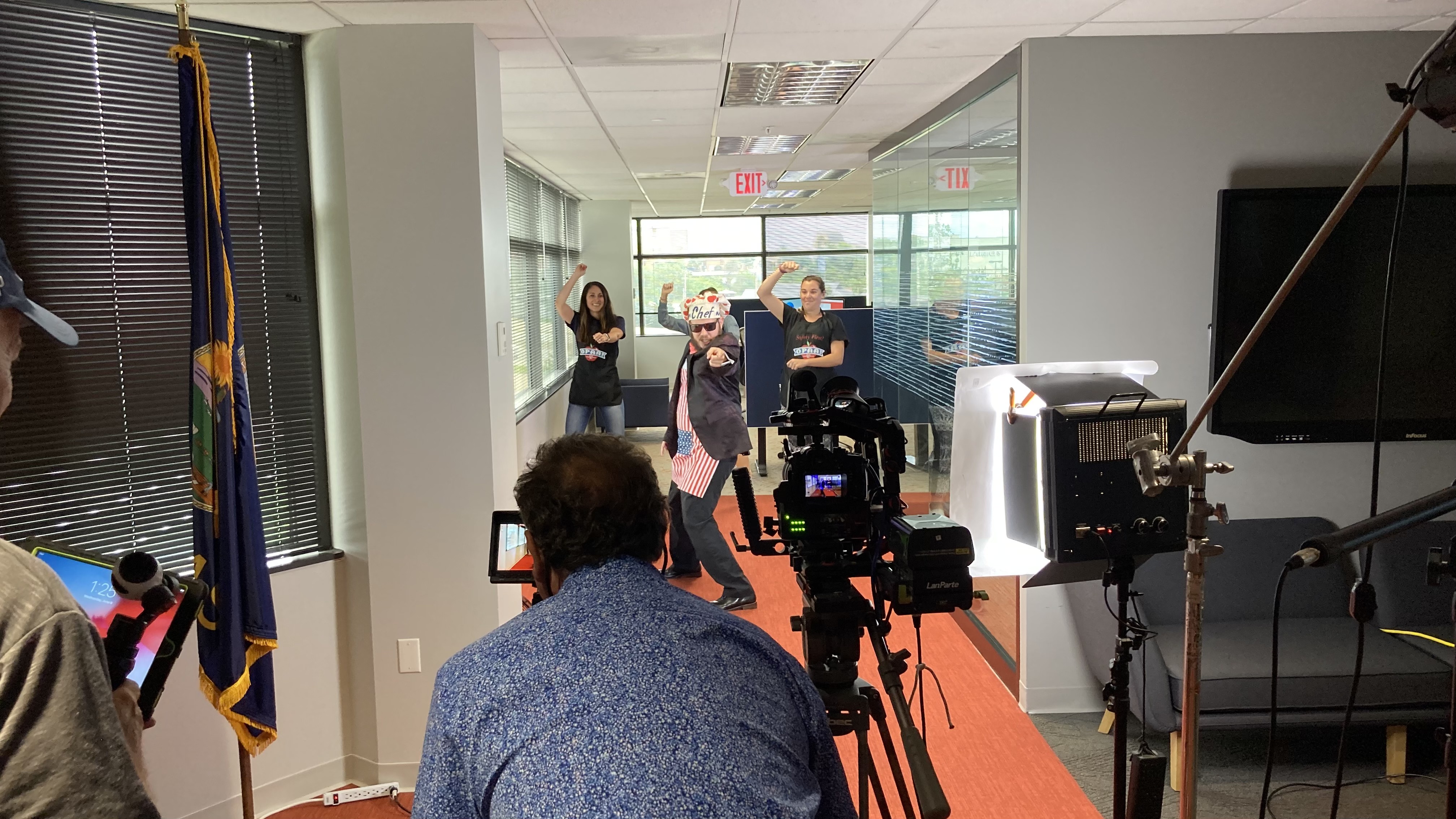

5. Creative Ways to Use Ground + Drone Footage

  • Construction updates: Drone shots show scale and progress, ground footage captures specific milestones.
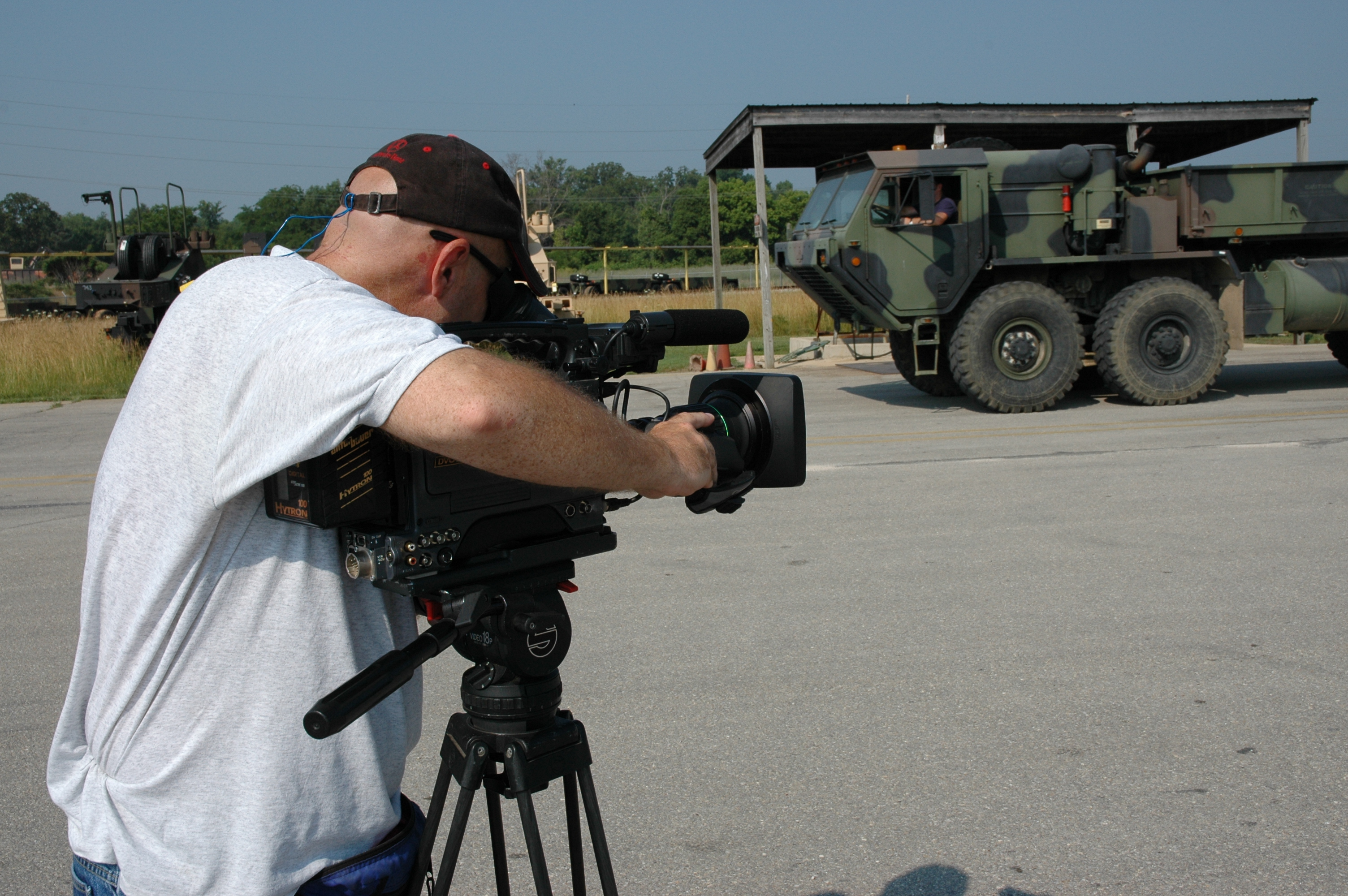
  • Real estate marketing: Aerial views show property layout and surroundings, while interior walkthroughs build buyer interest.
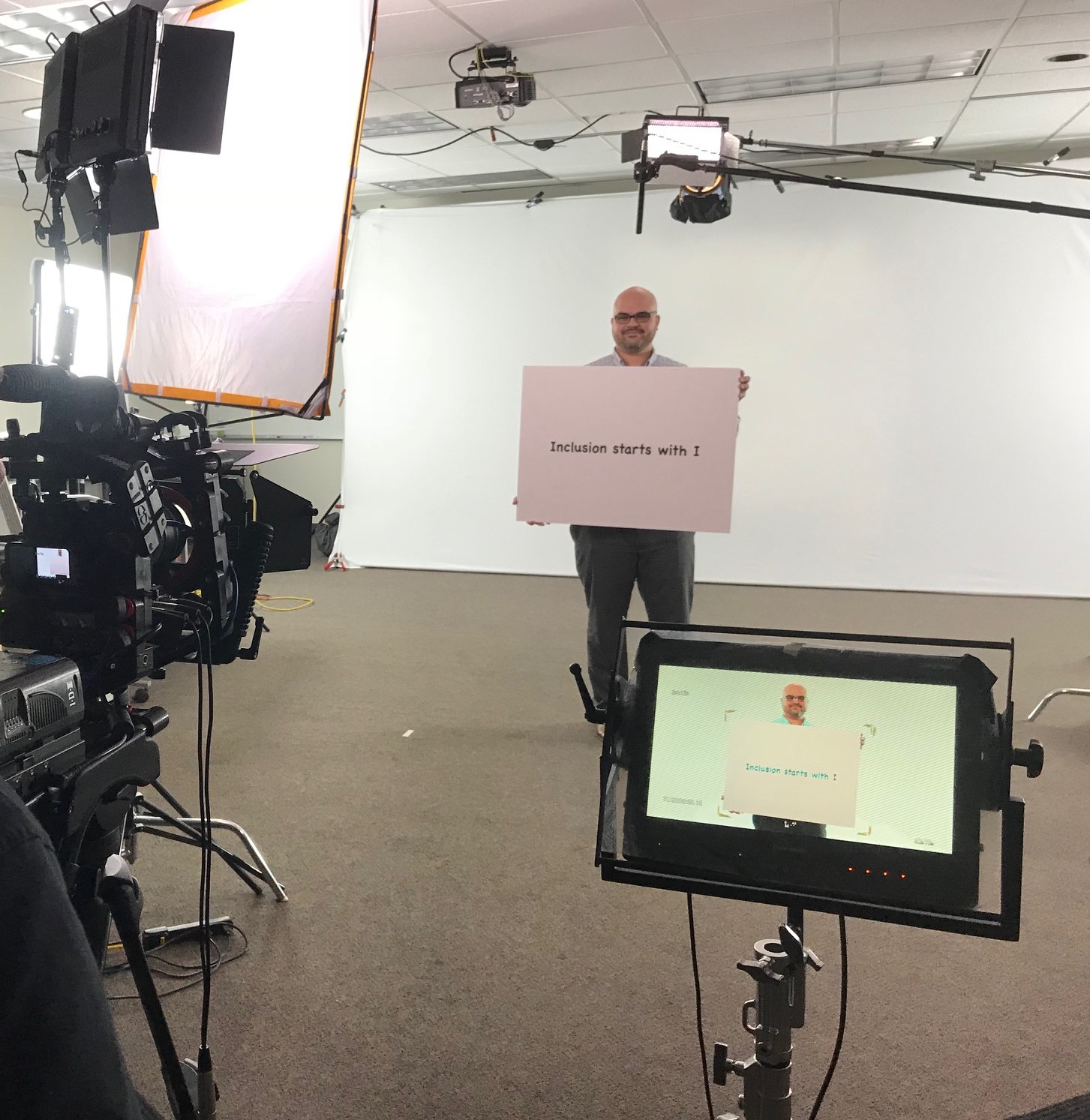
  • Brand documentaries: Start with an aerial view of your facility or event and dive into employee stories or customer experiences.
  • Corporate testimonials: Pair a ground-level interview with a dynamic drone B-roll of the business in action.

Trust St Louis Video Editing with Your Ground and Drone Integration

With decades of experience capturing and editing compelling visuals, St Louis Video Editing is your trusted partner for cohesive ground and aerial productions. We are a full-service professional commercial photography and video production company, offering everything from custom studio interview setups to FAA-licensed drone pilots who can even fly indoors.

We support every step of your production—from location scouting to color grading—ensuring your message is clear, compelling, and ready for any media platform. Our experienced team uses the latest AI-powered editing software, industry-standard equipment, and creative vision to tailor every project to your brand’s unique voice.

Whether you’re building a campaign from scratch or refreshing your visual content, St Louis Video Editing specializes in repurposing your photography and video branding to help you gain more traction in a saturated market.

Let us help you capture your business from every angle—literally.


Since 1982, we’ve worked with businesses, marketing firms, and creative agencies across the St. Louis area. Our studio is outfitted with customizable sets, private lighting setups, and plenty of space to build out your vision. When you’re ready to integrate ground and drone shots into a high-impact marketing tool, give St Louis Video Editing a call.

Let’s create something that takes your message to new heights.

314-913-5626

mobuy1@gmail.com

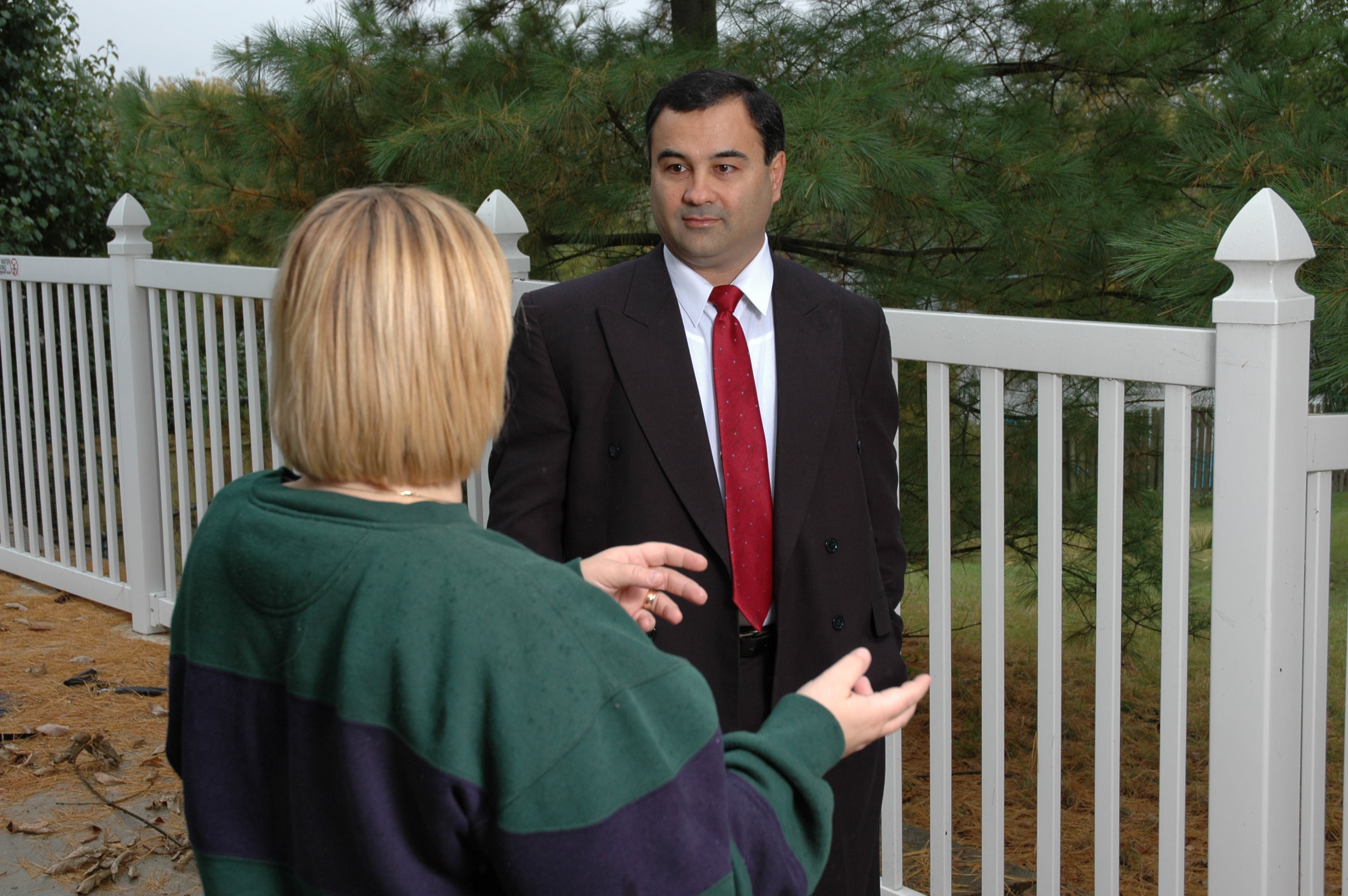
“What Makes a Testimonial Video Truly Convincing? Ask These Questions”

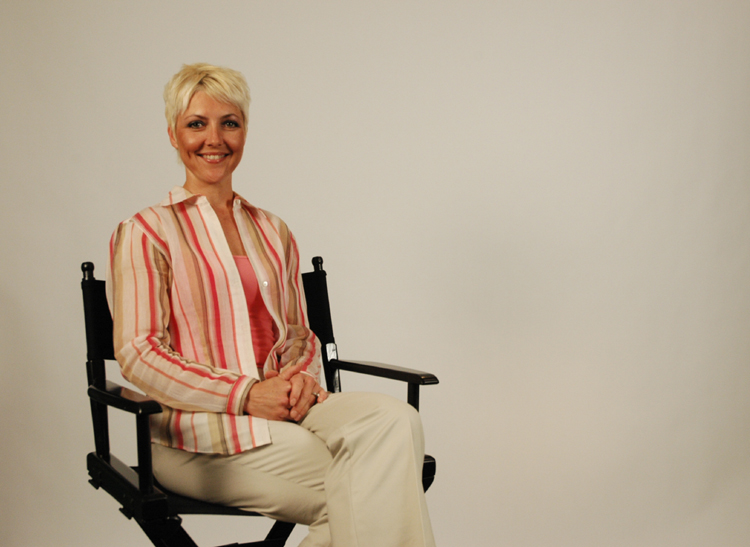
In today’s media-driven landscape, customer testimonial videos have become one of the most powerful tools to build trust, drive engagement, and influence purchasing decisions. But what separates a run-of-the-mill testimonial from one that feels authentic, emotionally engaging, and ultimately persuasive?

The key lies in asking the right questions. As experienced producers, videographers, and editors at St Louis Video Editing, we’ve seen firsthand how effective interview prompts shape the narrative and determine whether the final video feels forced or flows with sincerity and impact.

Let’s explore the essential questions that help draw out compelling, credible, and convincing testimonial content.


1. “What problem were you facing before working with us?”

Starting with a challenge gives viewers context. It builds a natural story arc and allows potential clients to relate to the subject’s original struggle—whether it’s inefficiencies in workflow, low customer retention, or a lackluster marketing campaign.

This kind of honesty invites empathy and sets up a strong contrast for the “solution” part of the testimonial.


2. “What made you choose our company over others?”

This prompt uncovers the why behind the partnership. Was it your responsiveness, your creative vision, your pricing structure, or your previous work? Responses here serve as real-world social proof that reinforces your unique selling points without coming off as scripted.


3. “What was your experience like during the project?”

This is where the emotional tone of the testimonial shines. Ask the client to describe their experience in terms of communication, collaboration, and responsiveness. Their genuine appreciation—when spoken in their own words—adds tremendous credibility to your brand.


4. “Can you describe the results you saw after working with us?”

Results matter. Whether it’s increased website traffic, improved customer engagement, or higher sales conversions, quantifiable outcomes make testimonials powerful. Even qualitative improvements like “we’ve received more compliments on our brand video than anything else we’ve done” can be persuasive.


5. “What would you say to someone considering working with us?”

This closes the loop. By inviting the client to speak directly to future prospects, you give them the stage to deliver your pitch for you. This is often the quote that marketing teams pull out and spotlight across landing pages, emails, and social campaigns.


Bonus Tip: Keep the Conversation Natural

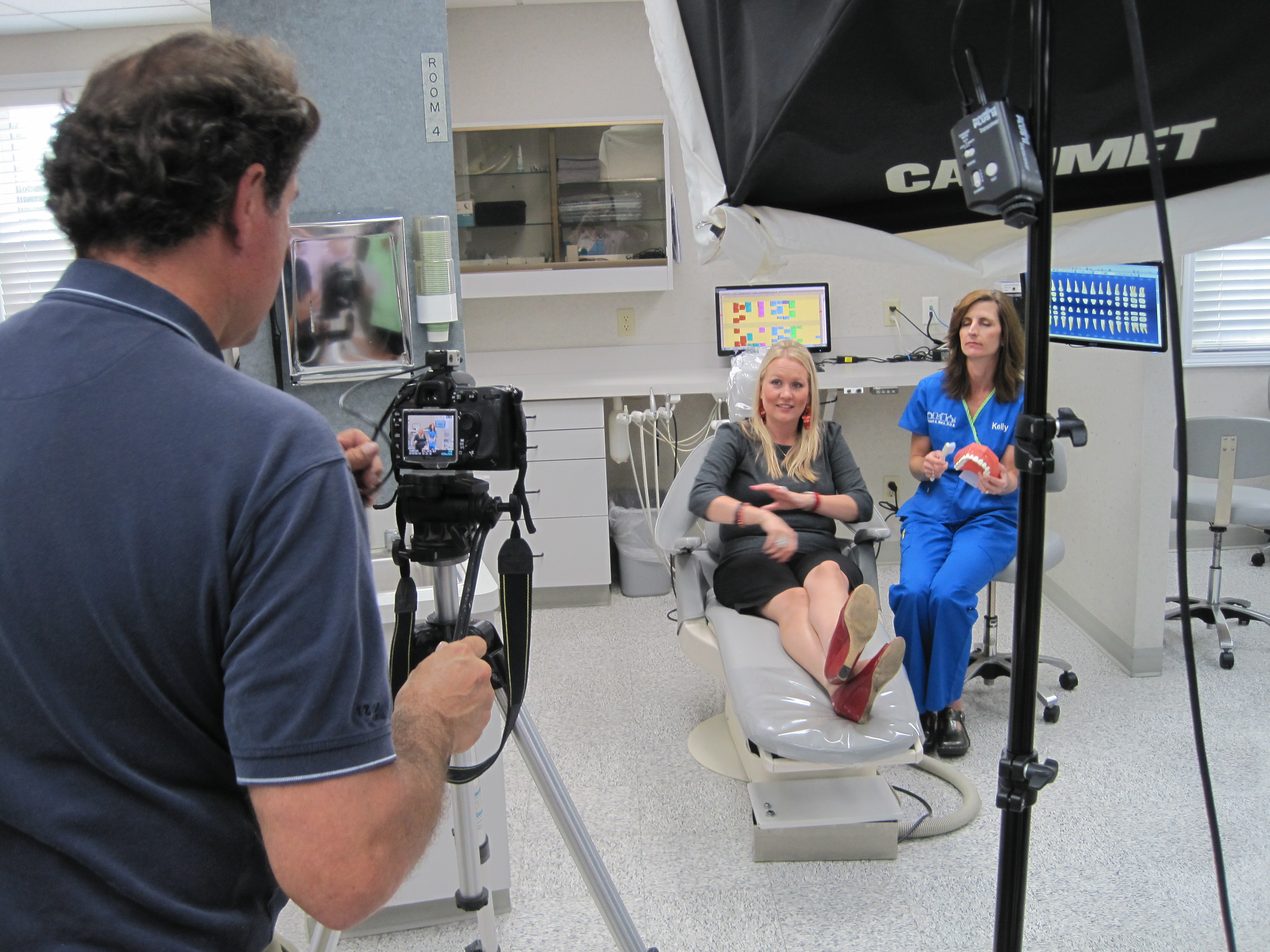
Asking these questions is just the beginning. The tone and setting of the interview matters just as much. We recommend:

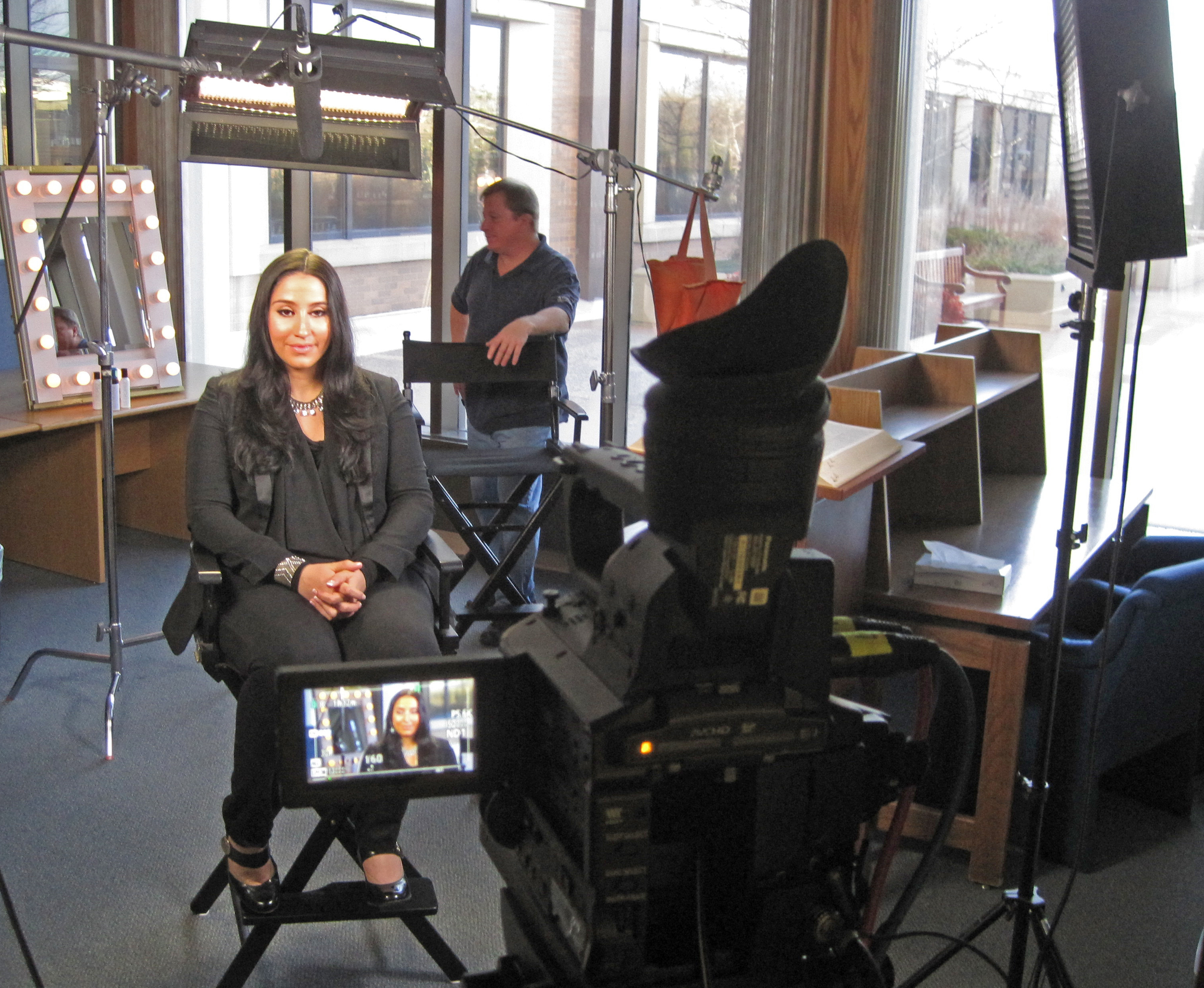
  • Conducting interviews in a comfortable, distraction-free environment
  • Using a two-camera setup to allow for seamless edits
  • Keeping your subject relaxed, possibly by doing a casual conversation before filming
  • Encouraging follow-up questions if the first response is too brief or generic

With professional lighting, clean audio, and expert editing, even small moments of unscripted sincerity can become standout marketing material.


Why Partner With St Louis Video Editing?

At St Louis Video Editing, we understand how to extract the most impactful moments from your testimonial interviews—both during production and in the editing room. As a full-service professional commercial photography and video production company, we bring the right equipment, creative crew, and decades of experience to every project.

We offer studio and location video and photography, editing, post-production, and licensed drone pilots for dynamic footage. Whether you’re recording a corporate interview, building a brand documentary, or assembling a suite of client testimonials, we help customize your production for diverse media requirements.

We specialize in repurposing photography and video branding to get more traction across platforms. From AI-enhanced media services to a full private studio lighting setup perfect for testimonials, we support you at every stage—from interview prep to post-production. Need props to bring your story to life? Our studio is large enough to accommodate creative set design and visual customization.

We’ve partnered with marketing firms, agencies, and businesses throughout the St. Louis area since 1982—delivering impactful, engaging visuals that move people to act.

Ready to tell your story through the voices of your best customers?
Let’s make your next testimonial video unforgettable.


314-913-5626

mobuy1@gmail.com

Too Much Footage? Easy Ways to Manage It

In the world of professional video production, having an abundance of footage can be both a blessing and a burden. Whether you’re producing corporate marketing videos, training materials, or brand storytelling content, managing and organizing your footage efficiently is crucial for a smooth workflow and a high-quality final product. Without proper management, excessive footage can slow down the editing process, increase storage costs, and make finding the right shots frustrating. Fortunately, with the right strategies, you can turn that mountain of footage into a streamlined, accessible archive that enhances your production process.

Creating lower-resolution proxy files for initial edits can help streamline workflows.

1. Organize Footage from the Start

One of the most effective ways to manage an overwhelming amount of footage is to stay organized from the very beginning. Here are a few best practices:

  • Use Clear File Naming Conventions: Develop a systematic way to label your files so they can be easily searched. A structure like [ProjectName][Date][Camera]_[Scene] ensures clarity.
  • Create Folder Structures: Organize files into folders by project, date, and type of content (e.g., B-roll, interviews, drone footage).
  • Tag and Metadata: Modern editing software allows for tagging footage with keywords, making future searches much more manageable.

2. Use Proxies for Large Files

High-resolution footage, such as 4K or 8K video, can take up massive amounts of storage and slow down the editing process. Creating lower-resolution proxy files for initial edits can help streamline workflows. Proxy files allow editors to work faster without compromising final quality when exporting the final product.

3. Implement a Smart Storage Strategy

Storage is a key factor in footage management. Here’s how to keep things efficient:

  • Use RAID Storage Systems: Redundant Array of Independent Disks (RAID) setups help prevent data loss and improve access speeds.
  • Cloud Storage and Remote Access: Storing backups in the cloud ensures footage is accessible from multiple locations and safe from hardware failures.
  • External Hard Drives for Archival: Older projects that don’t require immediate access can be moved to high-capacity external hard drives for long-term storage.

4. Utilize Editing Software Features

Advanced editing software, such as Adobe Premiere Pro, DaVinci Resolve, and Final Cut Pro, offer built-in tools to help with footage management:

  • Bins and Labels: Organize clips into bins based on their content type.
  • Markers and Notes: Leave markers on important sections of clips to find key moments quickly.
  • Multicam Editing Features: Synchronize multiple camera angles easily for faster editing.

5. Cut Down on Unnecessary Footage

Instead of keeping every take, be proactive in trimming down the footage during the review process. Identify and save only the most useful clips for the final cut, and archive but not clutter your workspace with excess material.

6. Optimize Your Workflow with a Professional Post-Production Team

If managing excessive footage feels overwhelming, working with a professional post-production team like St. Louis Video Editing can make a significant difference. Our experienced editors and producers specialize in organizing, cutting, and repurposing footage efficiently. With years of experience in corporate, commercial, and marketing video production, we ensure your footage is managed professionally and edited to perfection.


Why Choose St. Louis Video Editing?

At St. Louis Video Editing, we are a full-service professional commercial photography and video production company with the right equipment and creative crew service experience for successful image acquisition. Our expertise includes:

  • Full-Service Studio & Location Video Production: Whether you need a controlled studio environment or dynamic on-location shots, we provide both.
  • Advanced Editing & Post-Production: We handle everything from color grading to motion graphics, ensuring a polished final product.
  • Licensed Drone Pilots: We can capture unique aerial footage, including flying specialized drones indoors.
  • Customized Production Services: Every business has unique media requirements, and we tailor our services to fit yours perfectly.
  • Repurposing Photography & Video Branding: Maximize your existing assets by transforming footage into multiple formats for different marketing channels.
  • Private Studio Lighting & Visual Setups: Ideal for small productions and interview scenes, our studio accommodates customized set designs.

Since 1982, St. Louis Video Editing has collaborated with businesses, marketing firms, and creative agencies across St. Louis to deliver top-tier video production and photography services. Whether you need help organizing your footage or crafting an engaging story from your raw material, our team is here to bring your vision to life.

Need expert footage management and video editing? Let’s talk.

314-913-5626

mobuy1@gmail.com

How to Make the Most of Your Video Production Budget: A Comprehensive Guide for Business Decision Makers

In today’s fast-paced digital world, video has become one of the most powerful tools for marketing, branding, and corporate communication. Whether you’re a small business or a large corporation, creating high-quality video content is essential for standing out in a crowded market. However, producing a professional video comes with its challenges—especially when it comes to budgeting. Knowing how to allocate resources efficiently and prioritize the right elements can make all the difference in getting the most value from your video production budget.

Whether you’re shooting on location or in a studio, ensuring the space fits the needs of your project is critical.

1. Plan, Plan, Plan: The Importance of Pre-production

The foundation of any successful video production is in the planning stages. Proper pre-production sets the tone for the entire project, ensuring that every dollar spent is used efficiently.

Scriptwriting – A well-written script forms the backbone of your video. It’s not just about what you say, but how you say it. Crafting a script that communicates your message clearly, concisely, and compellingly will reduce the need for extensive reshoots and costly revisions down the line.

Storyboarding – This simple yet effective tool visualizes the key scenes of your video. By creating a clear shot list, you can identify where to allocate your resources, such as lighting, props, and camera angles, to get the most out of every scene.

Location Scouting – A great location can elevate the look and feel of your video without additional special effects or post-production work. Whether you’re shooting on location or in a studio, ensuring the space fits the needs of your project is critical.

2. Efficient Equipment Use: High-Quality Gear Without the Extra Cost

In video production, high-quality equipment is key to producing visually stunning content. However, purchasing top-tier equipment can be costly, especially when you don’t need it for every project. Instead, consider renting specialized gear or working with a production company that has the right equipment readily available.

Cameras and Lenses – You don’t need to splurge on the most expensive camera model. It’s more important to match the camera’s capabilities to the demands of your project. Renting lenses and other accessories can also save on upfront costs.

Lighting – Proper lighting can make all the difference in how your video looks. Rather than purchasing expensive lighting equipment, hire a professional crew who can set up the best lighting for your space and budget.

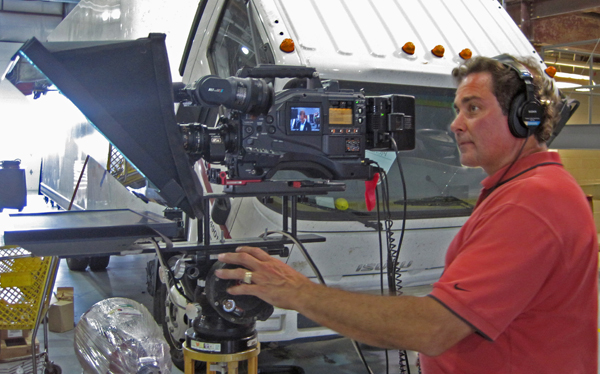
Sound – Audio quality is just as important as video quality. A professional sound crew can provide high-quality microphones and mixers that ensure your message is heard clearly, even in noisy environments.

3. Leverage Post-Production to Maximize Your Budget

Post-production is where your raw footage is transformed into a polished product. However, editing and post-production can be time-consuming and expensive if not managed effectively.

Efficient Editing – With an experienced video editing team, you can save both time and money. Professional editors will ensure that your footage is cut to perfection without unnecessary edits that waste resources.

Color Correction and Sound Design – These elements bring your video to life. By hiring professionals who specialize in color grading and sound design, you can ensure your video is visually and audibly compelling, with minimal additional cost.

Repurposing Content – One of the most effective ways to get more from your video production budget is by repurposing content. Short clips from a corporate video can be used for social media, websites, and email marketing campaigns. A full-length interview video can be edited down into smaller soundbites or highlight reels for various uses.

4. Consider Hiring a Full-Service Production Company

Working with a full-service production company offers several benefits, especially when it comes to sticking to your video production budget. They bring not only the equipment and expertise but also the creative experience that can help you get the best possible result within your budget.

Why Choose St Louis Video Editing?

As an experienced videographer and photographer at St Louis Video Editing, I can confidently say that we have the skills, equipment, and creative crew necessary to bring your video vision to life. Since 1982, St Louis Video Editing has been serving businesses, marketing firms, and agencies in the St. Louis area, helping them achieve their corporate photography and video production goals with precision and professionalism.

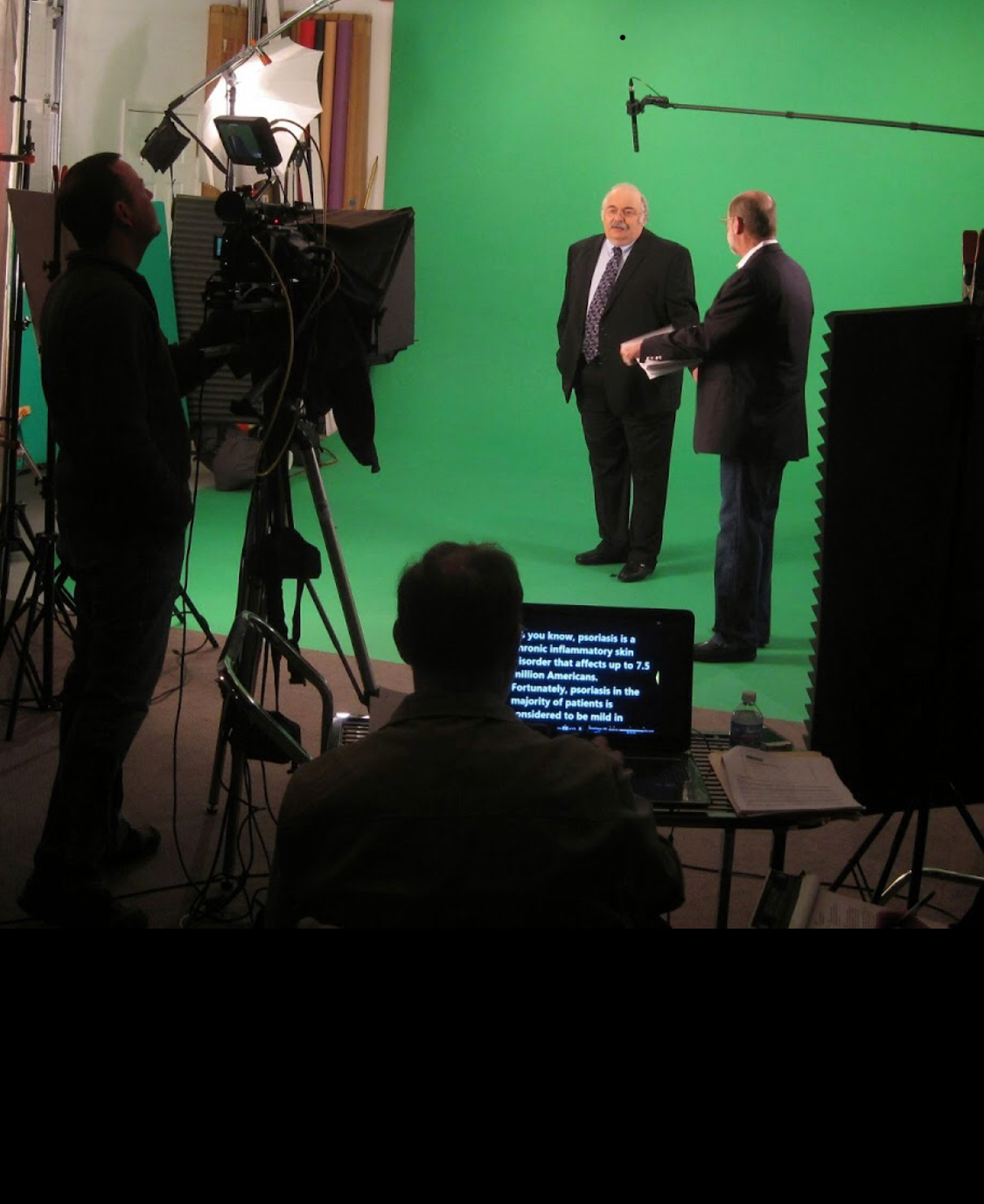
Our full-service approach includes studio and location video and photography, as well as expert editing, post-production, and licensed drone pilots. Whether you need a private, custom interview studio setup or a complete production crew to handle sound, cameras, and lighting, we’ve got you covered. Our private studio offers the flexibility to incorporate props and set designs for a complete look. Additionally, our specialized indoor drones allow us to capture unique shots that other productions can’t achieve.

At St Louis Video Editing, we specialize in repurposing your photography and video branding to ensure maximum impact. We’re well-versed in all file types and media styles, and our team has the experience to tailor your production to your unique needs, all while staying within budget. Our goal is to help you create compelling, impactful content without the unnecessary costs.

In conclusion, by properly planning, utilizing the right equipment, and working with a skilled production team, you can make the most of your video production budget. St Louis Video Editing offers the expertise and resources necessary to elevate your corporate video content, ensuring you get the most value out of your investment.

314-913-5626

mobuy1@gmail.com

Questions to Explore for Video Testimonials and How to Answer Them

Video testimonials have become an invaluable asset for businesses seeking to enhance their credibility and connect with potential clients. They provide authentic insights into the customer experience, showcasing the value of your services in a compelling way. However, creating an impactful video testimonial requires thoughtful preparation and a clear understanding of the key questions to explore. In this article, we will delve into those questions and provide guidance on how to effectively address them.

Encourage your clients to share measurable outcomes and personal stories that highlight the success of your collaboration.

1. What Specific Problem Did the Client Face?

Understanding the challenges your client faced prior to working with you sets the stage for a powerful narrative. Ask your clients to articulate their initial pain points and concerns. This not only helps to establish a relatable context for your audience but also underscores the importance of your services.

How to Answer: Encourage clients to be candid about their struggles. Use open-ended questions such as:

  • “What were the main issues you were experiencing before we started working together?”
  • “How did these challenges affect your business operations or goals?”

2. How Did Your Services Address These Problems?

Once the problems have been established, it’s crucial to illustrate how your services effectively addressed them. This is where your value proposition shines through.

How to Answer: Prompt clients to describe the solutions you provided. Effective questions might include:

  • “What specific solutions did we offer that helped you overcome your challenges?”
  • “Can you share any specific features or aspects of our service that stood out to you?”

3. What Results Did the Client Experience?

Results are paramount in video testimonials. Prospective clients want to know the tangible benefits of your services. Encourage your clients to share measurable outcomes and personal stories that highlight the success of your collaboration.

How to Answer: Guide your clients to quantify their success. Ask:

  • “What measurable results have you seen since implementing our solutions?”
  • “How has your overall experience improved?”

4. What Would the Client Say to Others Considering Your Services?

This question allows clients to speak directly to your prospective customers. It gives them the opportunity to express their confidence in your services and recommend you to others.

How to Answer: Facilitate a direct endorsement. Consider asking:

  • “What would you tell someone who is considering working with us?”
  • “Why would you recommend our services to a colleague or friend?”

5. How Has Your Perspective Changed?

Asking clients how their perspective has evolved throughout the process can offer profound insights. It helps to illustrate the transformative nature of your services.

How to Answer: Encourage reflection on the experience:

  • “How has your view on [specific service] changed since working with us?”
  • “What lessons have you learned during our collaboration?”

Conclusion

Incorporating these questions into your video testimonial process can significantly enhance the quality and effectiveness of the content. By encouraging clients to share their stories in a structured way, you not only capture authentic narratives but also create compelling marketing materials that resonate with prospective clients.

At St Louis Video Editing, we understand the nuances of crafting impactful video testimonials. As a full-service professional commercial photography and video production company, we bring a wealth of experience and the right equipment to your projects. Our creative crew is adept at customizing productions for a variety of media requirements, ensuring that your video testimonials are not just effective but also visually captivating.

Since 1982, we have partnered with numerous businesses, marketing firms, and agencies in the St. Louis area, providing comprehensive services that include full studio and location video and photography, editing, post-production, and licensed drone pilots. Our private studio features advanced lighting and setups, perfect for small productions and interviews, allowing us to create an optimal environment for storytelling.

We pride ourselves on our ability to repurpose photography and video branding to maximize your visibility and engagement. Whether you need a custom interview studio setup, sound and camera operators, or specialized indoor drone services, we have everything required to make your next video production a resounding success. Let us help you capture the essence of your brand through compelling video testimonials that will resonate with your audience.

314-913-5626

mobuy1@gmail.com

How to Tell Your Best Business Story Through Video Editing

In the dynamic world of business, effective storytelling is crucial. Video has become a powerful medium for engaging audiences and conveying your brand’s message. But creating compelling video content is only half the battle. The true magic often happens in the editing room, where raw footage is transformed into a polished narrative that resonates with viewers. In this post, we’ll explore how to leverage video editing to tell your best business story, enhancing your brand’s presence and driving engagement.

1. Understand Your Story and Audience

Before diving into editing, it’s essential to have a clear understanding of the story you want to tell and who your audience is. This clarity will guide your editing choices, from the tone and pace to the visual and auditory elements. A well-defined narrative and target audience ensure that your final product speaks directly to the viewers you want to reach.

2. Craft a Compelling Narrative

Effective video editing is all about storytelling. Begin by structuring your footage to create a cohesive and engaging narrative. This involves:

  • Creating a Story Arc: Structure your video with a clear beginning, middle, and end. Start with a hook to grab attention, followed by a detailed exploration of the topic, and conclude with a strong call-to-action.
  • Maintaining Flow: Ensure that your video flows smoothly by connecting scenes logically. Use transitions to bridge gaps and maintain viewer interest without jarring shifts.
  • Highlighting Key Messages: Focus on the core messages you want to communicate. Emphasize these through careful selection of clips, strategic pacing, and reinforcing visuals or text.

3. Utilize Advanced Editing Techniques

To elevate your video and make it stand out, incorporate advanced editing techniques:

  • Color Correction and Grading: Enhance the visual appeal of your footage with color correction and grading. This not only improves the overall look but also sets the tone and mood of your video.
  • Sound Design: Audio plays a crucial role in storytelling. Use sound effects, background music, and voiceovers strategically to complement the visuals and reinforce the message.
  • Text and Graphics: Add text overlays, graphics, and animations to highlight important information, add context, or create visual interest. Ensure they are aligned with your brand’s style and message.

4. Optimize for Multiple Platforms

Different platforms have varying requirements and audience preferences. Edit your video with these considerations in mind:

  • Aspect Ratios: Tailor your video’s aspect ratio for different platforms (e.g., 16:9 for YouTube, 1:1 for Instagram).
  • Length and Format: Adjust the length and format to suit the platform and audience’s expectations. For instance, shorter, punchy videos work well on social media, while longer, more in-depth content may be suitable for a company website.
  • Engagement Features: Incorporate elements that encourage viewer interaction, such as clickable links, calls-to-action, or interactive features where applicable.

5. Repurpose Content for Maximum Impact

To maximize the value of your video content, consider repurposing it across various channels. This could involve creating shorter clips from a longer video, adapting content for different platforms, or using footage in different contexts. Repurposing helps in extending the reach of your content and engaging a wider audience.

6. Leverage Professional Editing Services

For businesses aiming to make a significant impact, working with professional video editors can be invaluable. At St Louis Video Editing, we specialize in transforming your raw footage into a compelling narrative that aligns with your brand’s vision. Our full-service studio and location video and photography, along with expert editing, post-production, and licensed drone pilots, ensure that every aspect of your production is handled with precision and creativity.

We offer a range of services including customizing productions for diverse media requirements, repurposing your photography and video branding, and providing private studio setups perfect for small productions and interview scenes. Our studio is equipped with the latest technology, including specialized drones capable of flying indoors, allowing us to create the perfect environment for your video needs.

With extensive experience working with businesses, marketing firms, and agencies in the St. Louis area since 1982, St Louis Video Editing is well-versed in all file types and media styles, ensuring that we can deliver a final product that meets your highest expectations. Let us help you tell your best business story through expert video editing, enhancing your brand’s presence and driving meaningful engagement.


Feel free to reach out to us at St Louis Video Editing for all your video production needs. We’re here to help you create captivating content that makes a lasting impression.

314-913-5626

mobuy1@gmail.com